
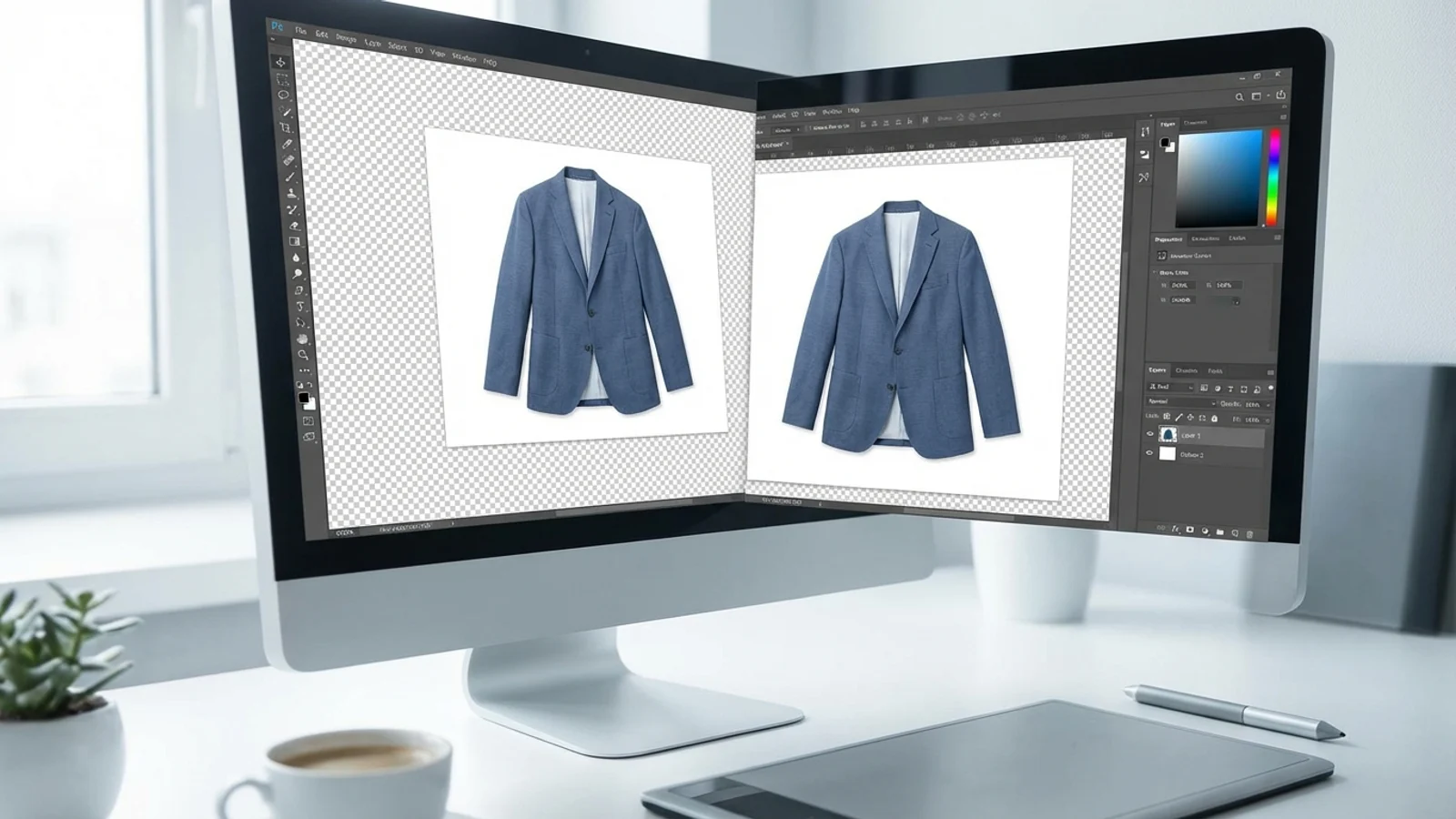
Why is background cleanup so important?
Cleaning up a product background is one of the most fundamental visual tasks in e-commerce, because shoppers want to quickly see what the product is, its boundaries, and its details. Cluttered backgrounds or distracting surfaces can make the product harder to understand. On marketplaces in particular, a clean product presentation looks more professional.
Background cleanup also forms the foundation for the later stages of production. A proper cutout is the starting point for many steps, such as white-background images, transparent PNGs, lifestyle scene generation, and catalog standardization. A poor cutout weakens the quality of every image that follows.
The difference between manual methods and AI methods
Manual cutouts give you more control, but they take time. With details like hair, tulle, chains, jewelry tips, or thin straps, traditional methods require expertise. AI-based background removal tools, on the other hand, speed this process up dramatically and create a serious advantage at high SKU volumes.
Even so, a final check is always needed, because some product edges, reflections, or transparent surfaces can be difficult for automated tools. The best approach is to gain speed with AI and then clean up the result with retouching where needed.
The most common background removal mistakes
Among the most common mistakes are edges that stay too hard, a white halo forming around the product, shadows being completely removed, and fine details breaking off. These mistakes keep the product from looking professional. Especially in categories like jewelry, glasses, and bags, edge quality directly affects the perception of quality.
Another mistake is making the product so sterile that it loses its sense of volume. A subtle shadow under the product or the feeling of it resting on a natural surface supports the realism of the image. Erasing every shadow can sometimes make the product look like a “cut-out object floating in midair.”
The right uses after background removal
After a clean cutout, a product image can be used in many different places: as a marketplace main image, on a product page, in a catalog, in a banner, in an ad creative, or for AI lifestyle scene generation. In other words, background removal isn’t the end goal in itself; it’s the first step in a multi-purpose content system.
That’s why the smartest teams see background cleanup not just as an operational step, but as the production of a reusable content asset. If the starting point is good, every creative that follows is prepared more quickly and more consistently.
Sources