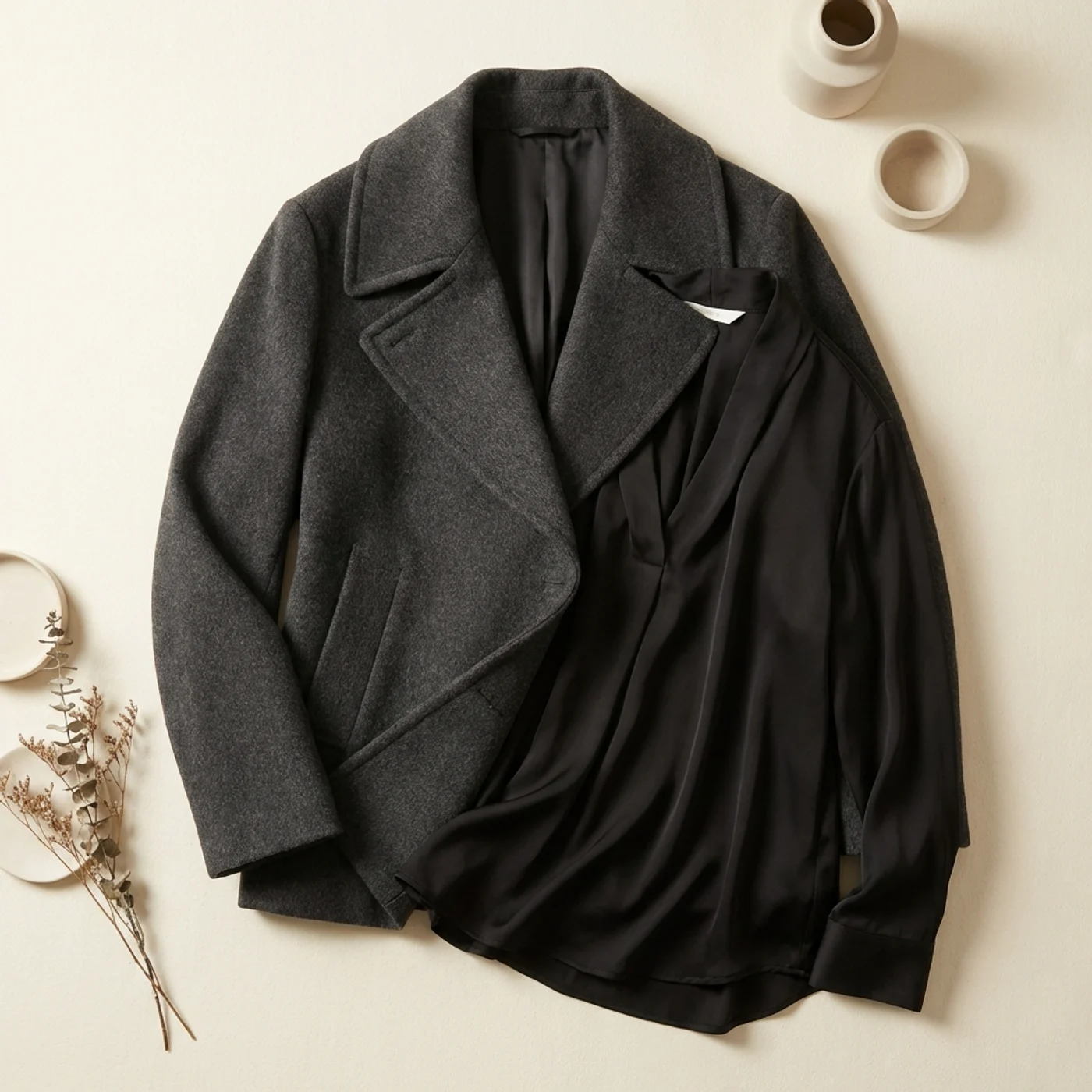
Look piece
Coat + Top
Charcoal overcoat with fluid black blouse
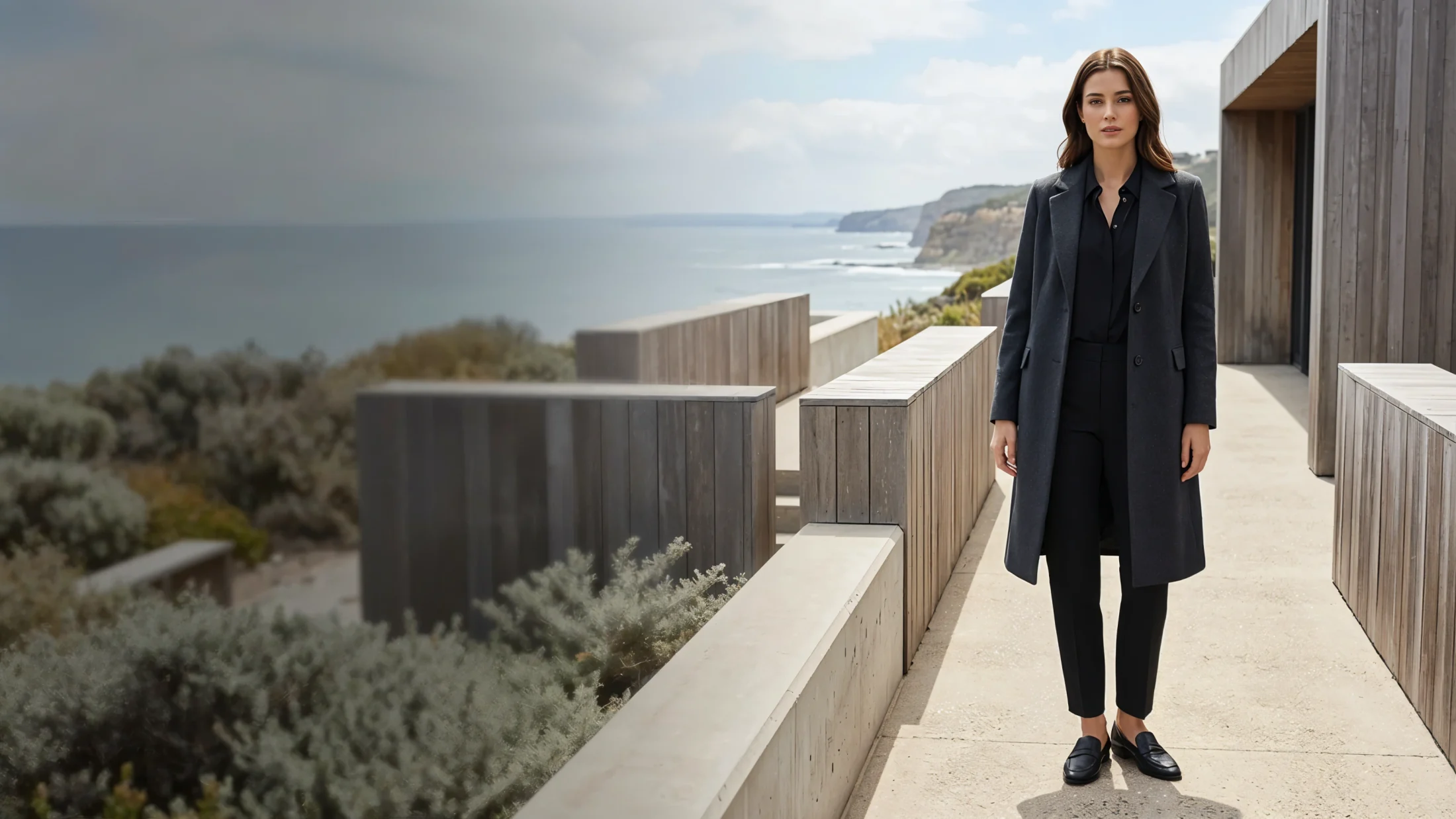
Turn a clean apparel product shot into a premium model visual for ecommerce, campaigns, and social content in minutes.
Charcoal overcoat with fluid black blouse
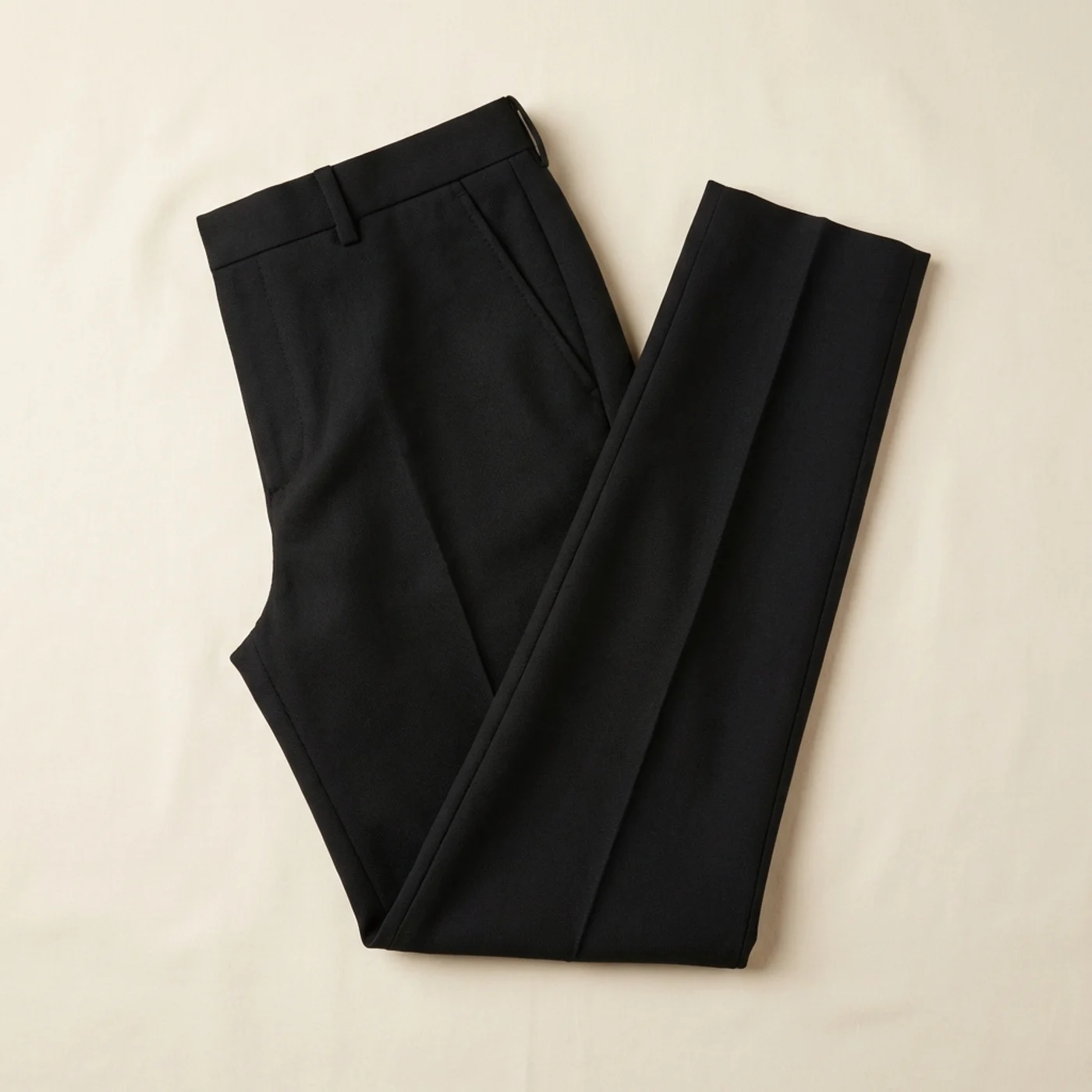
Premium black straight-leg trousers
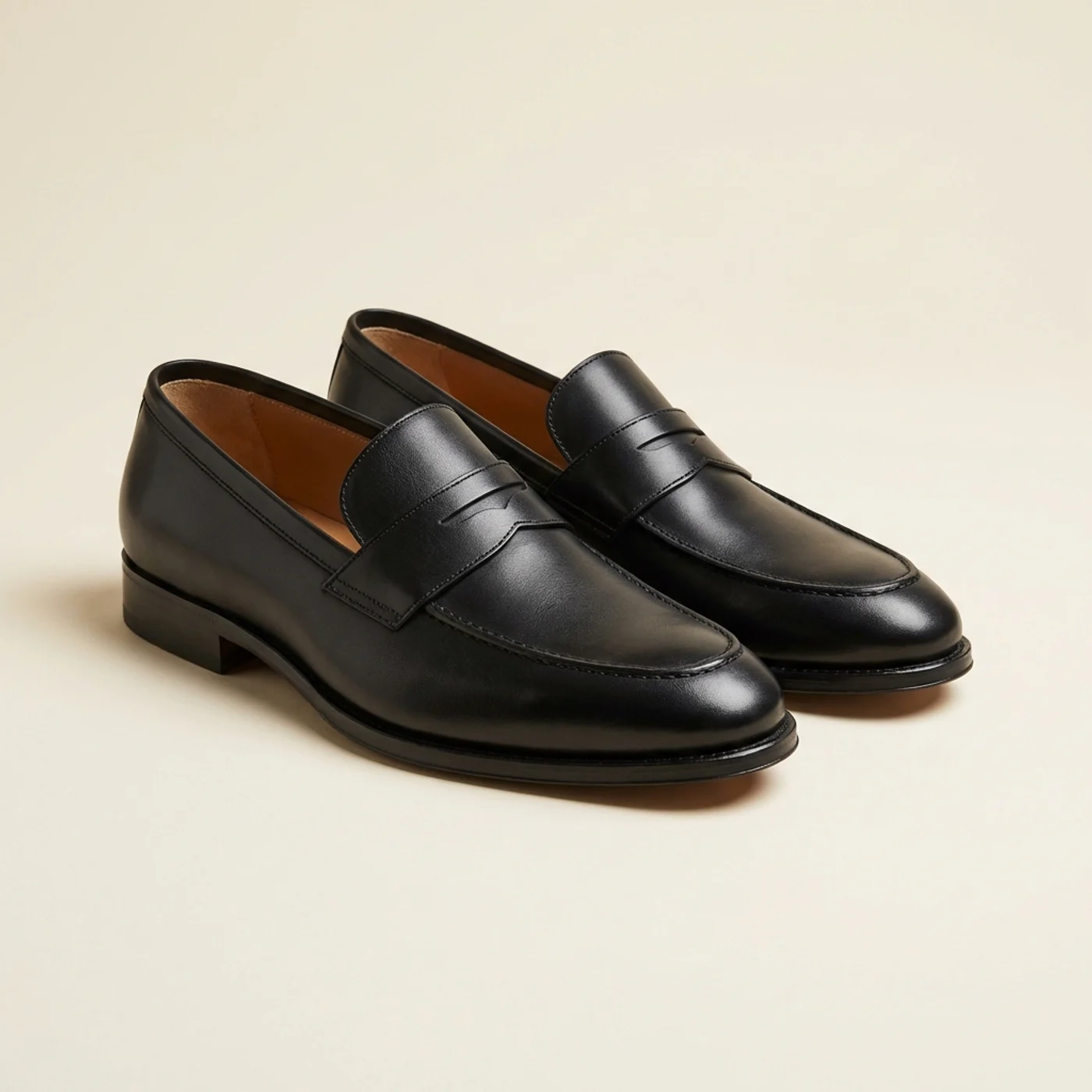
Black loafers finishing the full look
Create studio-grade model visuals in three simple steps.
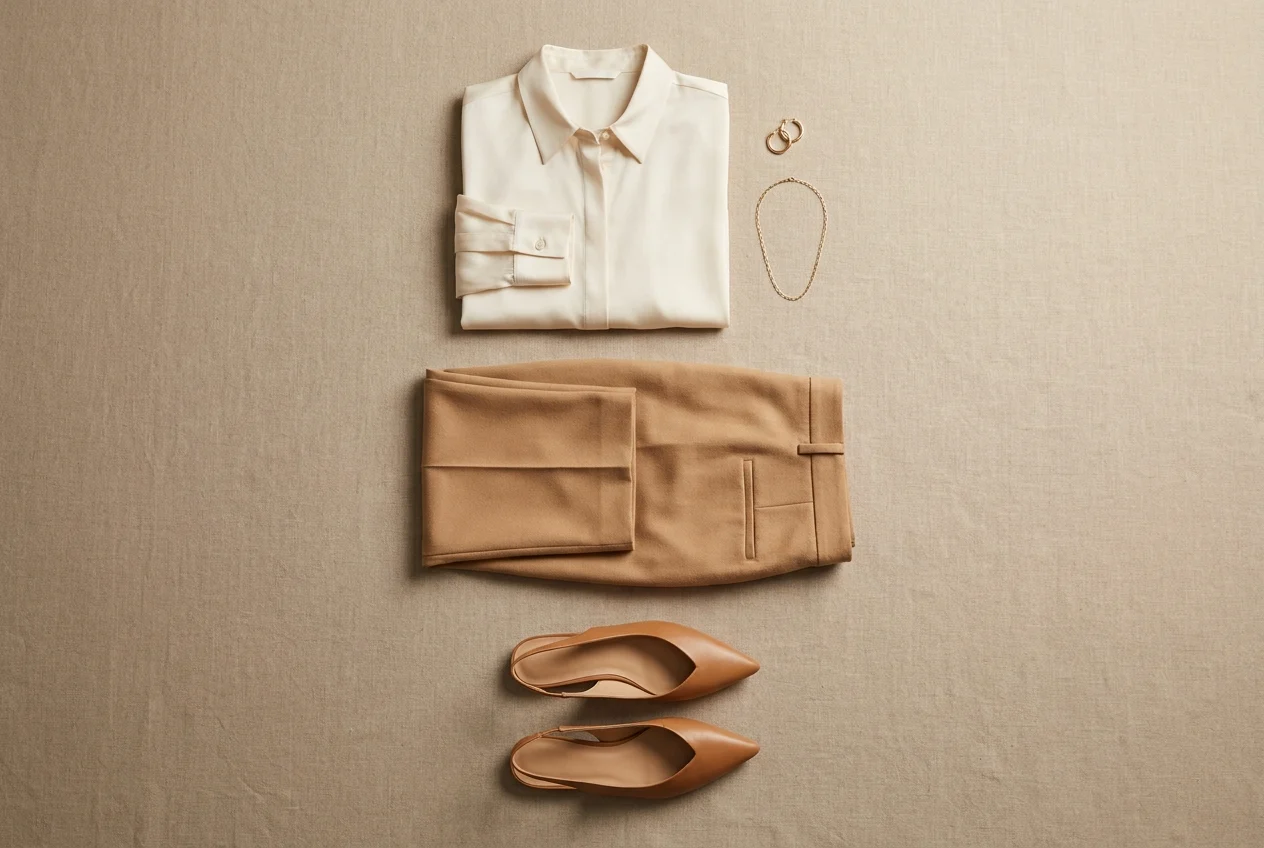
Upload a clean product image shot on a flat surface, hanger, or simple mannequin. You do not need a complex studio setup or detailed scene preparation.
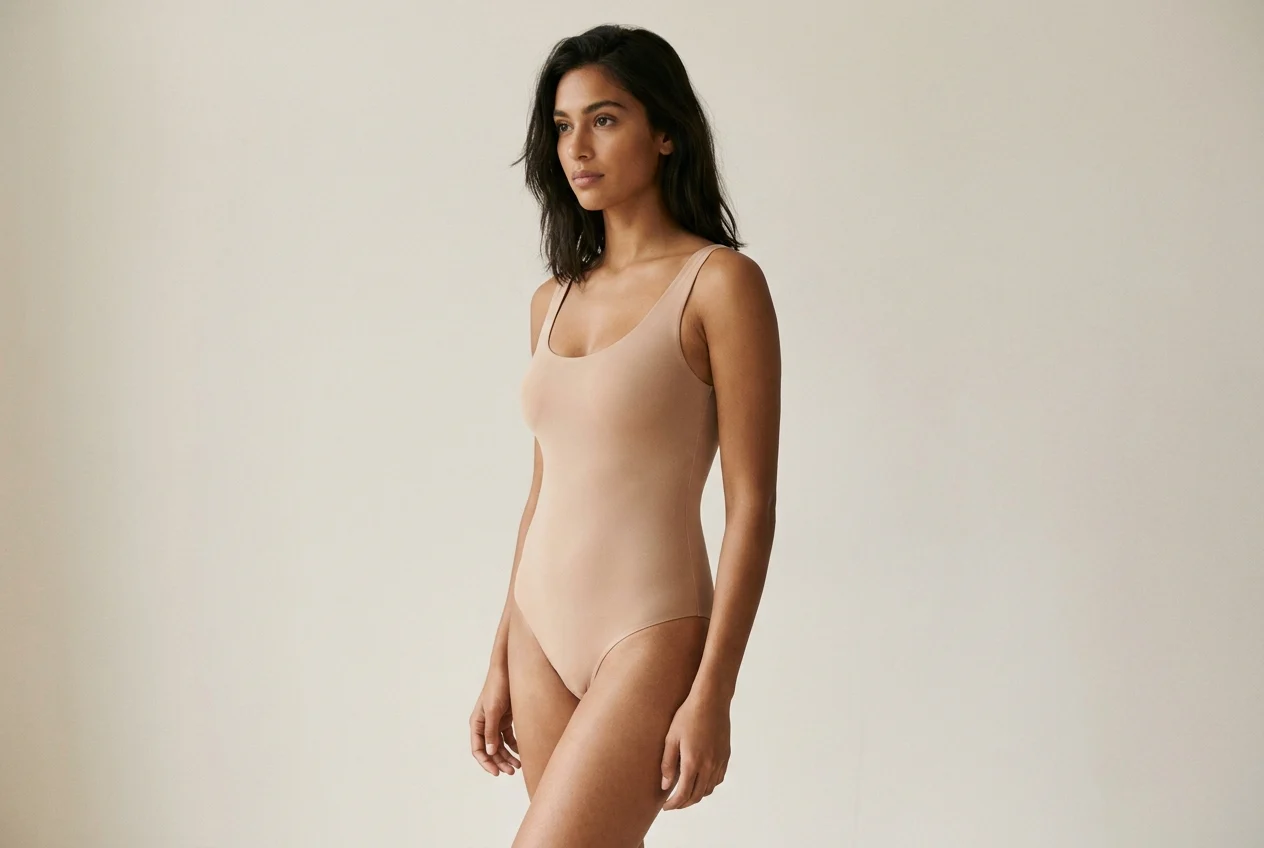
Select from a broader library of ages, looks, ethnicities, and body types so your visuals feel more aligned with the audience you are selling to.
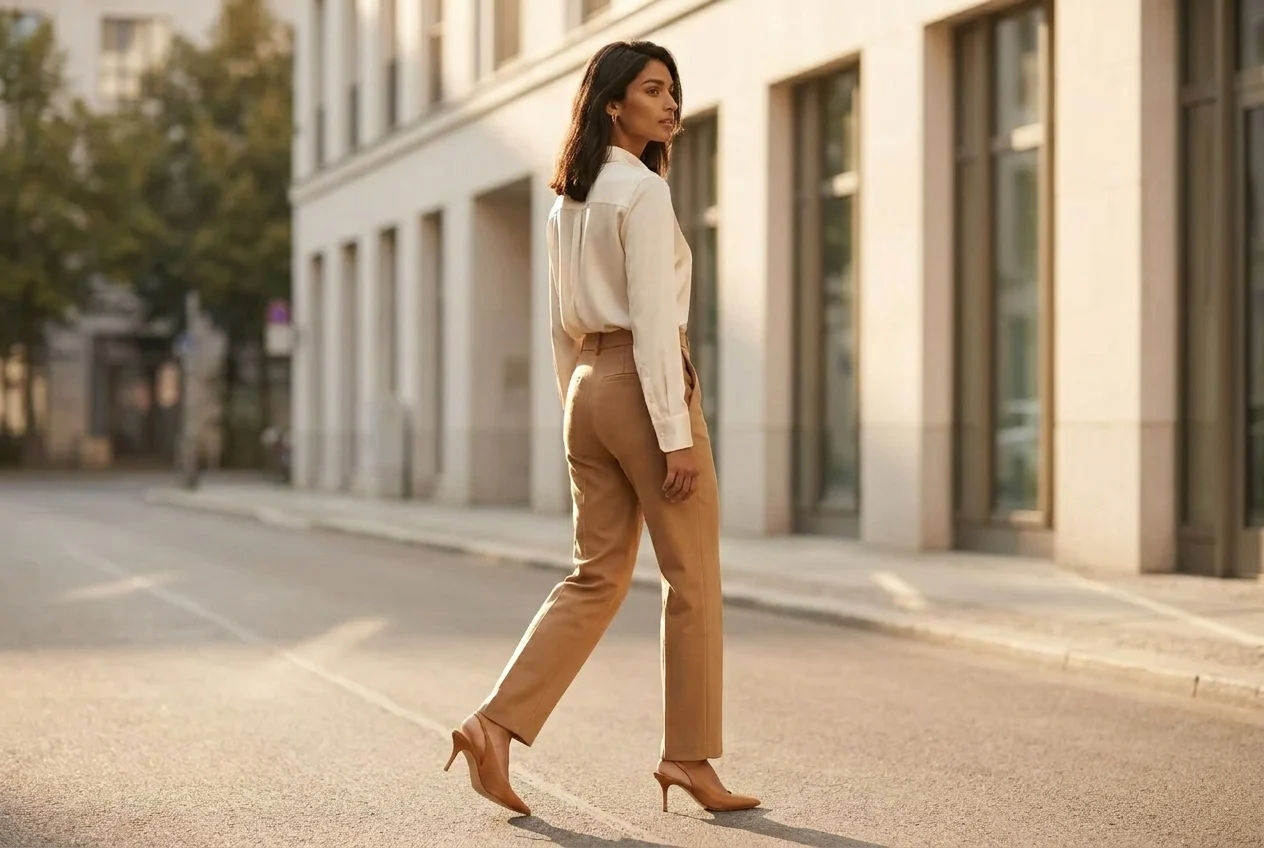
AutWorks renders the product onto your selected model in seconds. Download the final image in high resolution and use it right away across store, ads, and social.
Create model-led visuals that look more premium, launch faster, and give your ecommerce team far more flexibility.
A single live shoot can involve model fees, studio rental, photography, lighting, and post-production. AutWorks removes that overhead by turning one product image into polished 4K model visuals in seconds.
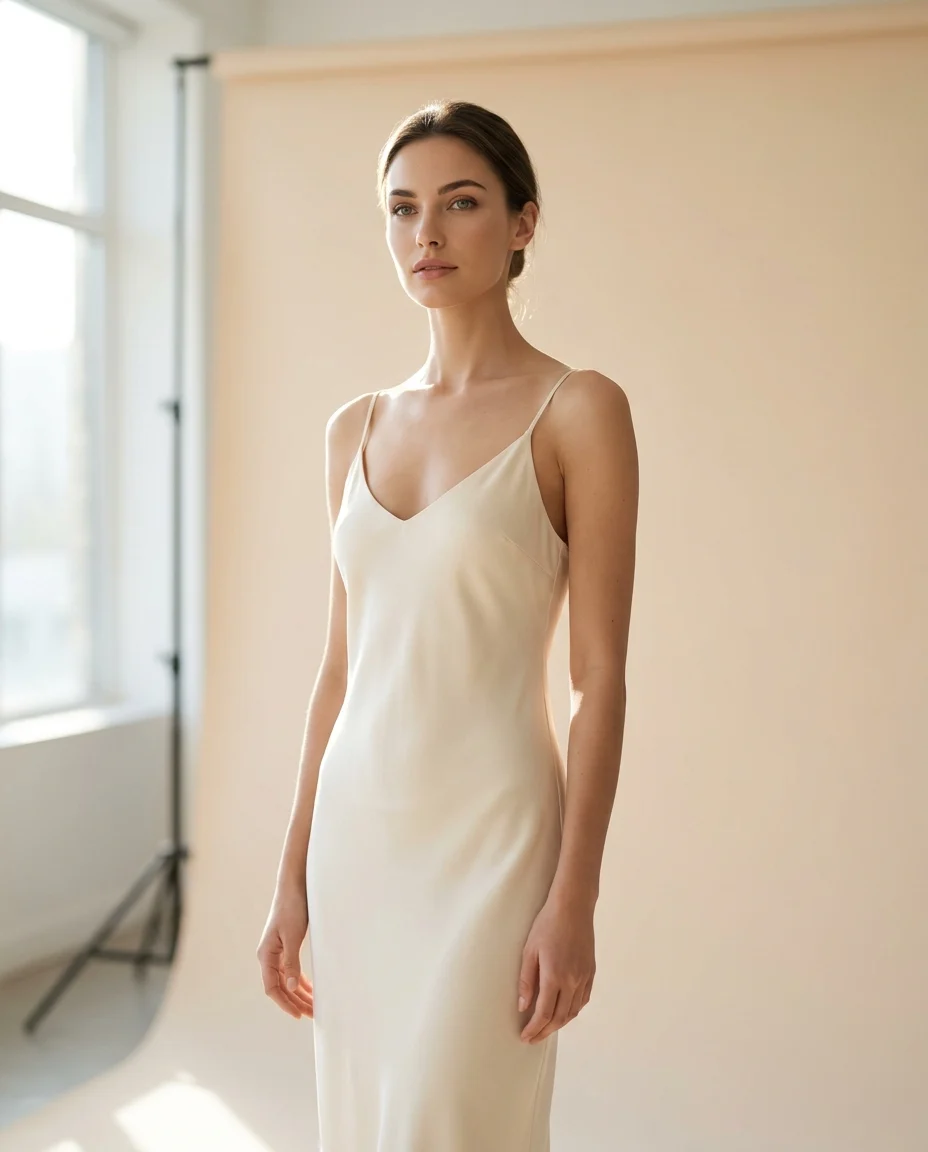
Conversion improves when shoppers see products on faces and body types that feel relevant to them. Use a wider model library to align visuals with each market, audience, and merchandising angle.
Explore the model library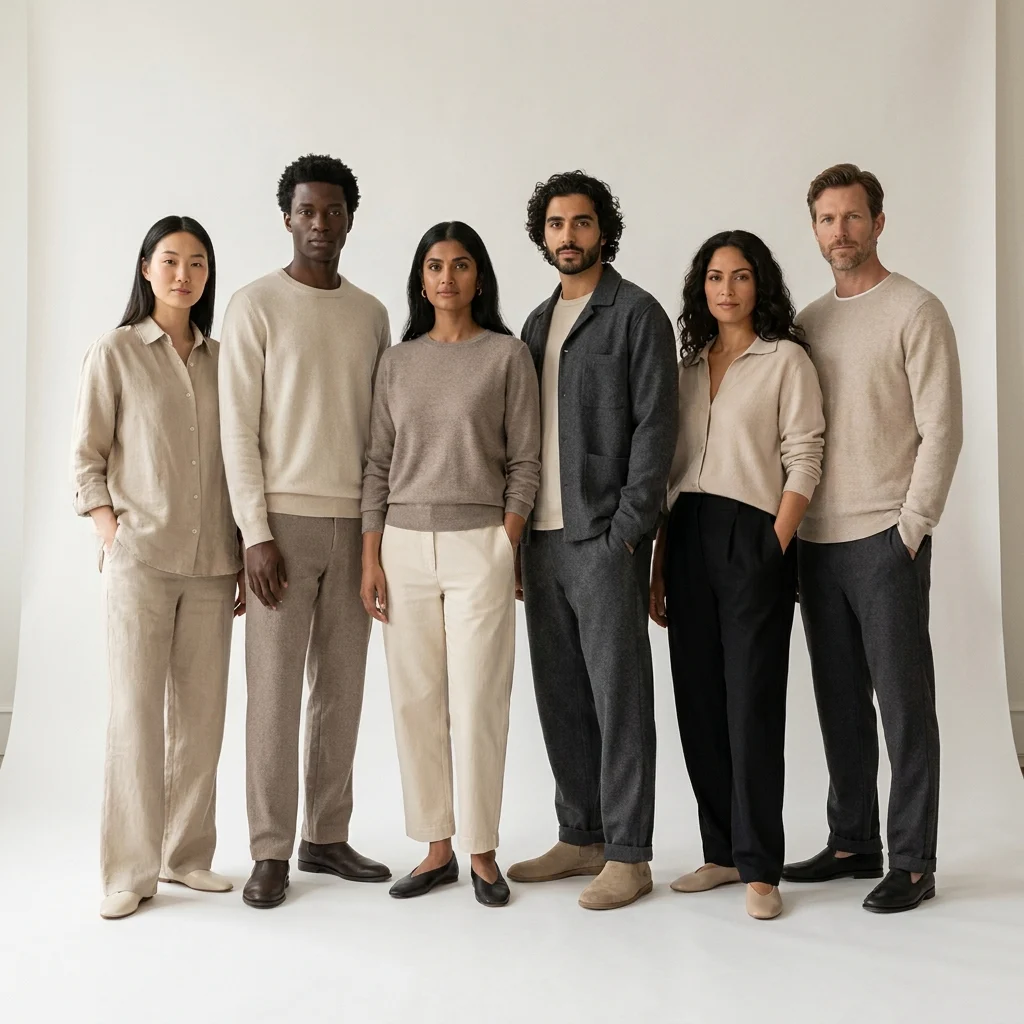
The engine does more than place a garment on a body. It evaluates drape, folds, shadows, and scene lighting so the final image feels believable instead of composited.
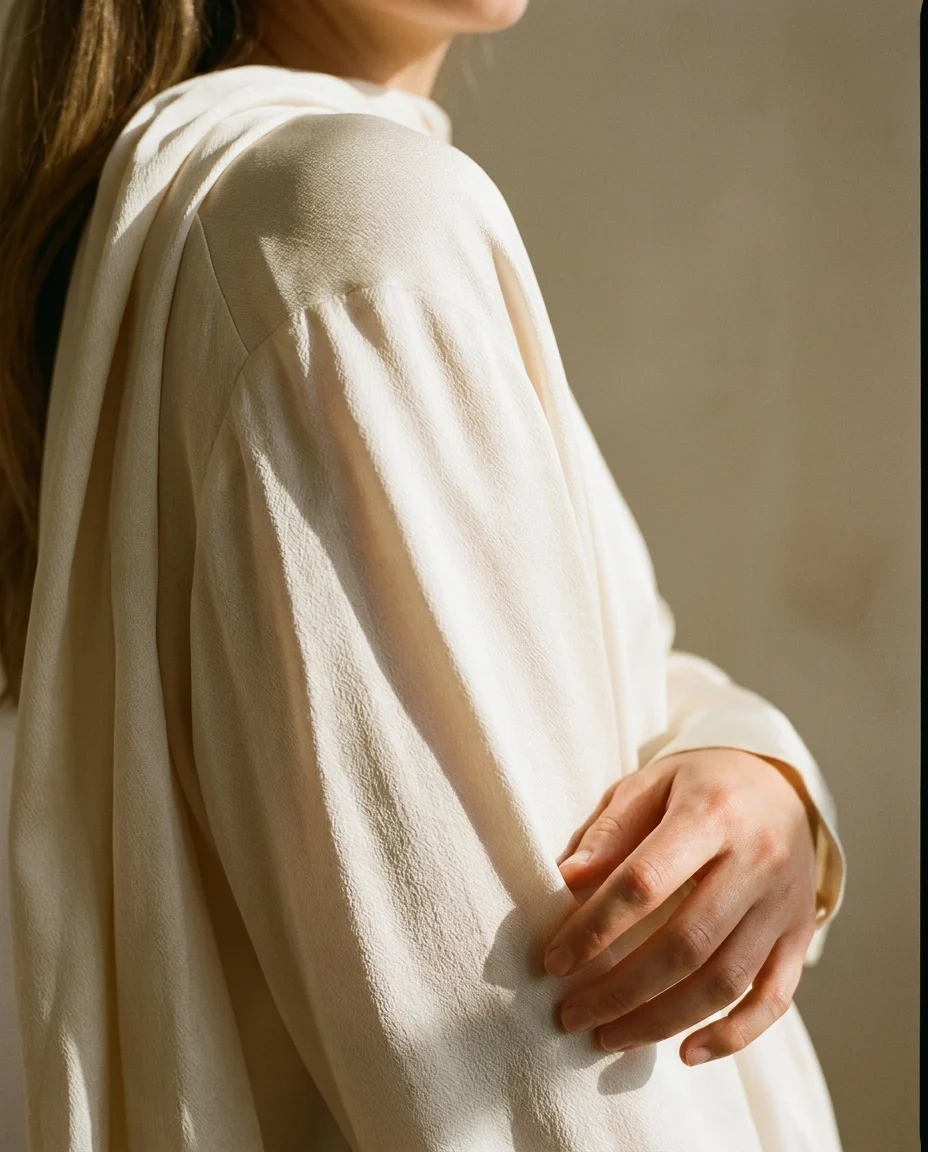
Show womenswear, menswear, and kids collections on different body types and creative directions in seconds.
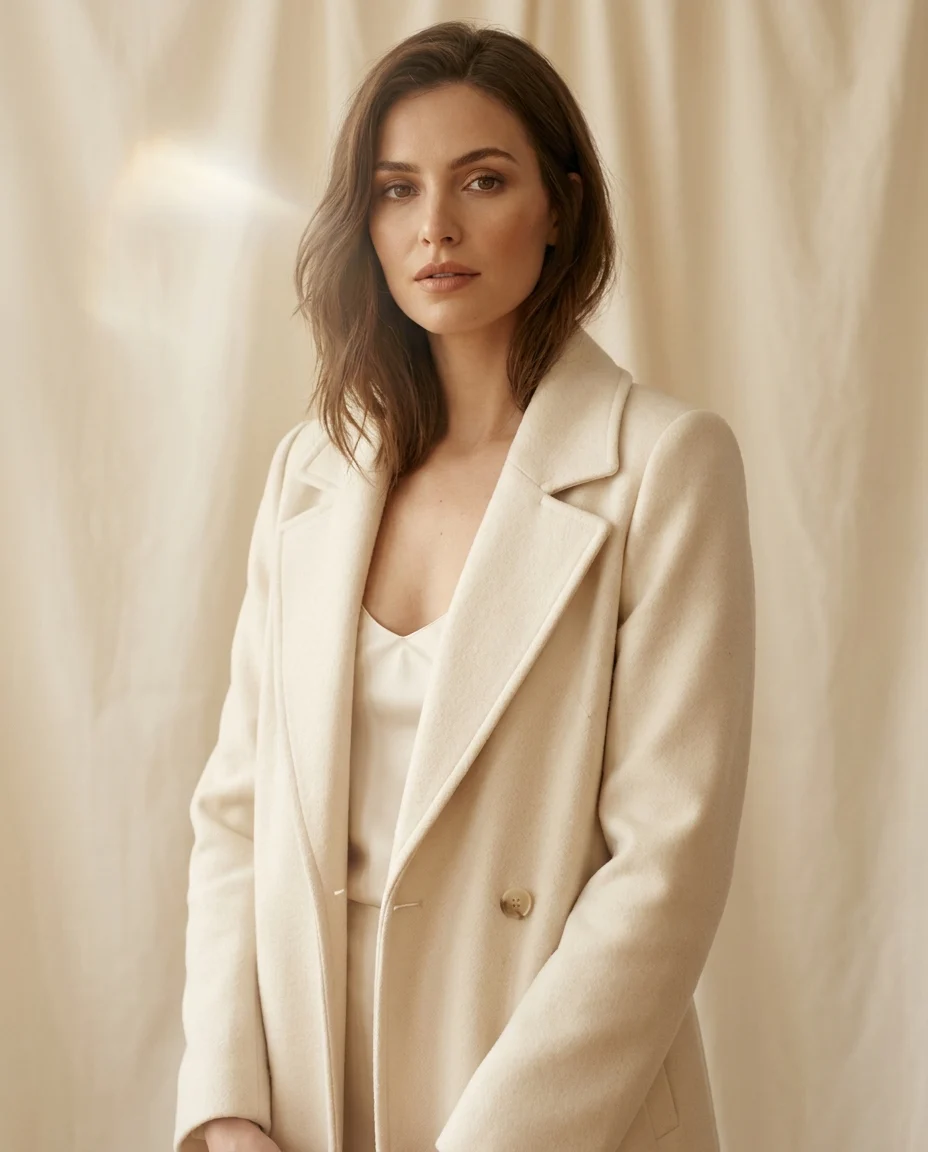
Range, polish, and flexibility
Find the right model for every fashion story. From elevated basics to campaign-ready looks, you can match different body types, styling directions, and target audiences with ease.
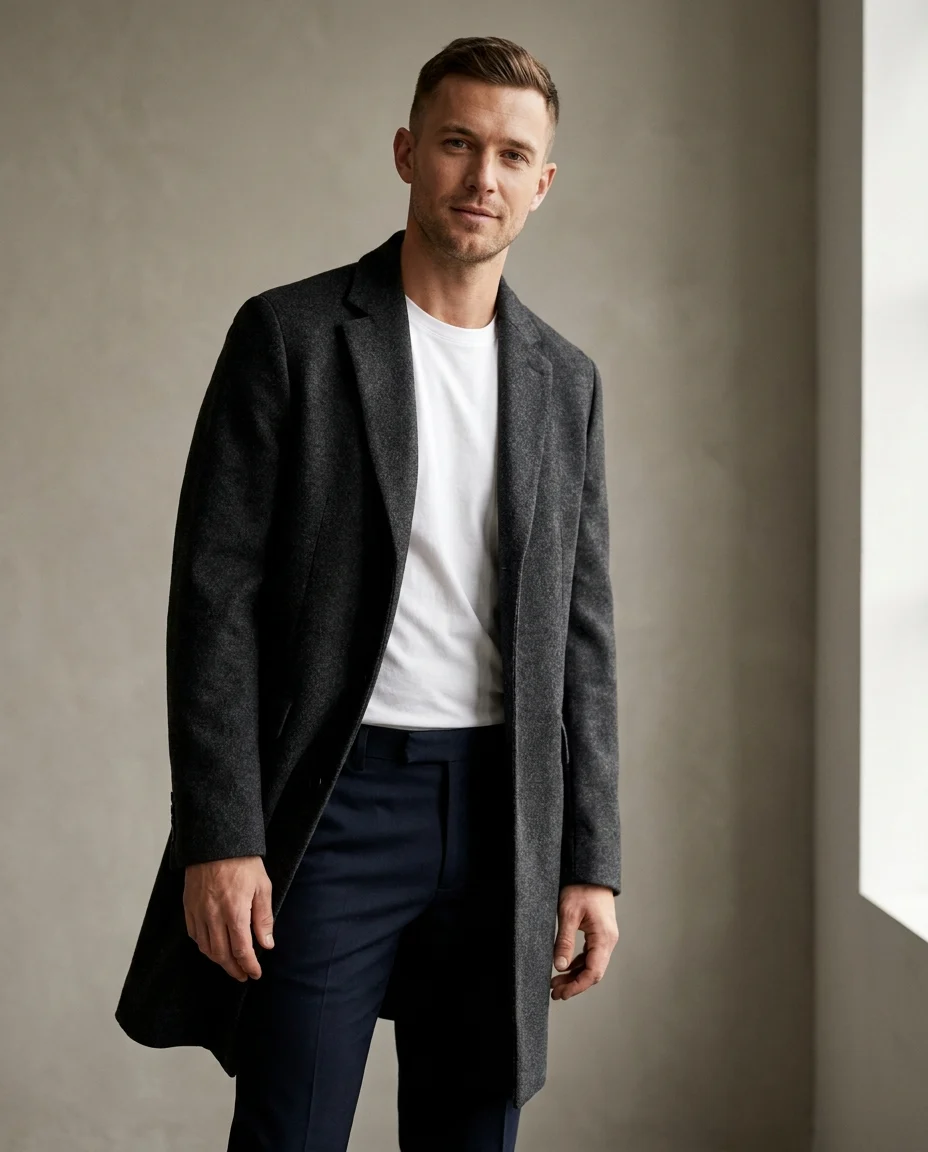
Different ages and body types
Bring menswear to life with a wider range of model types. Create more locally relevant, more commercially useful imagery without running repeated live shoots.
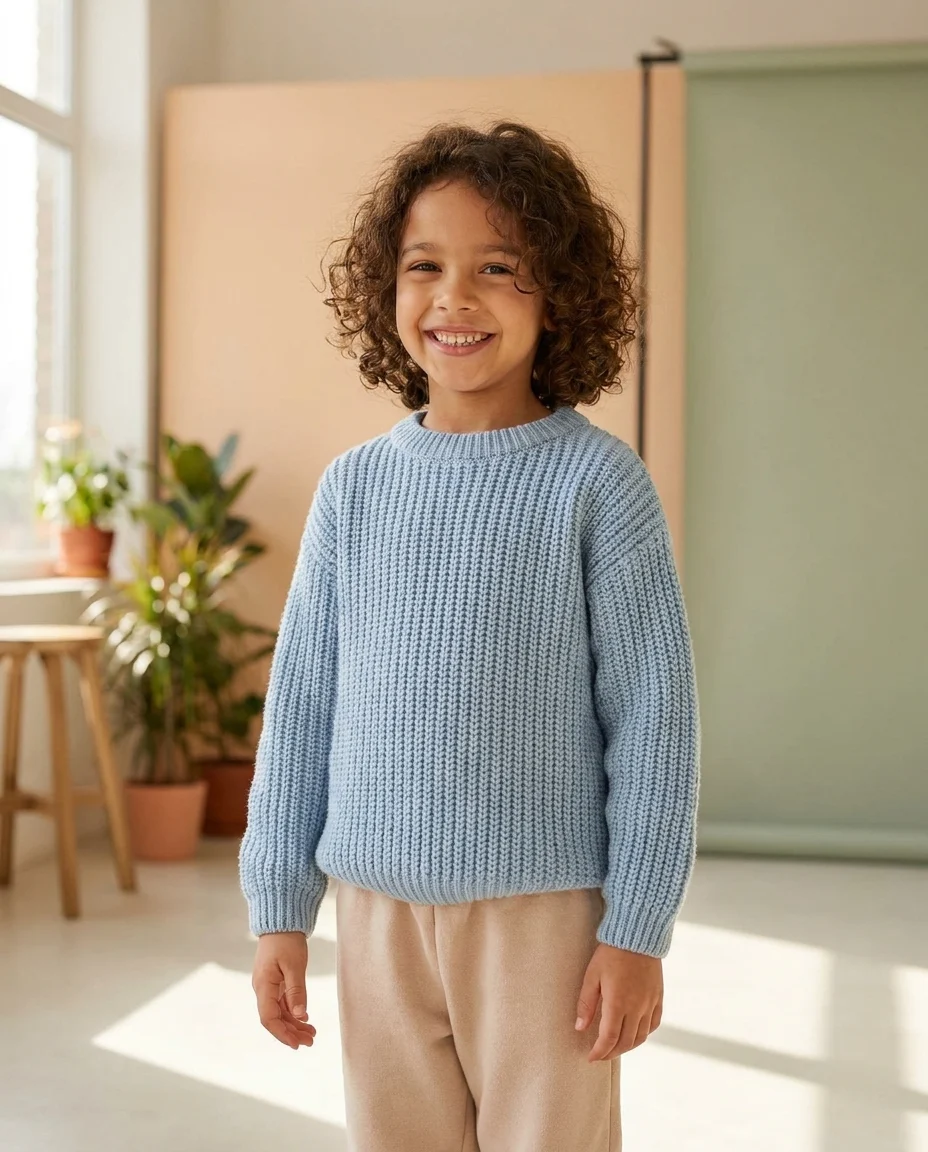
Natural, lively presentation
Show kidswear and babywear on realistic child models that feel natural, modern, and brand-appropriate. It is a faster way to make catalog imagery feel more complete.
Use virtual mannequin imagery across every channel that needs faster, more scalable content.
Use polished model imagery on product detail pages to improve conversion and help shoppers understand fit and styling faster.
Try virtual mannequin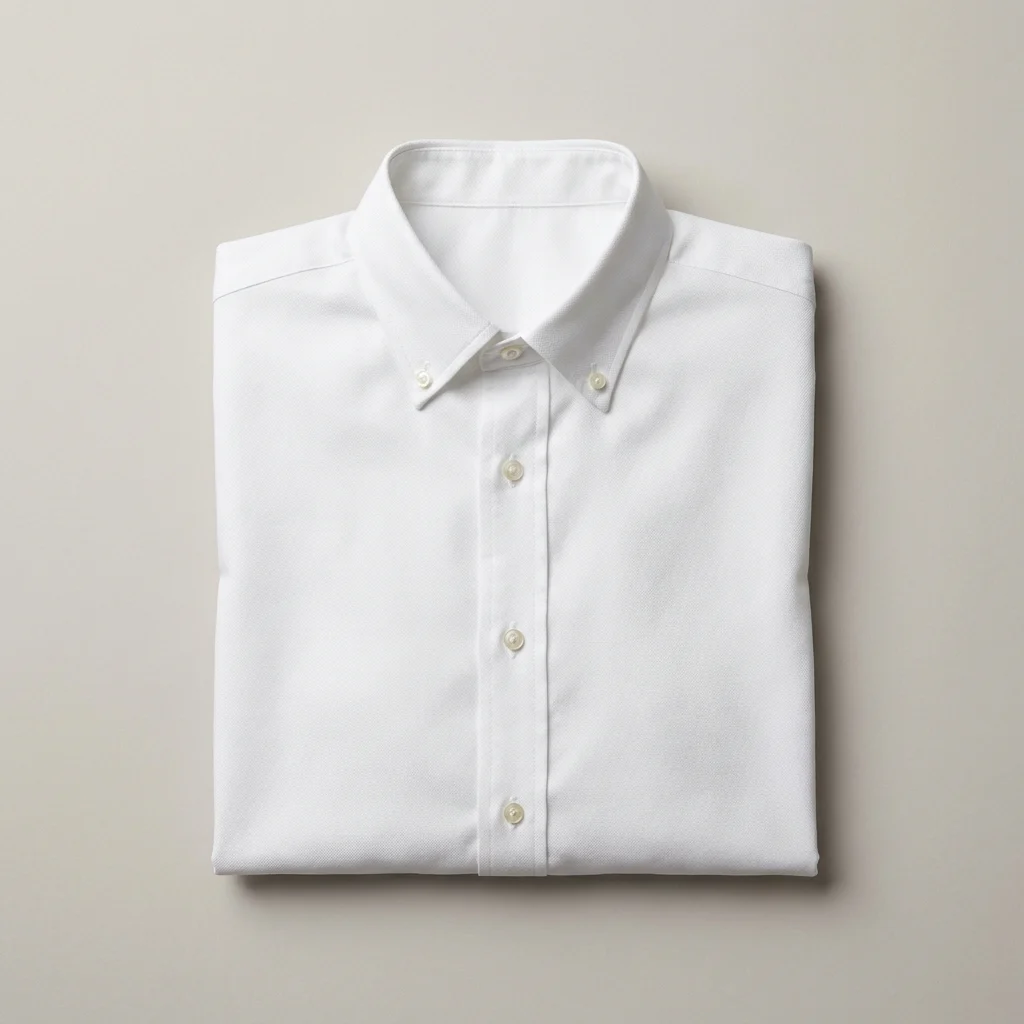
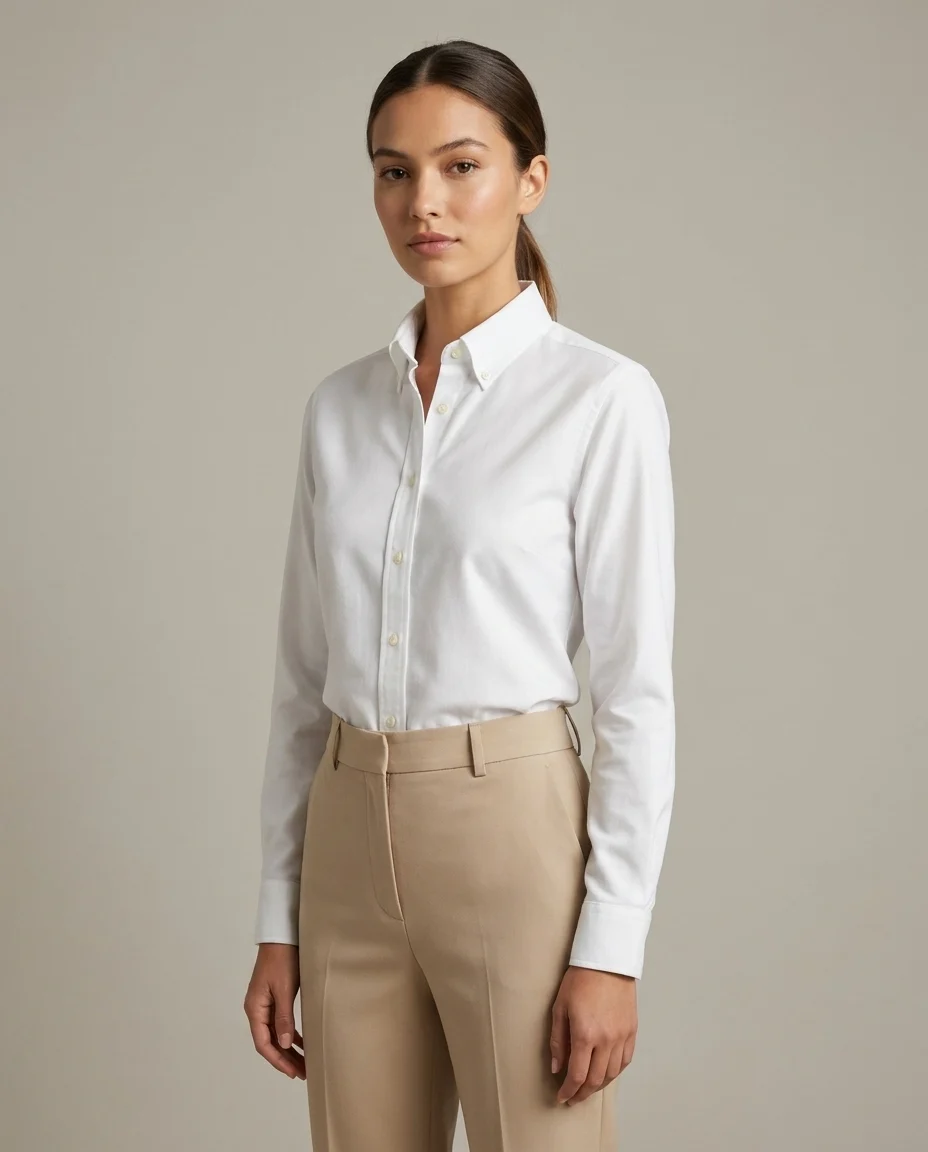
Create stronger model-led visuals for Instagram, TikTok, and Meta campaigns without organizing repeated lifestyle shoots.
Try virtual mannequin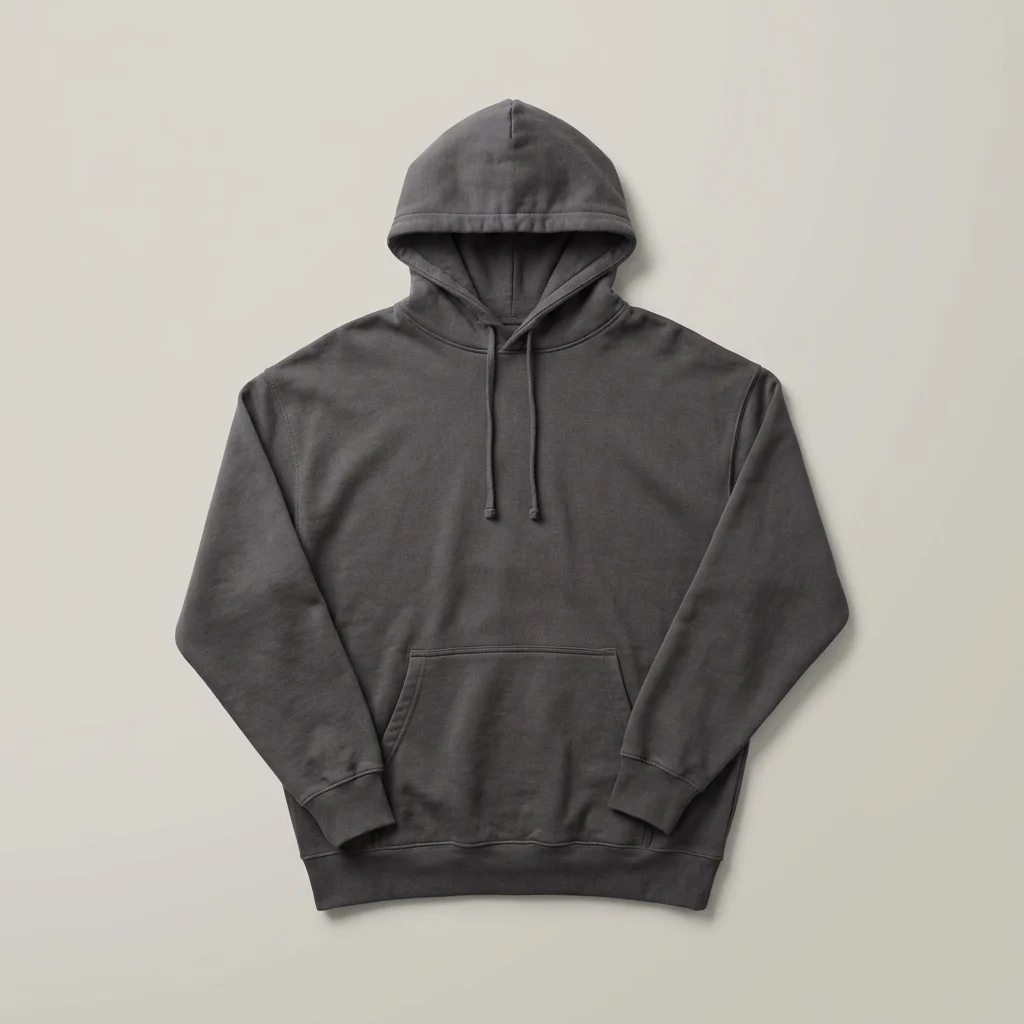
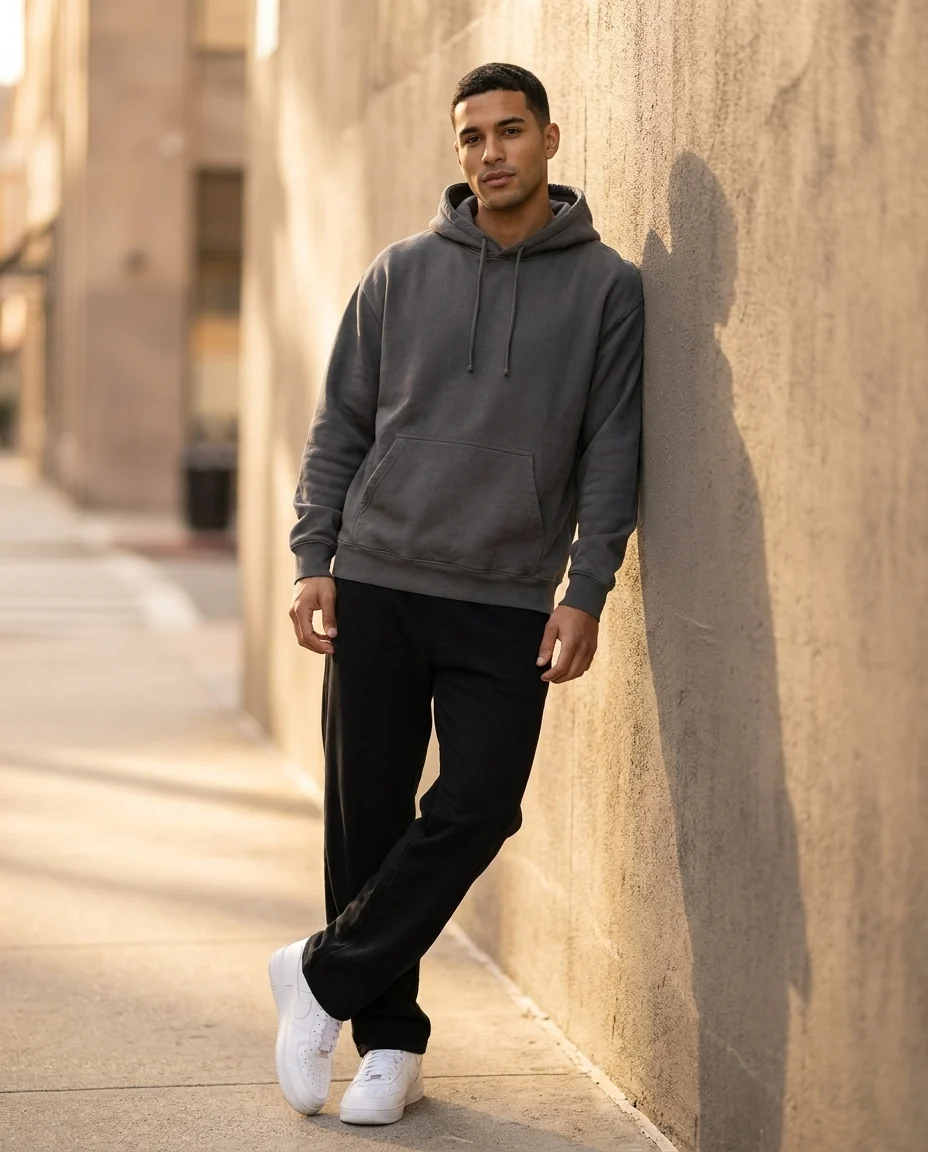
Build digital or printed collection stories with models that match your brand direction and seasonal product line.
Try virtual mannequin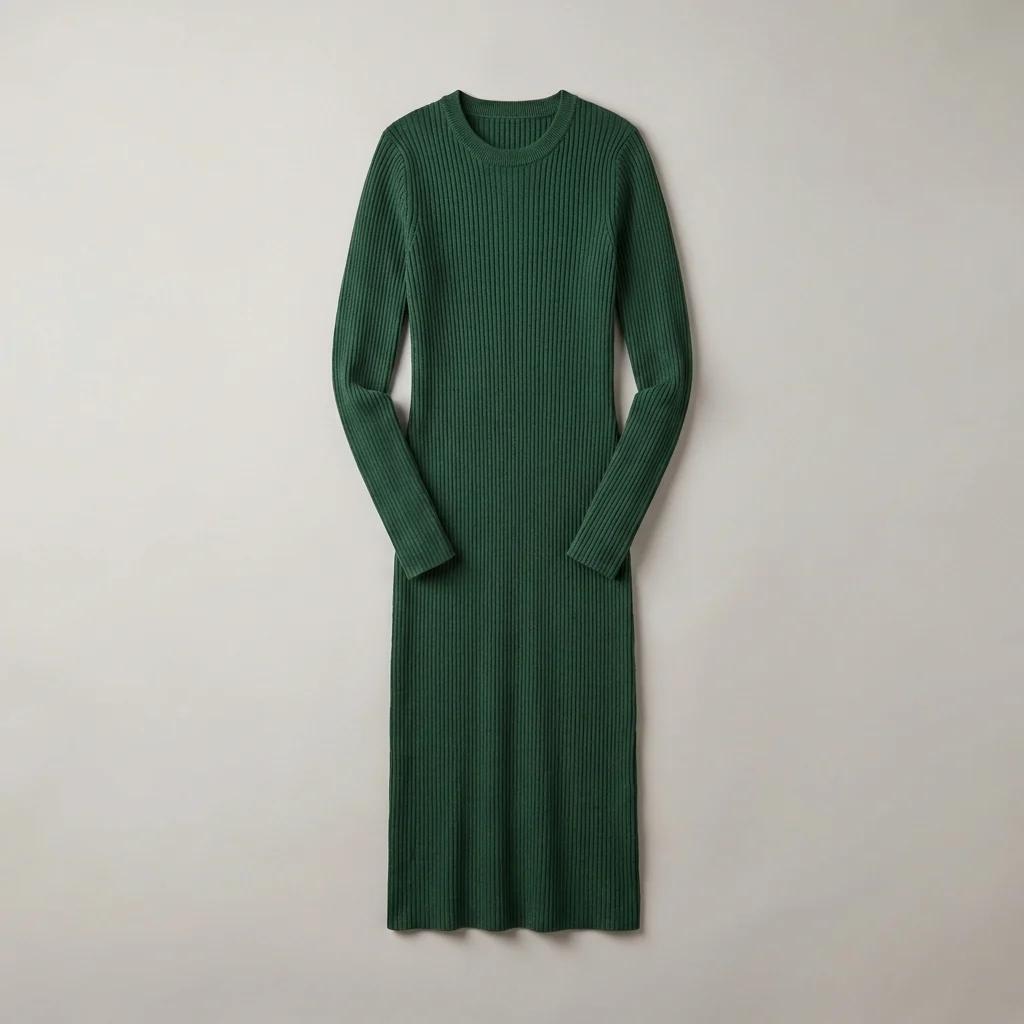
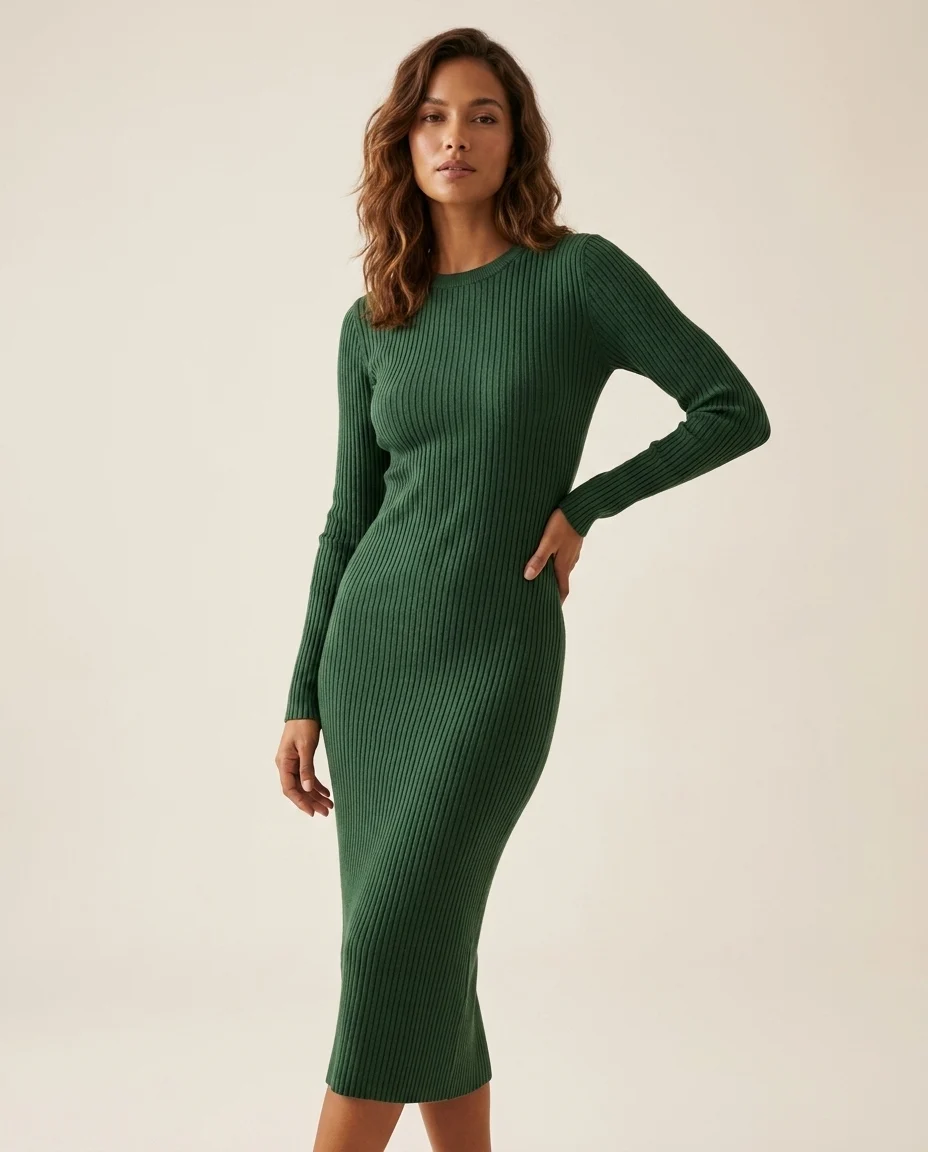
Build a full visual workflow with the rest of the AutWorks toolkit.
Answers to the questions teams ask before moving virtual mannequin production into their workflow.
Generate premium model visuals in minutes, move faster across channels, and keep every output aligned with your brand.