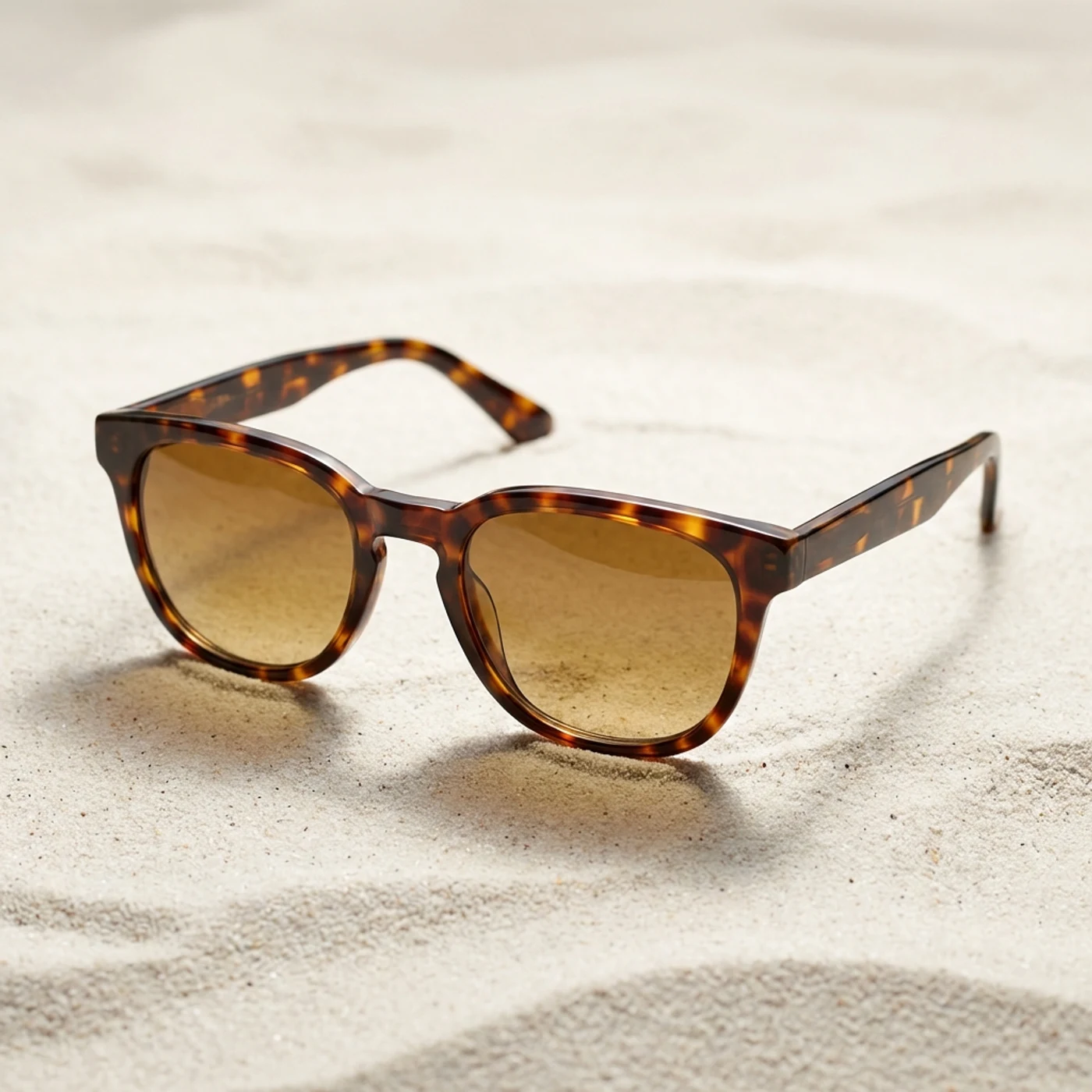
Worn product
Tortoiseshell Frame
The exact premium sunglasses worn by the model
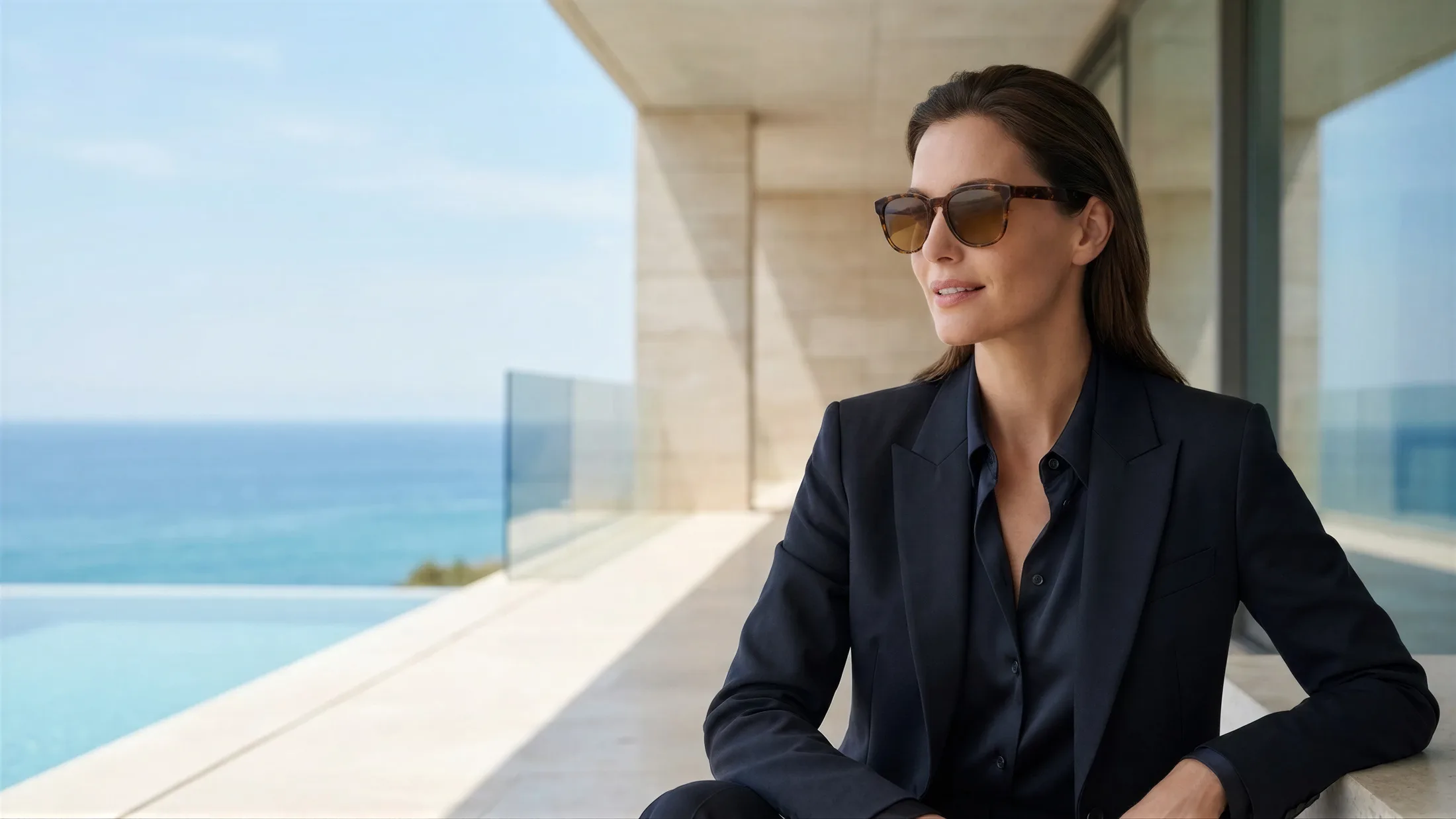
Turn frame shots into polished model visuals for ecommerce, campaigns, and collection launches in minutes.
The exact premium sunglasses worn by the model
Create premium eyewear-on-model visuals in three simple steps.
Upload a clean eyewear image shot on a simple background. You do not need a live model shoot just to show how the frame sits on the face.
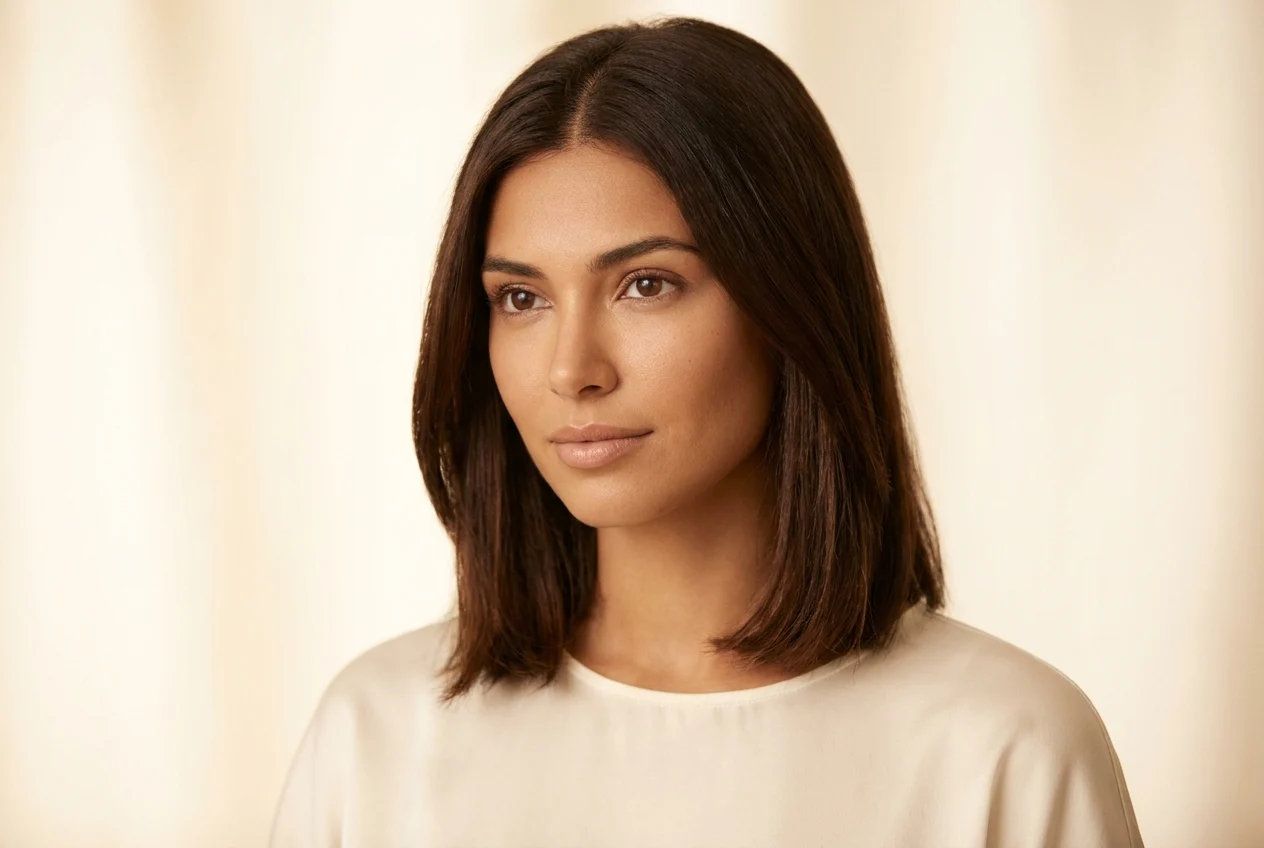
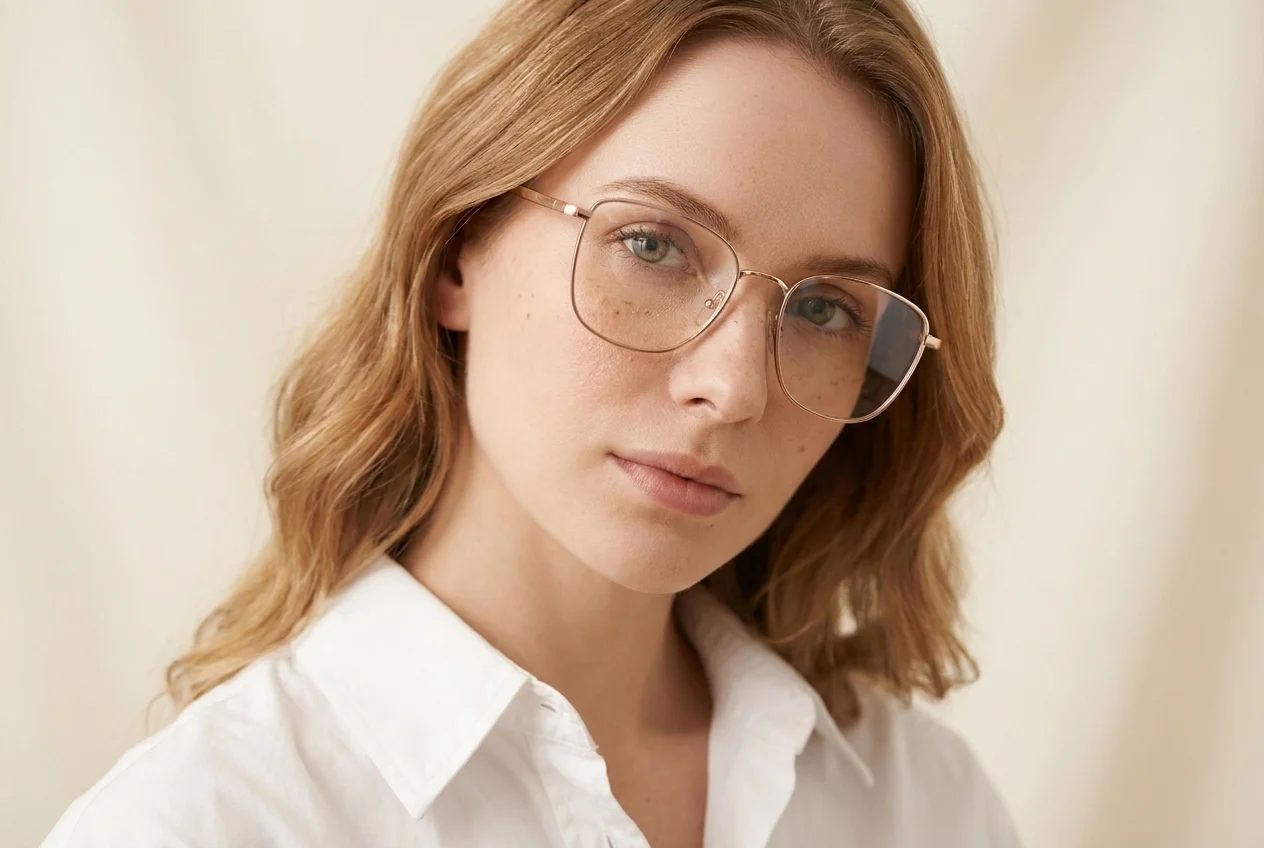
Match the frame to the right model, mood, and scene so shoppers understand fit, shape, and style faster.
Download the final visual in high resolution and use it directly across ecommerce, social content, and campaign creative.
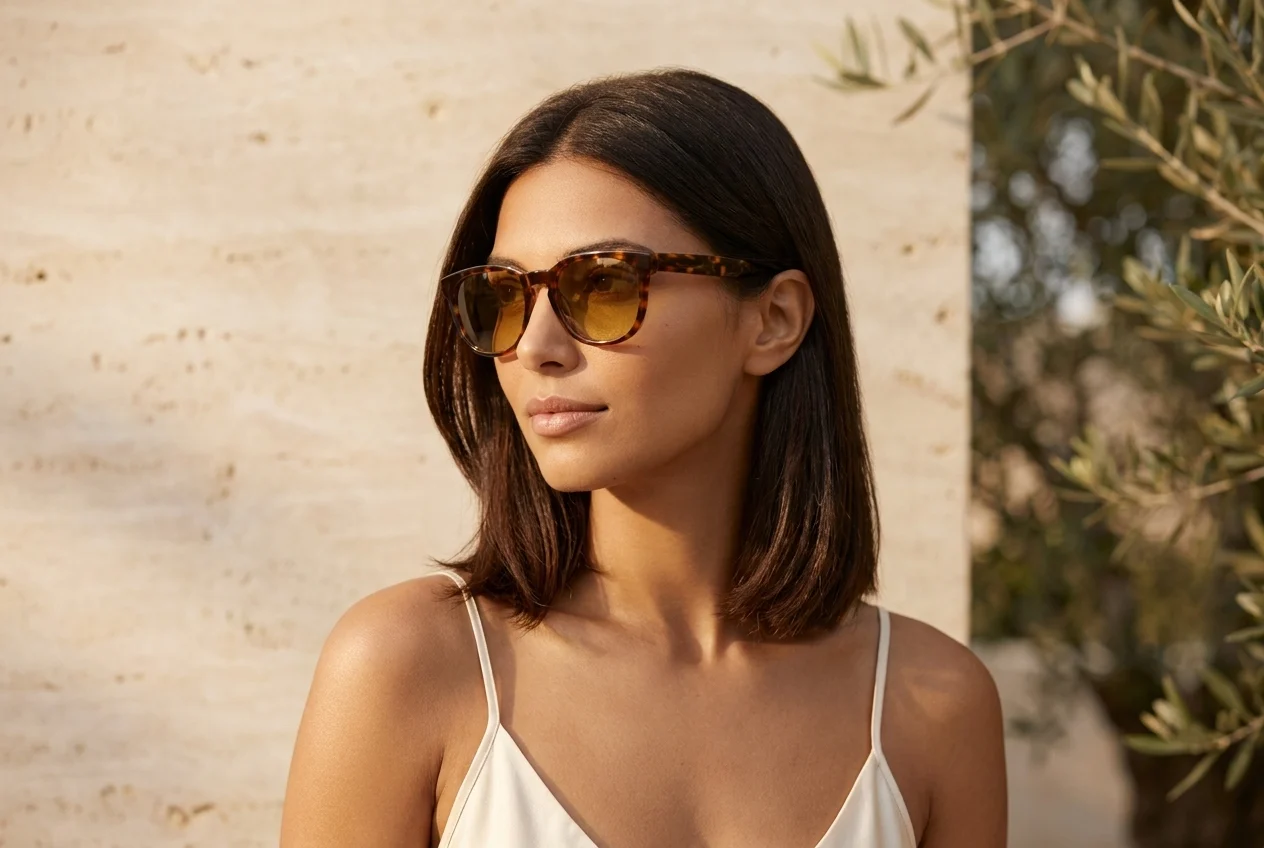
Present eyewear in a faster, more premium way that explains fit and style far better than isolated frame shots.
Eyewear is hard to judge from a standalone product photo. A model-led visual shows scale, lens tone, and facial harmony much more clearly.
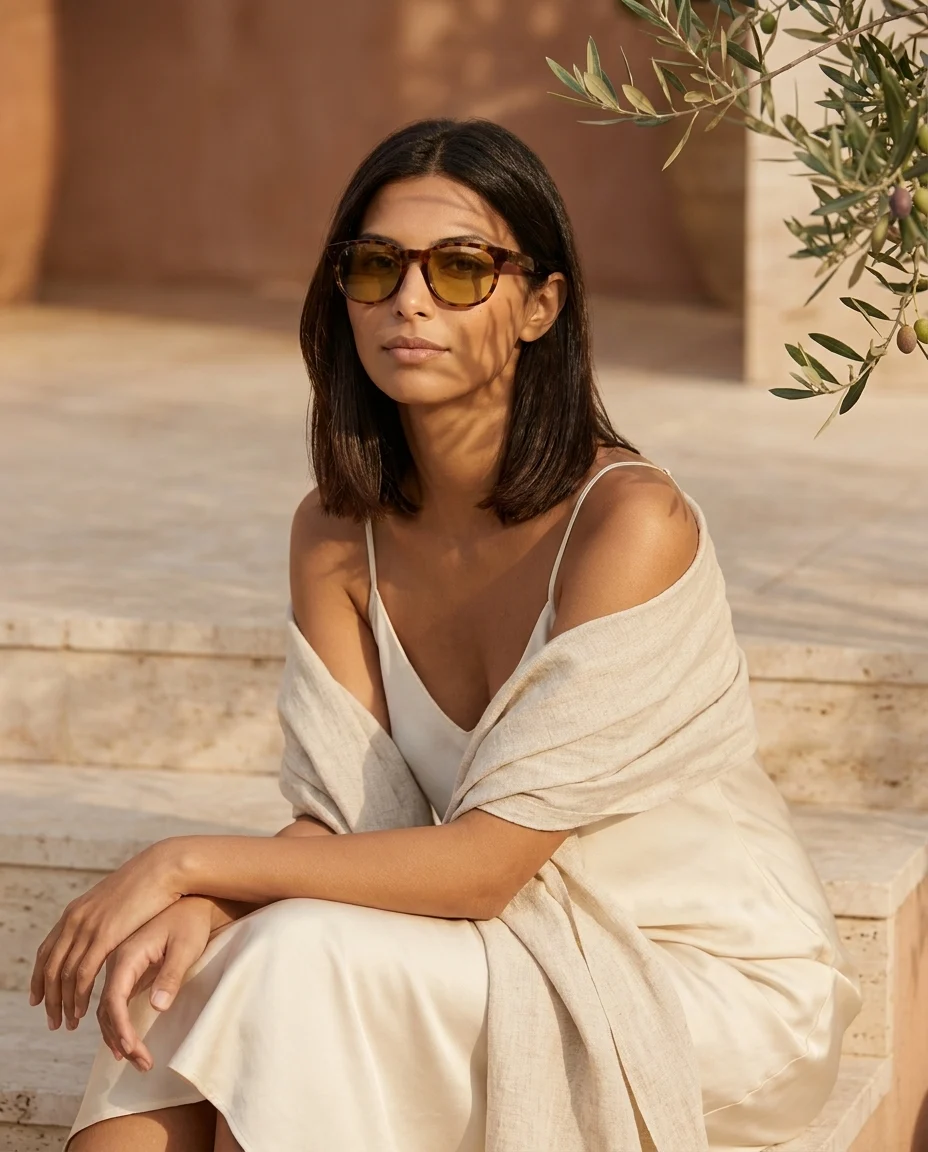
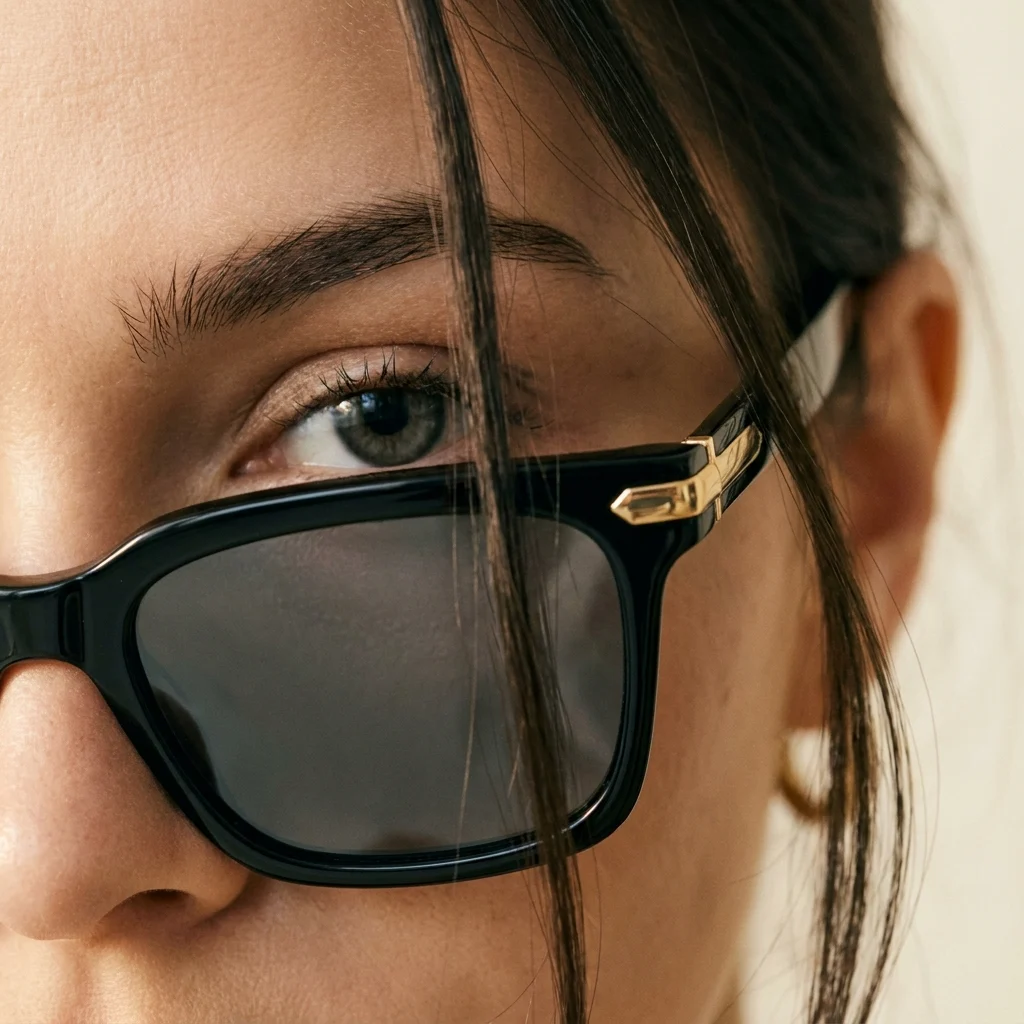
A frame shown on the right model can immediately move the product from a technical listing visual into a campaign-ready asset.
Explore premium outputsThe goal is not only to place eyewear on a face, but to keep frame proportion, lens tint, and facial balance believable enough for high-intent shoppers.
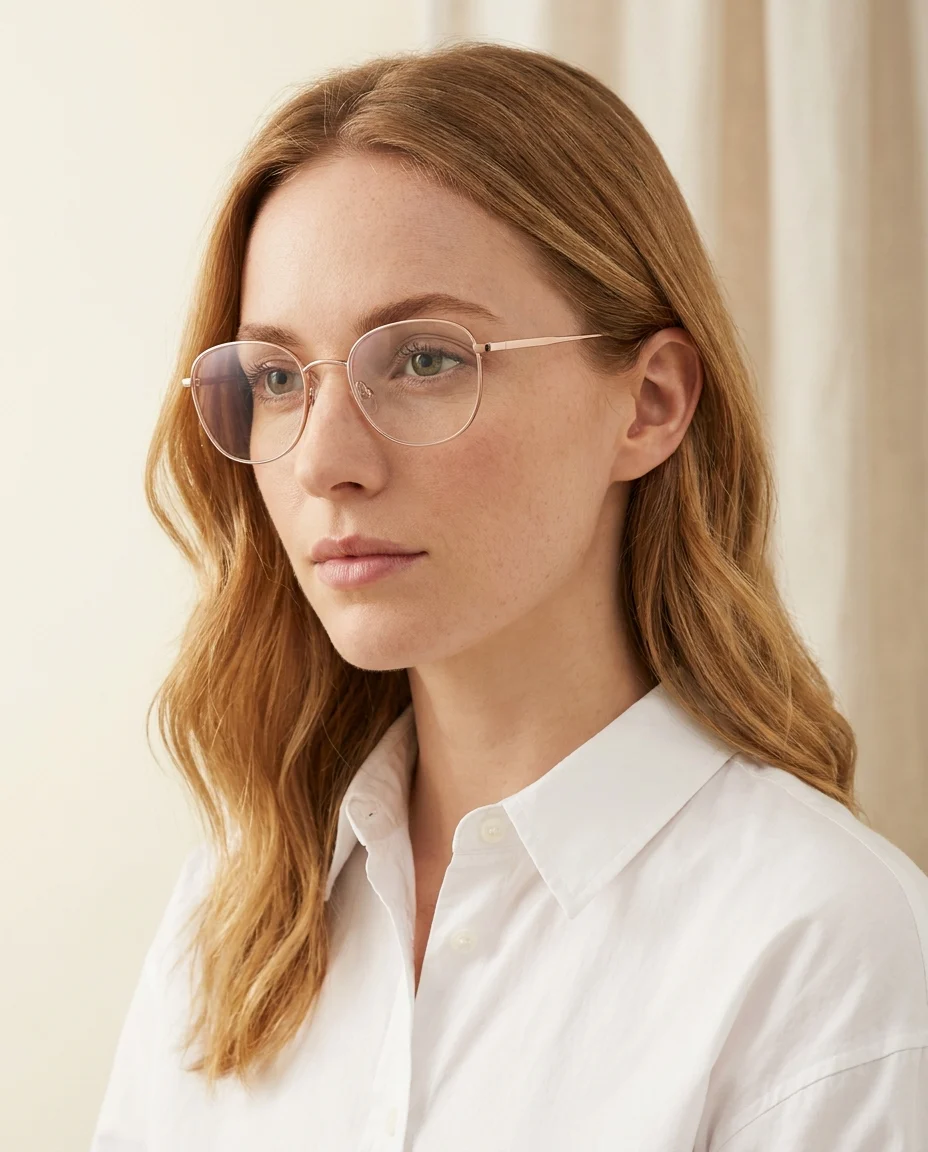
Move from isolated frame visuals to richer model-led eyewear presentation across premium, sun, and optical collections.
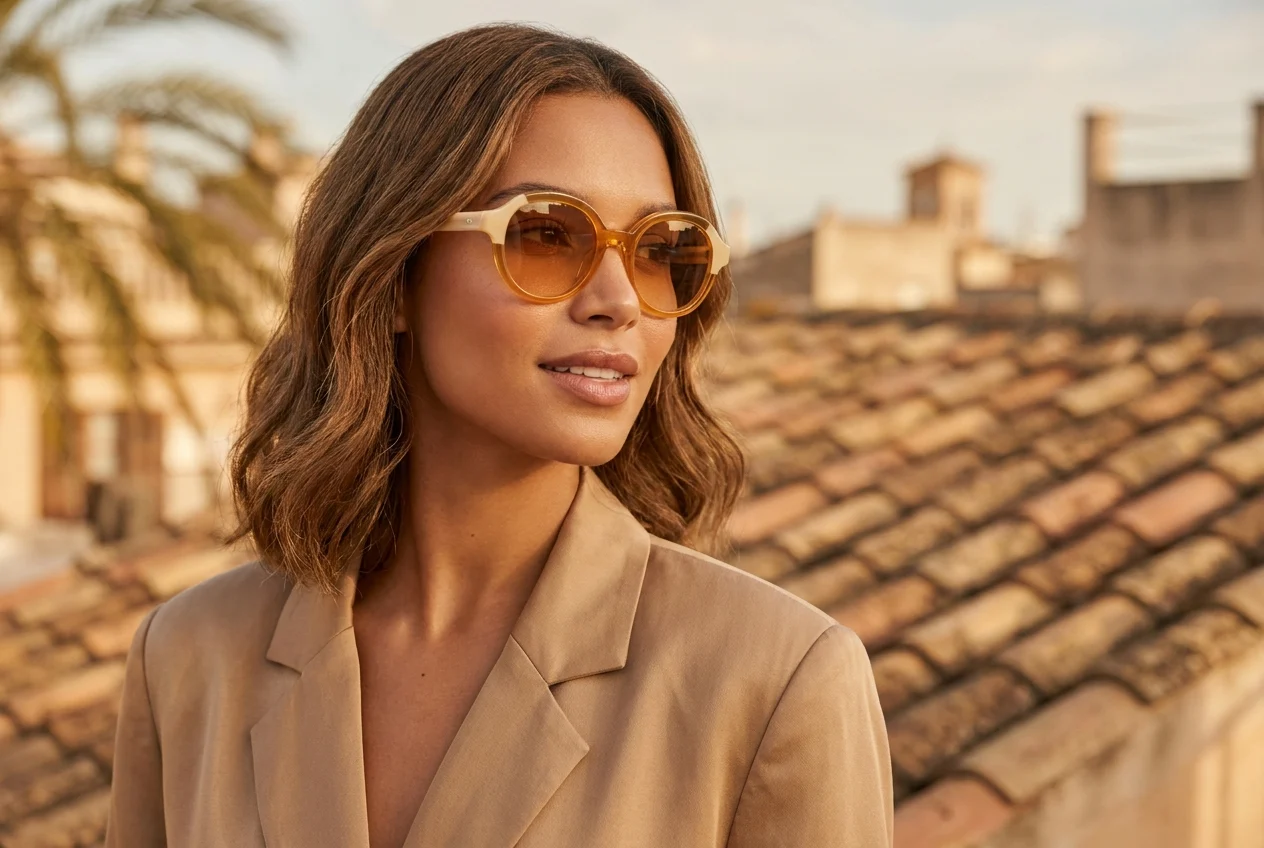
Frame and face harmony
When a frame is shown on a model, its character becomes easier to understand and the product feels far more premium.
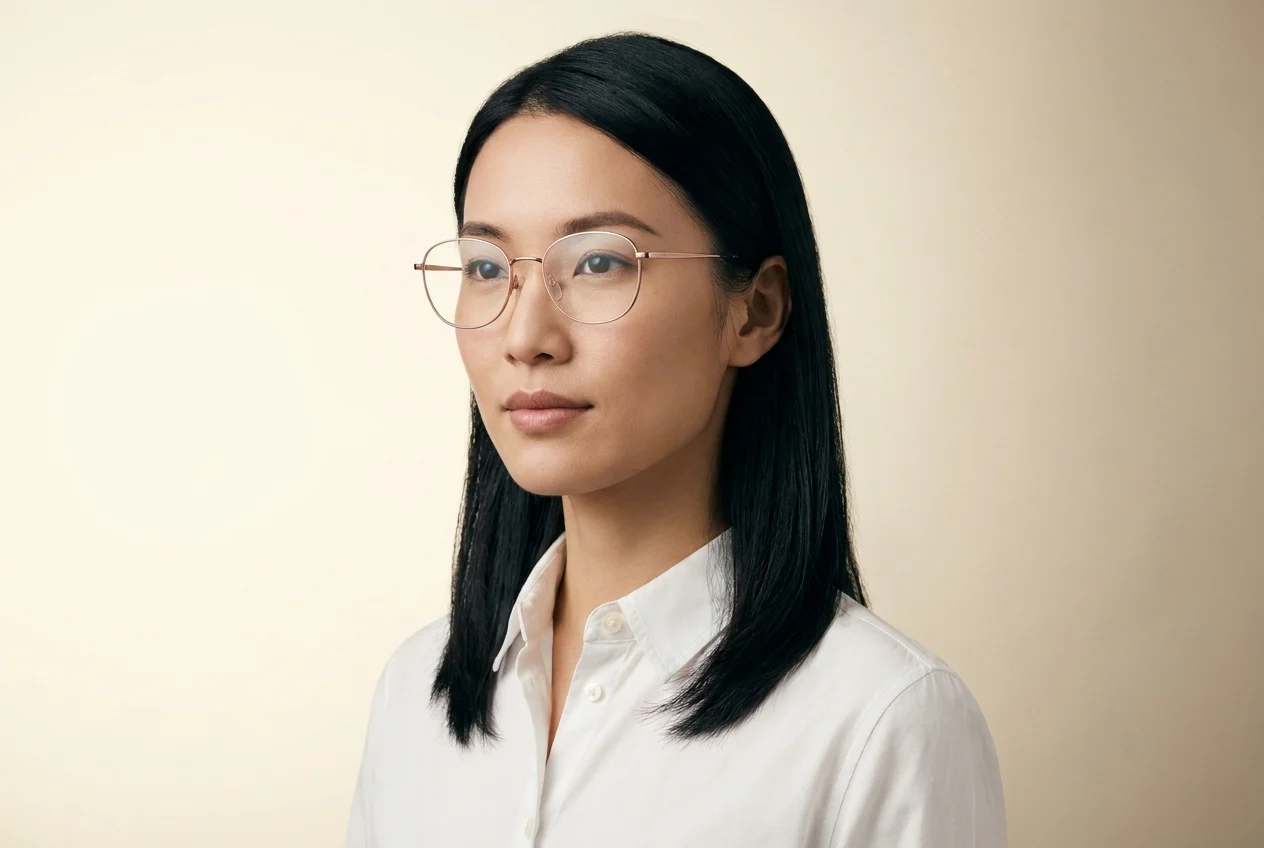
A clearer sense of fit
Showing optical frames on different face types makes the buying decision much easier for shoppers.
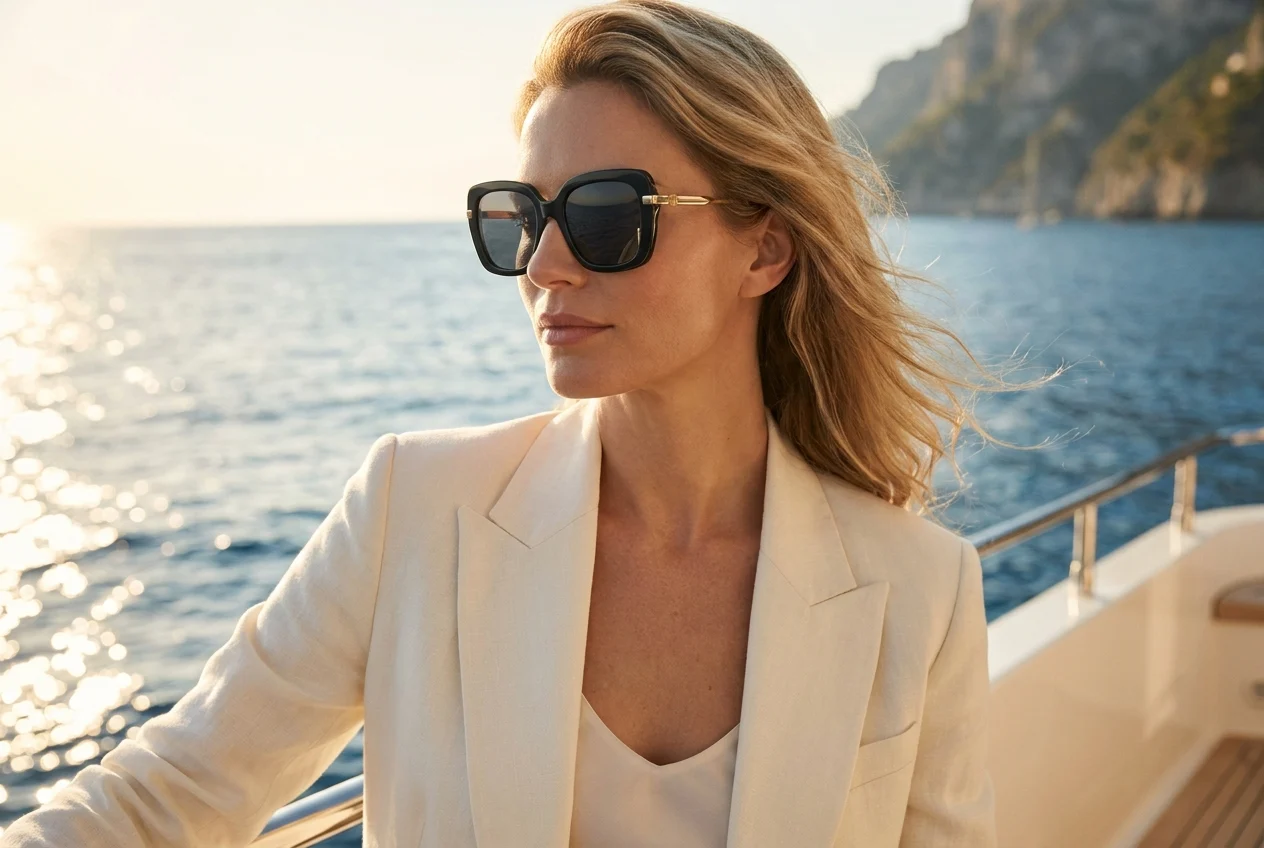
Campaign-ready presentation
An eyewear frame shown on the right model in a lifestyle setting creates a much stronger campaign feel than a standalone product shot.
Use model-led eyewear visuals anywhere your team needs faster and more persuasive content.
Show how the frame sits on the face and create a clearer, more trustworthy first impression on product pages.
Try eyewear model Move beyond isolated product shots and create stronger model-led campaign visuals for eyewear drops and seasonal content.
Try eyewear model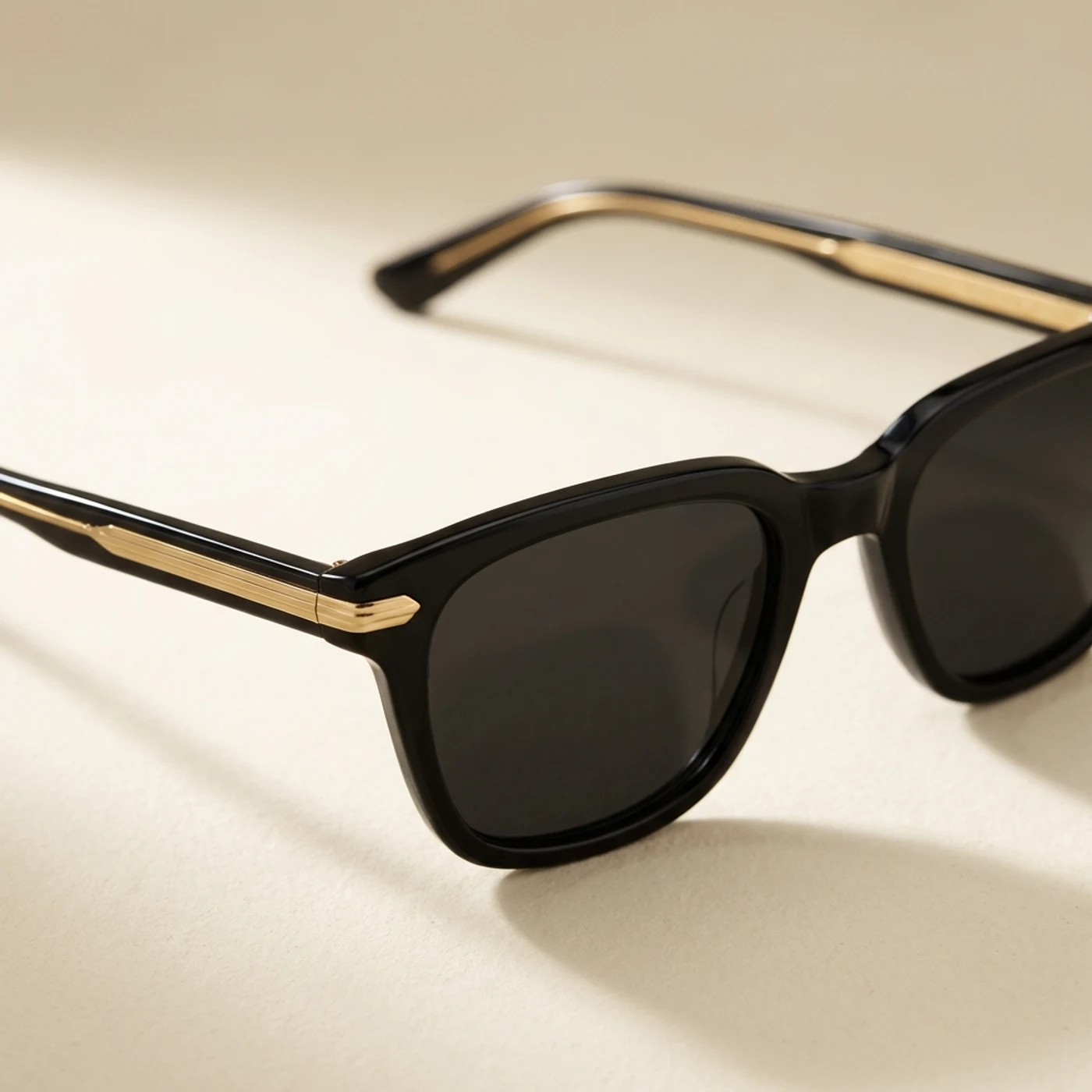
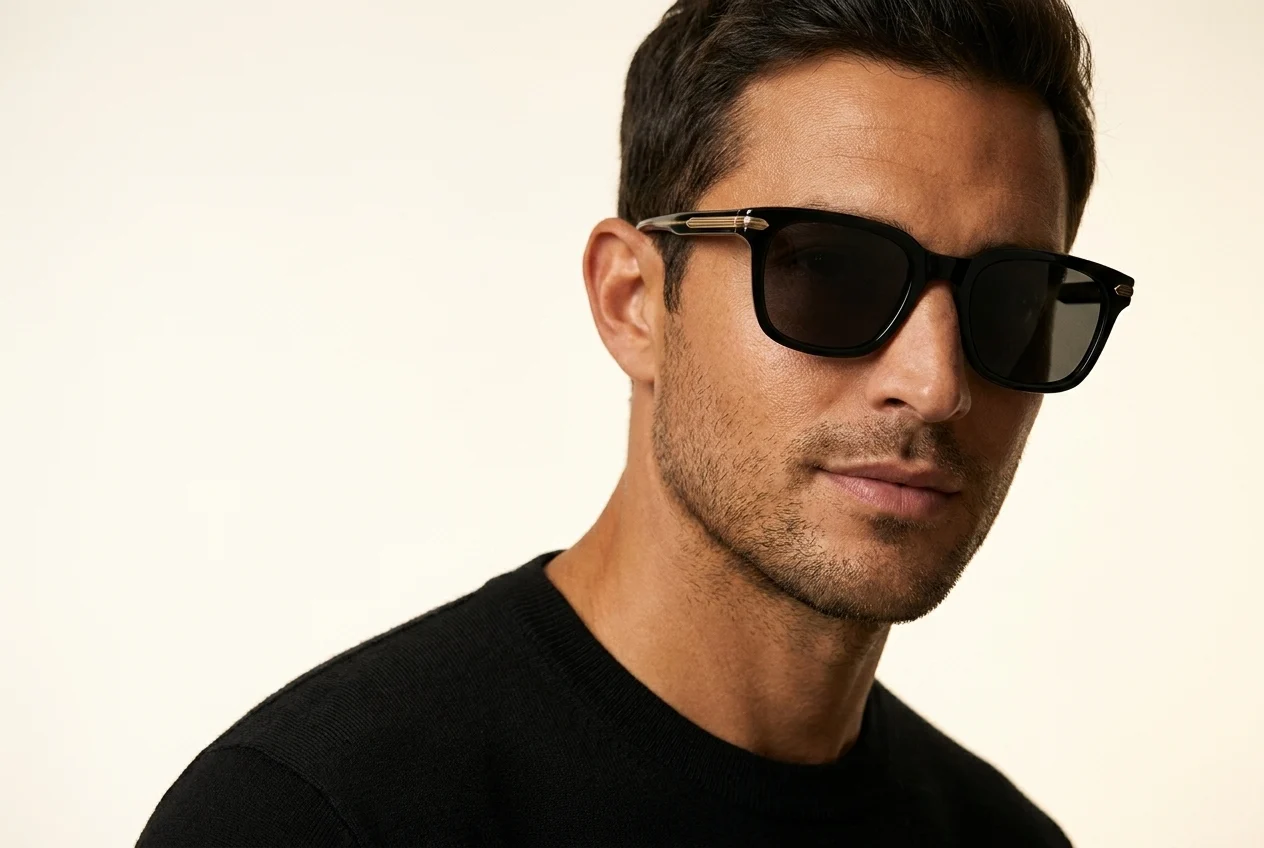
Present different frame directions in a more editorial language for lookbooks, seasonal launches, and wholesale presentations.
Try eyewear model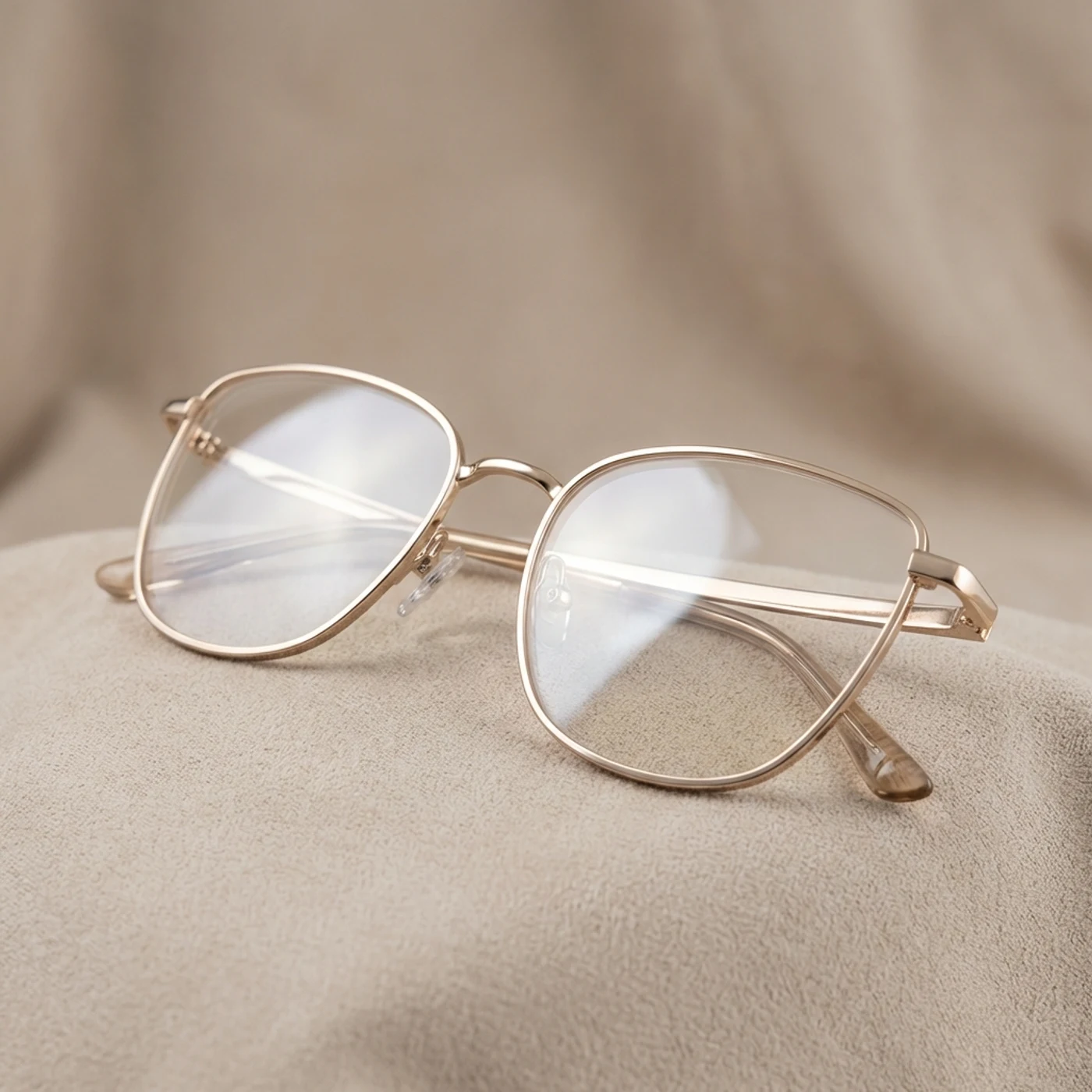
Build a full visual workflow with the rest of the AutWorks toolkit.
Answers to the most common questions teams ask before moving eyewear production into this workflow.
Create campaign-ready eyewear visuals in minutes, improve fit perception, and move faster across every channel.