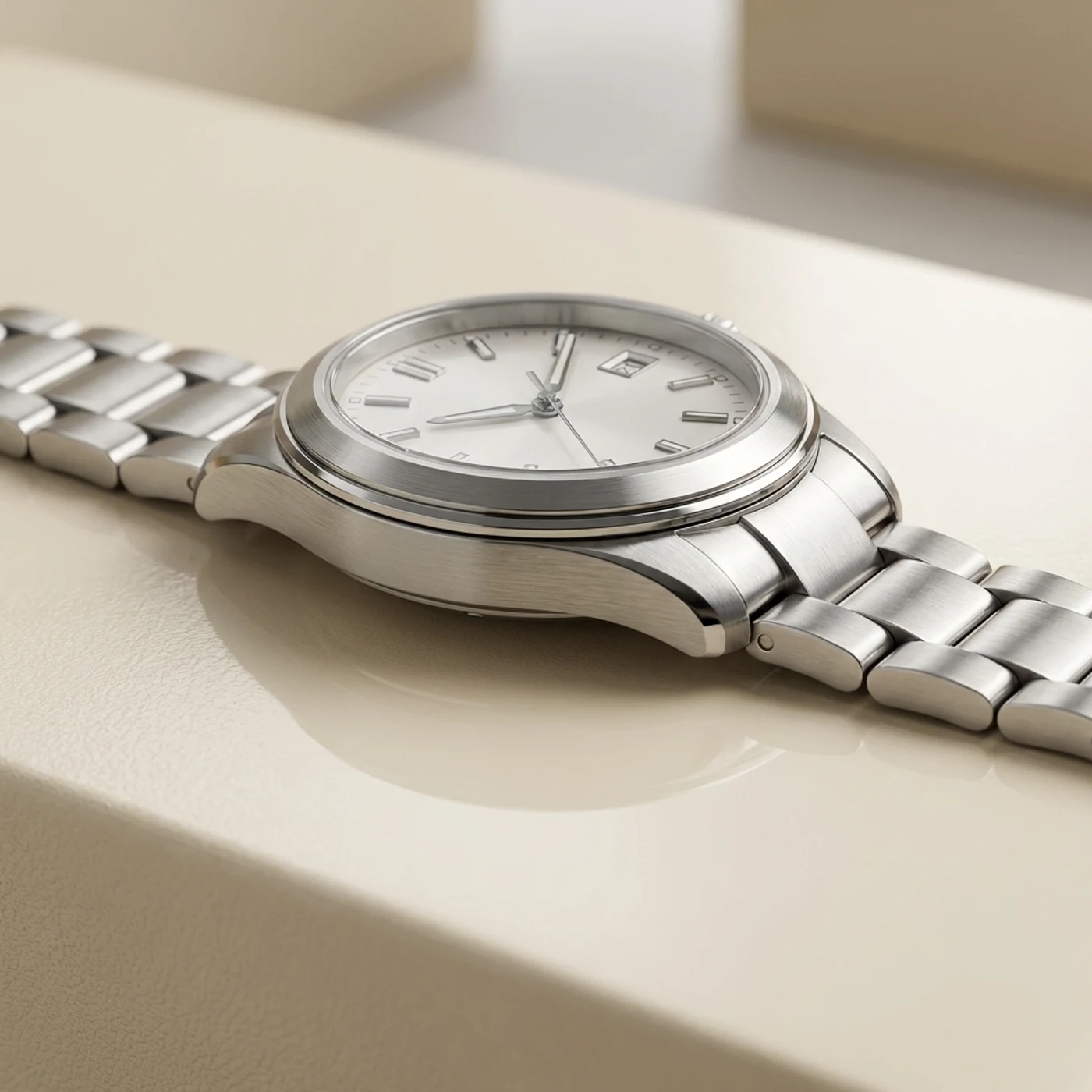
Worn product
Steel Bracelet Watch
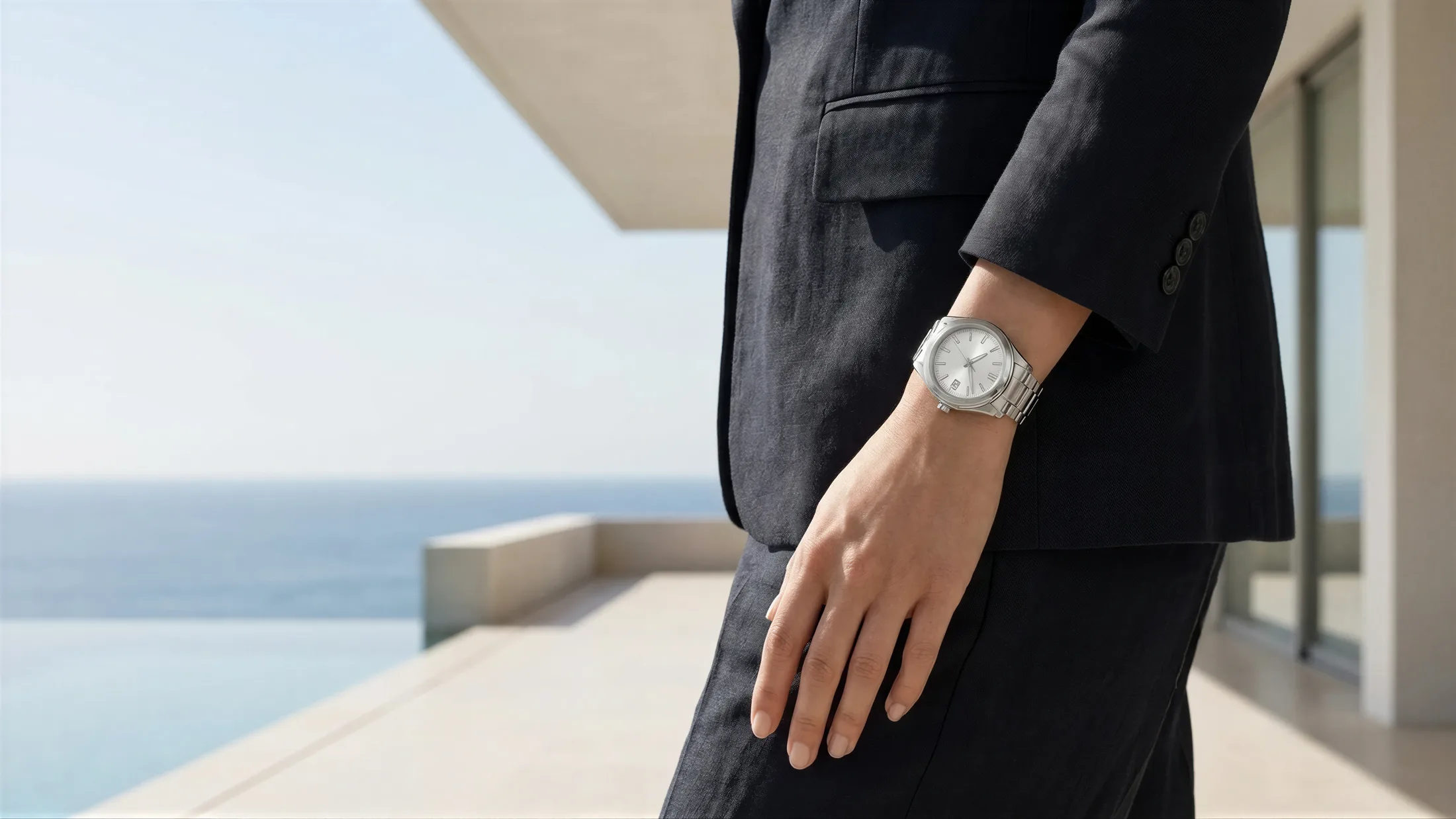
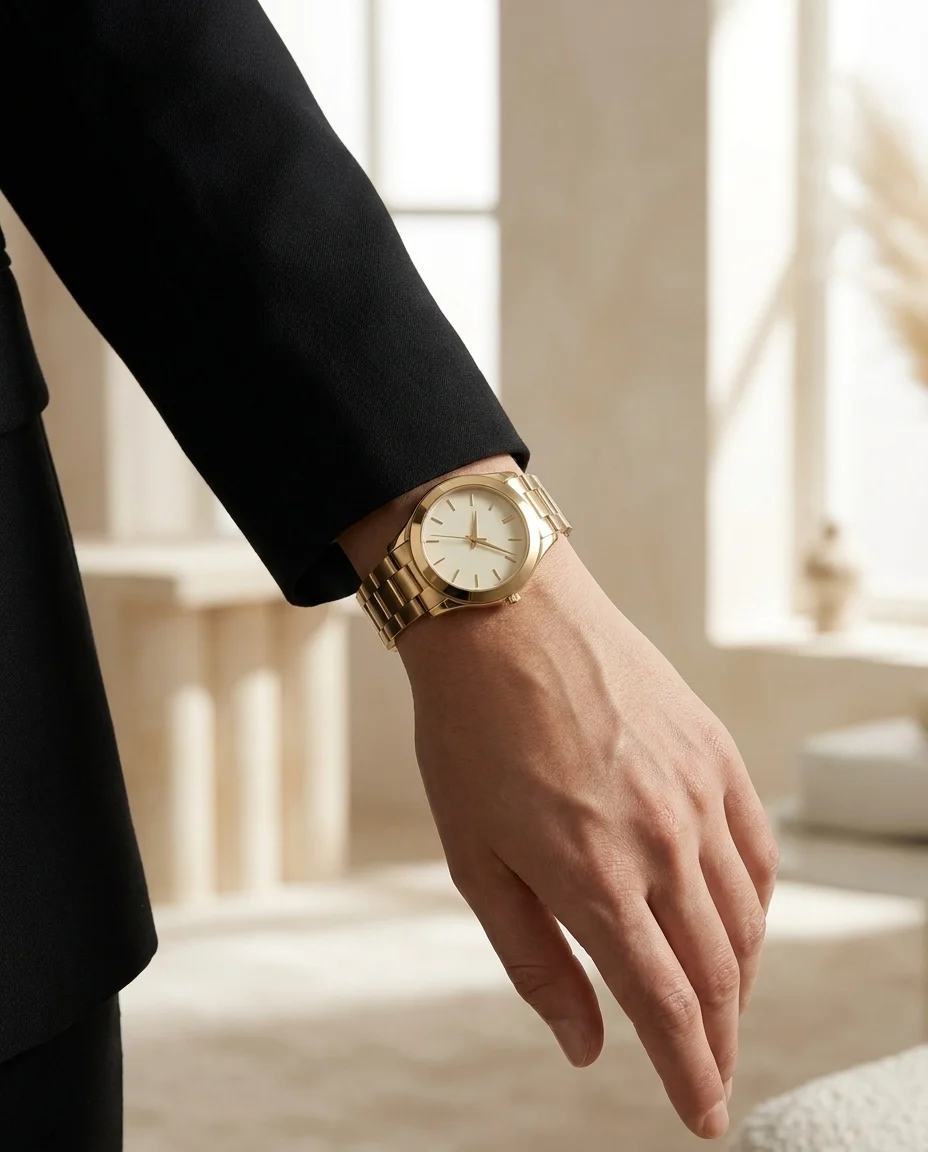
The exact premium watch worn on the model wrist
Turn watch product shots into polished wrist-worn visuals for ecommerce, campaigns, and launches in minutes.
The exact premium watch worn on the model wrist
Create premium watch-on-model visuals in three simple steps.
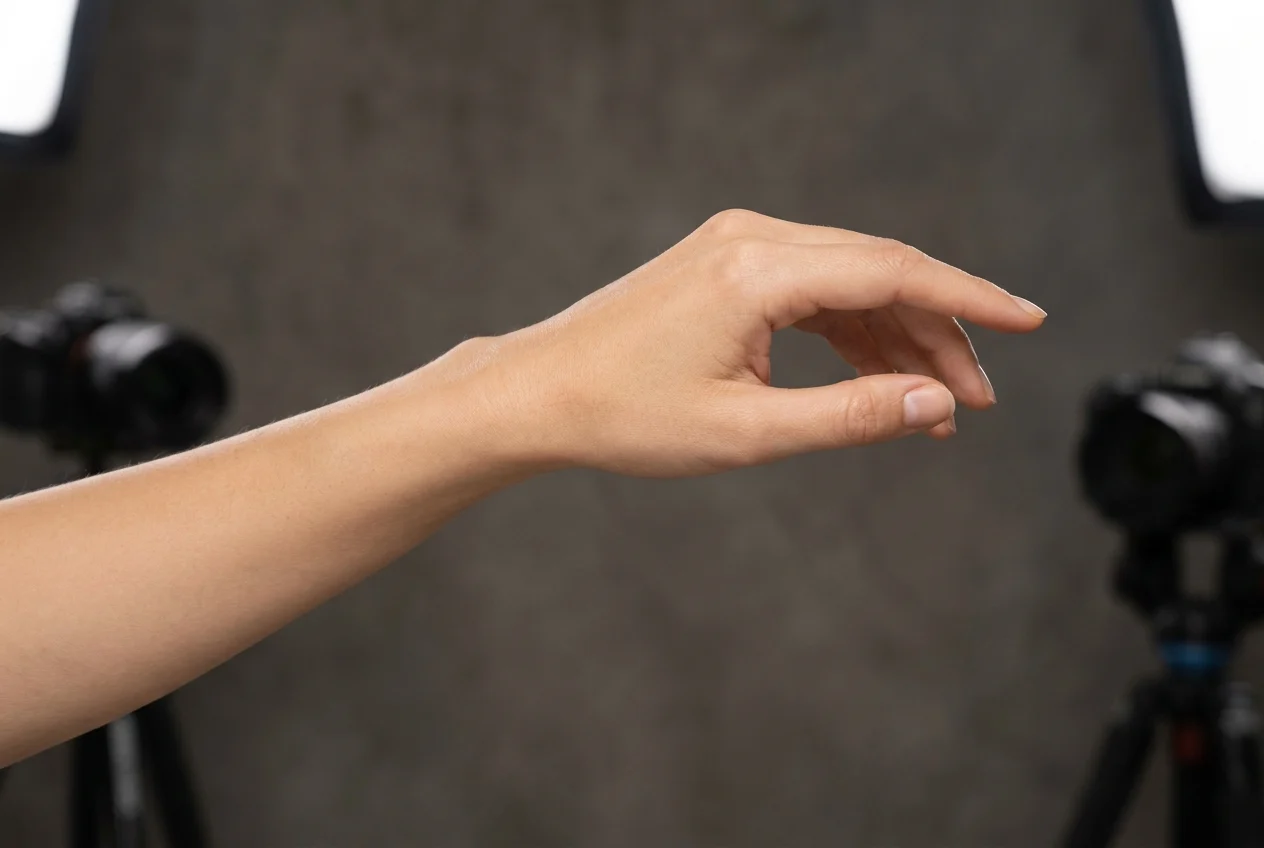
Upload a clean watch product image. You do not need a full wrist shoot to explain how the watch looks in use.
Match the watch to the right styling direction so shoppers understand wrist scale, material, and premium feel faster.
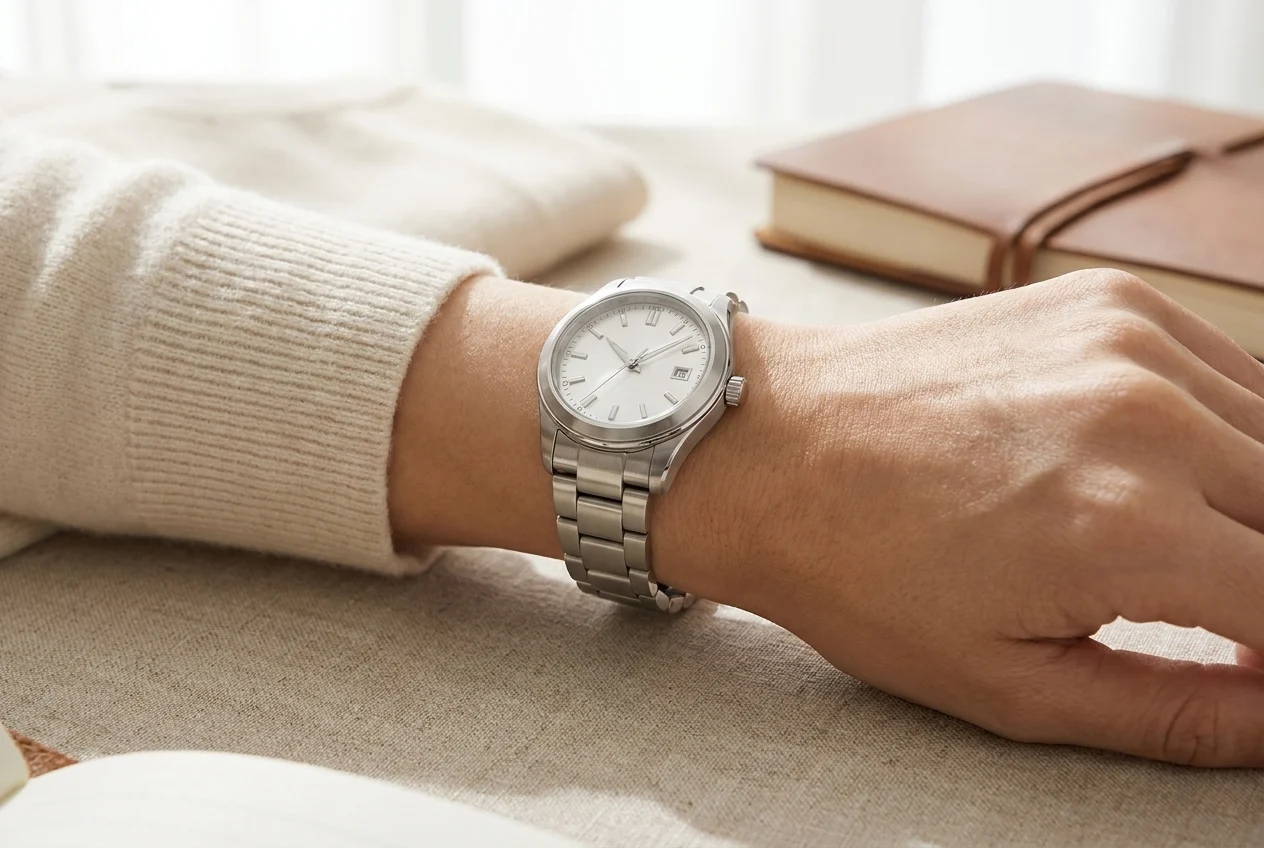
Download the final visual in high resolution and use it directly across ecommerce, ads, and collection launches.
Present watches in a faster, more premium way that explains wrist scale and material feel much better than product-only shots.
A watch is hard to judge from a standalone product shot. A wrist-worn visual shows case size, bracelet flow, and overall proportion much more clearly.
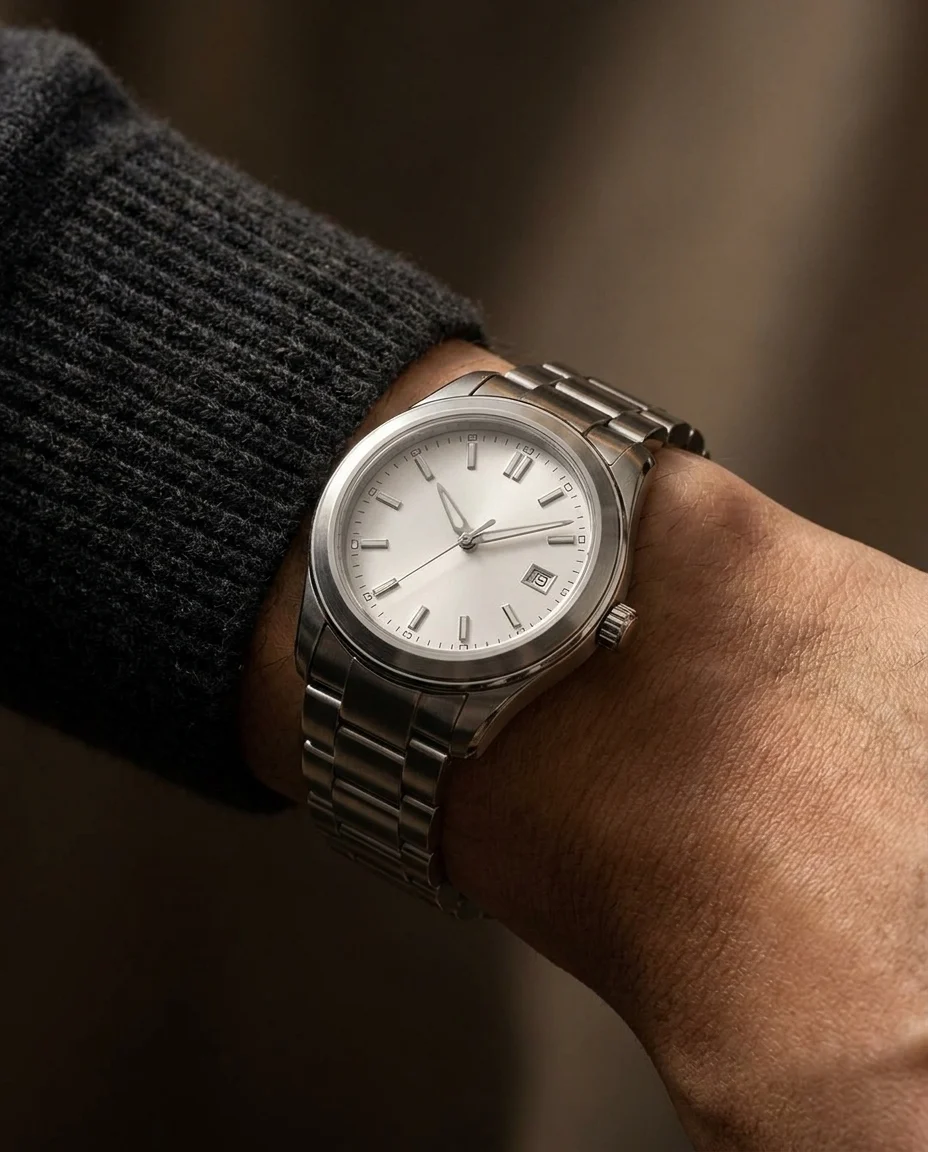
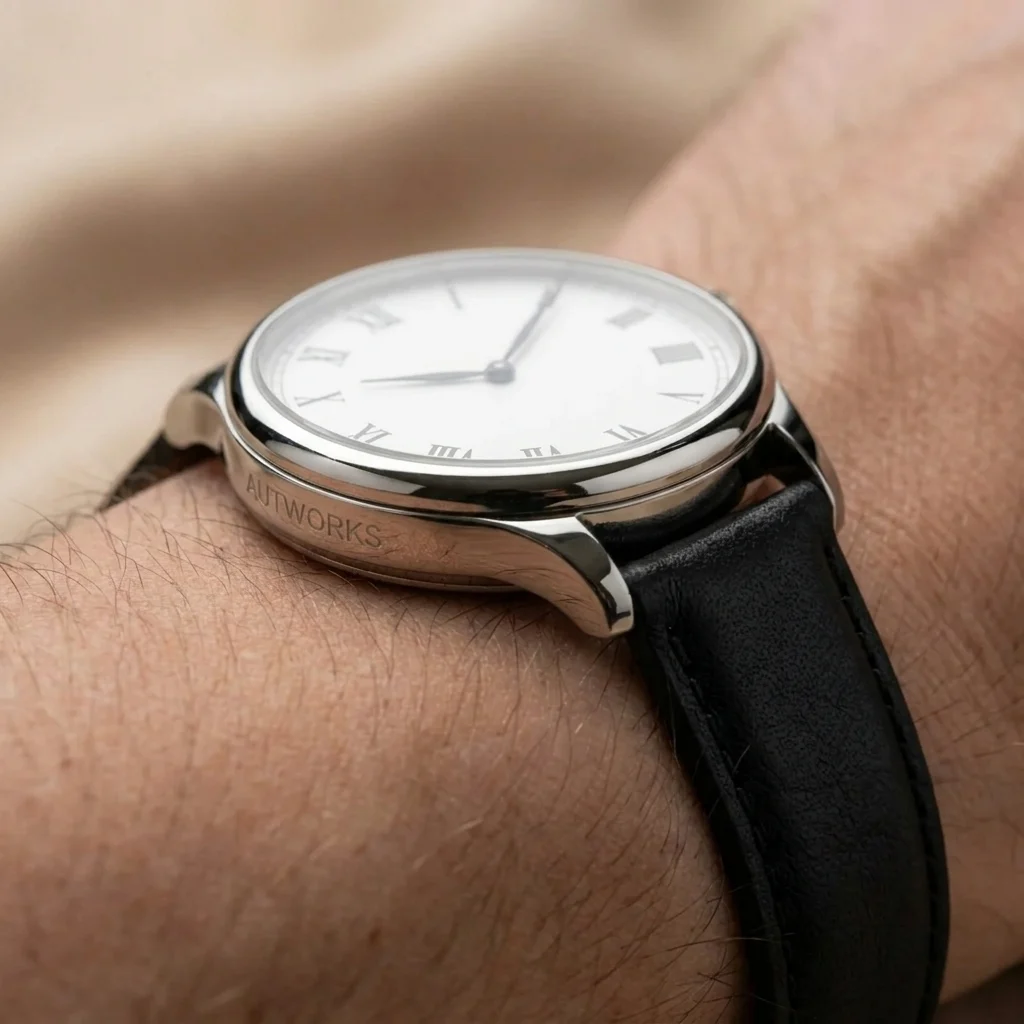
A watch shown on the right wrist instantly feels more luxurious and more campaign-ready than a technical standalone shot.
Explore premium outputsThe goal is not only to place the watch on a wrist, but to preserve dial clarity, polished metal reflections, and believable proportion.
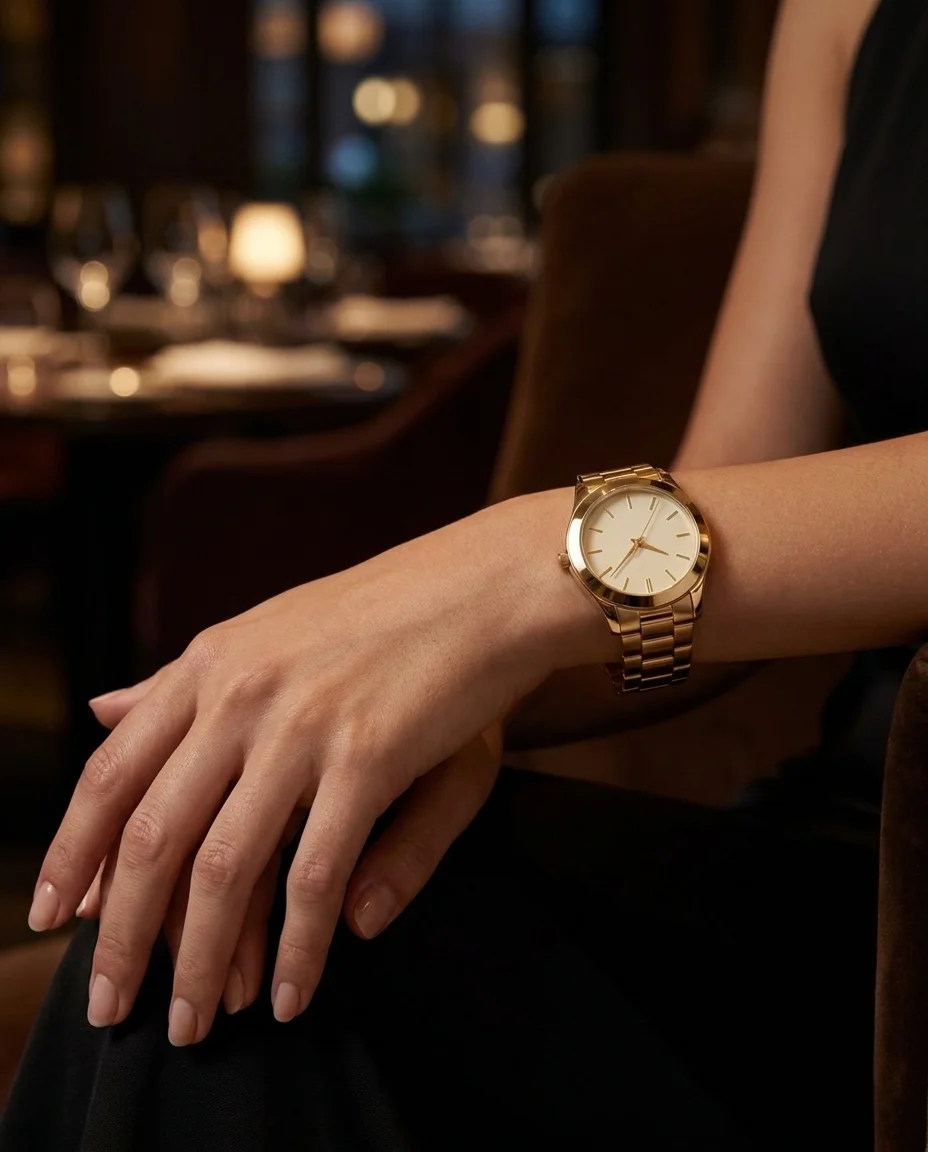
Move from isolated watch product visuals to richer wrist-led presentation across luxury, dress, and collector categories.
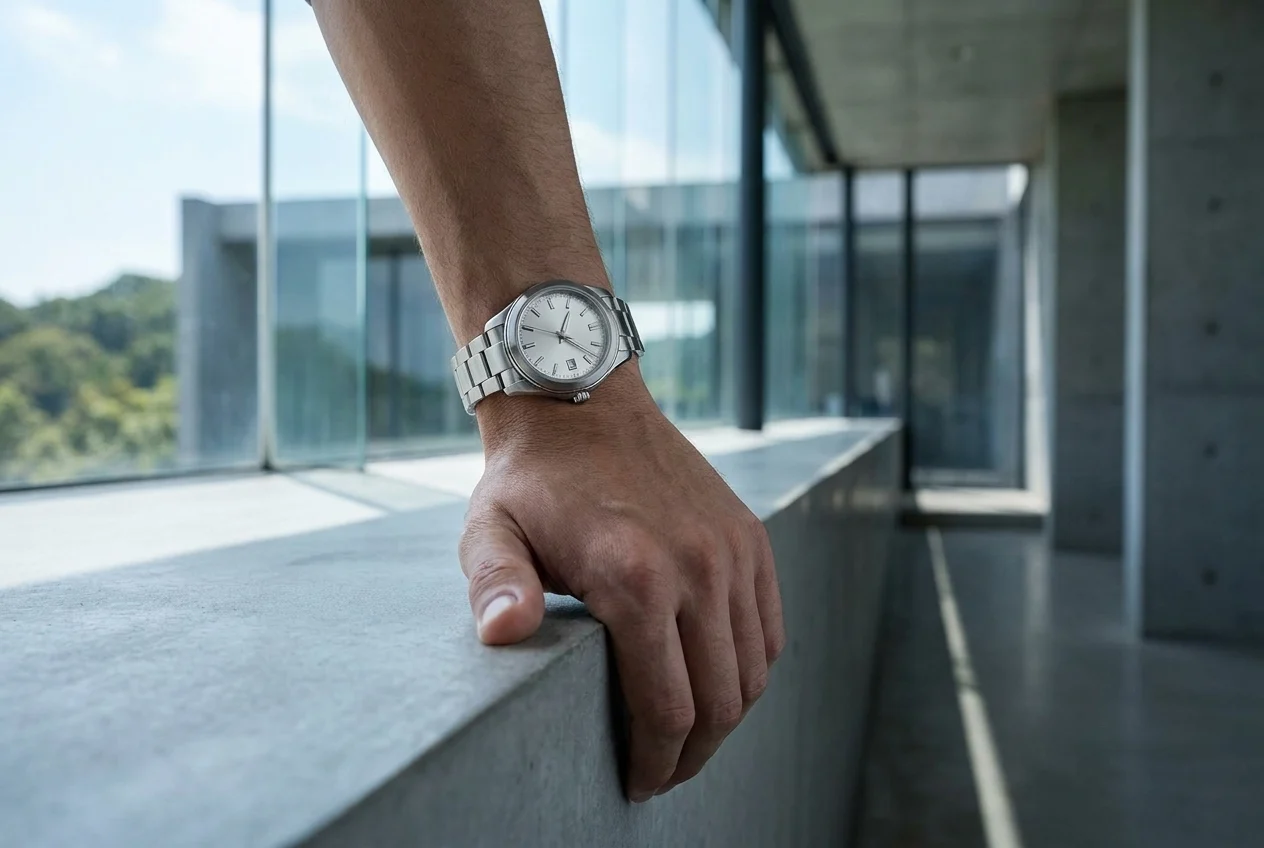
Premium wrist presentation
Showing the watch on a wrist immediately lifts perceived value and creates a stronger premium presentation.
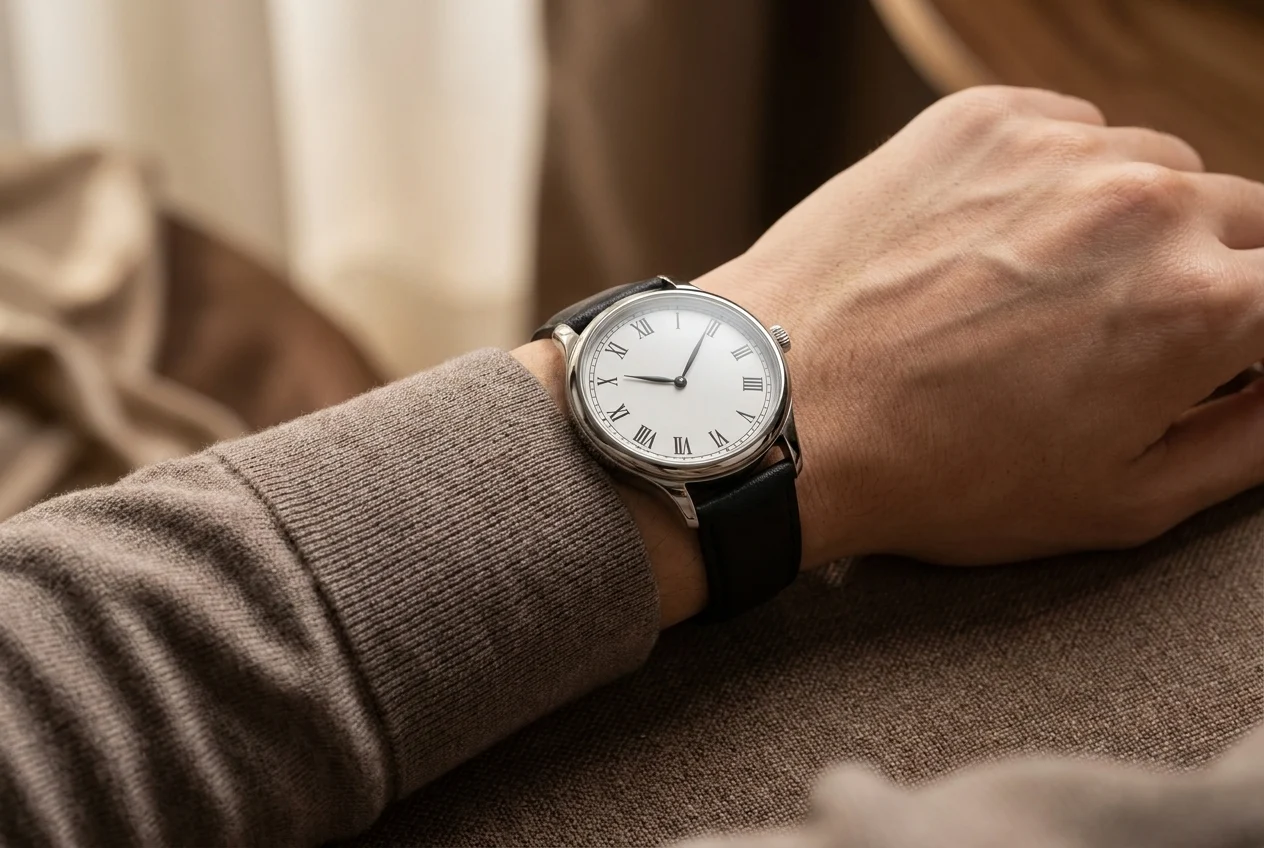
A stronger product story
Moving from a product-only shot to a wrist-worn visual creates a much stronger campaign language in watch categories.
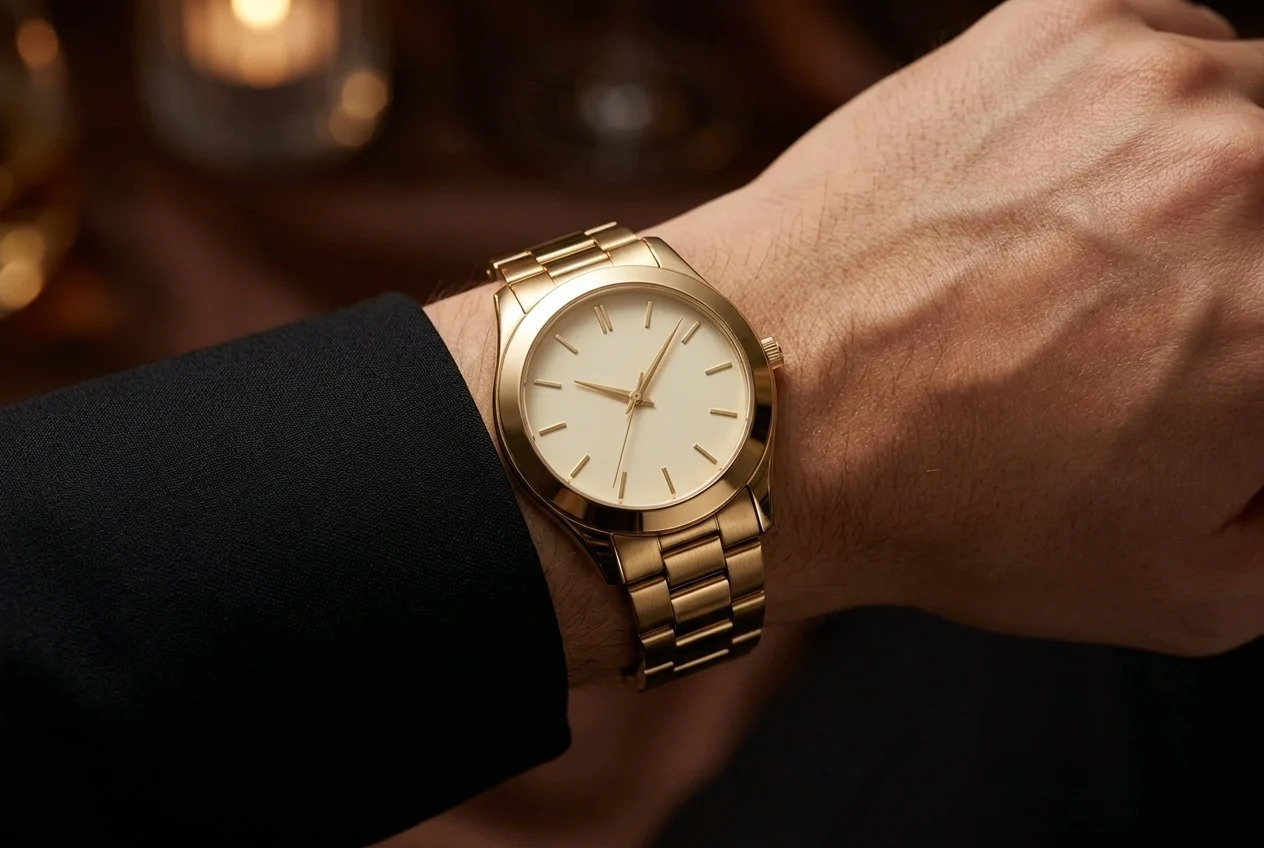
Catalog and ad alignment
A watch shown on a model wrist feels much more complete for both ecommerce and launch creative.
Use model-led watch visuals anywhere your team needs faster and more persuasive content.
Show how the watch sits on the wrist and create a clearer sense of scale and premium value on product pages.
Try watch modelCreate stronger model-led and lifestyle visuals for new watch drops instead of relying only on standalone product shots.
Try watch model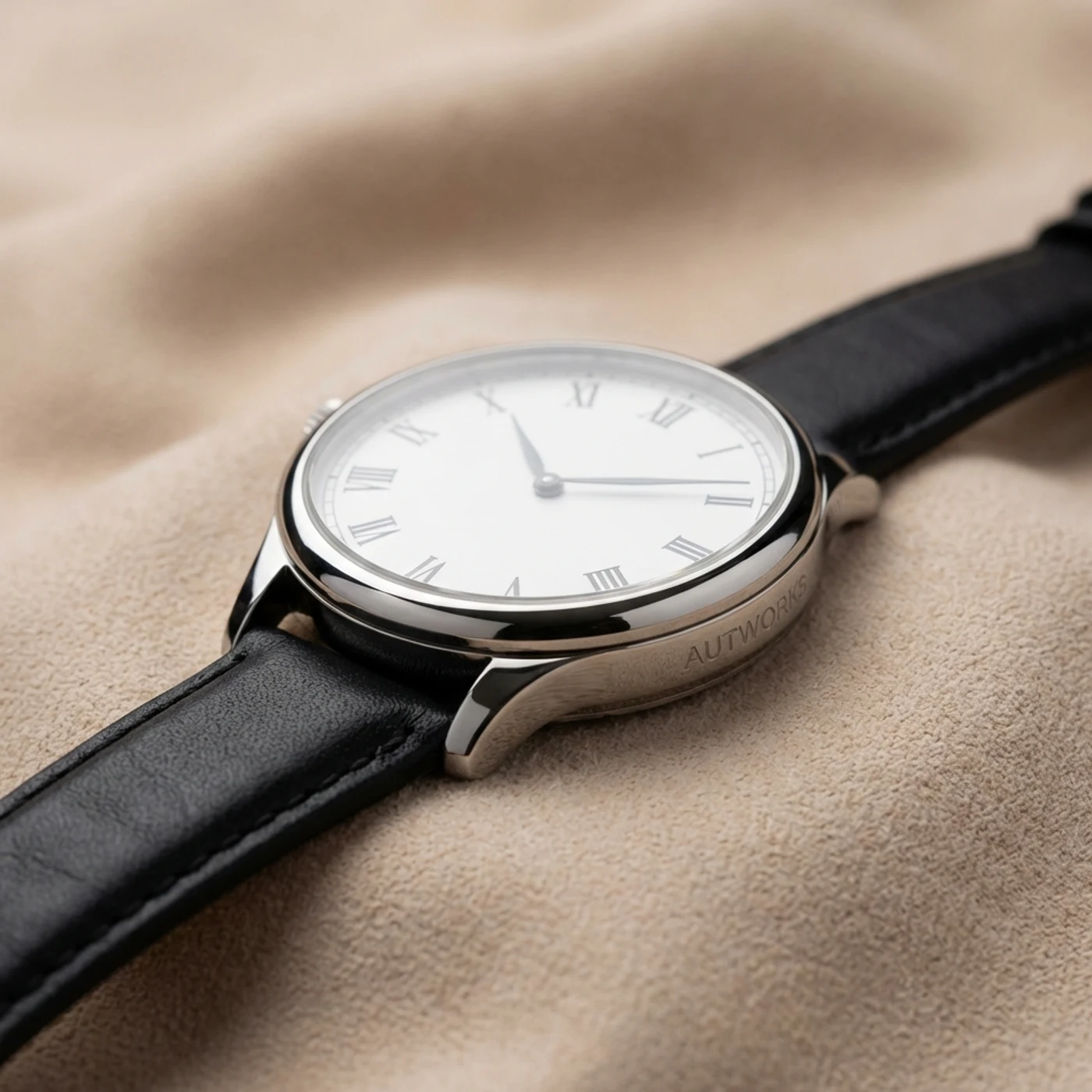
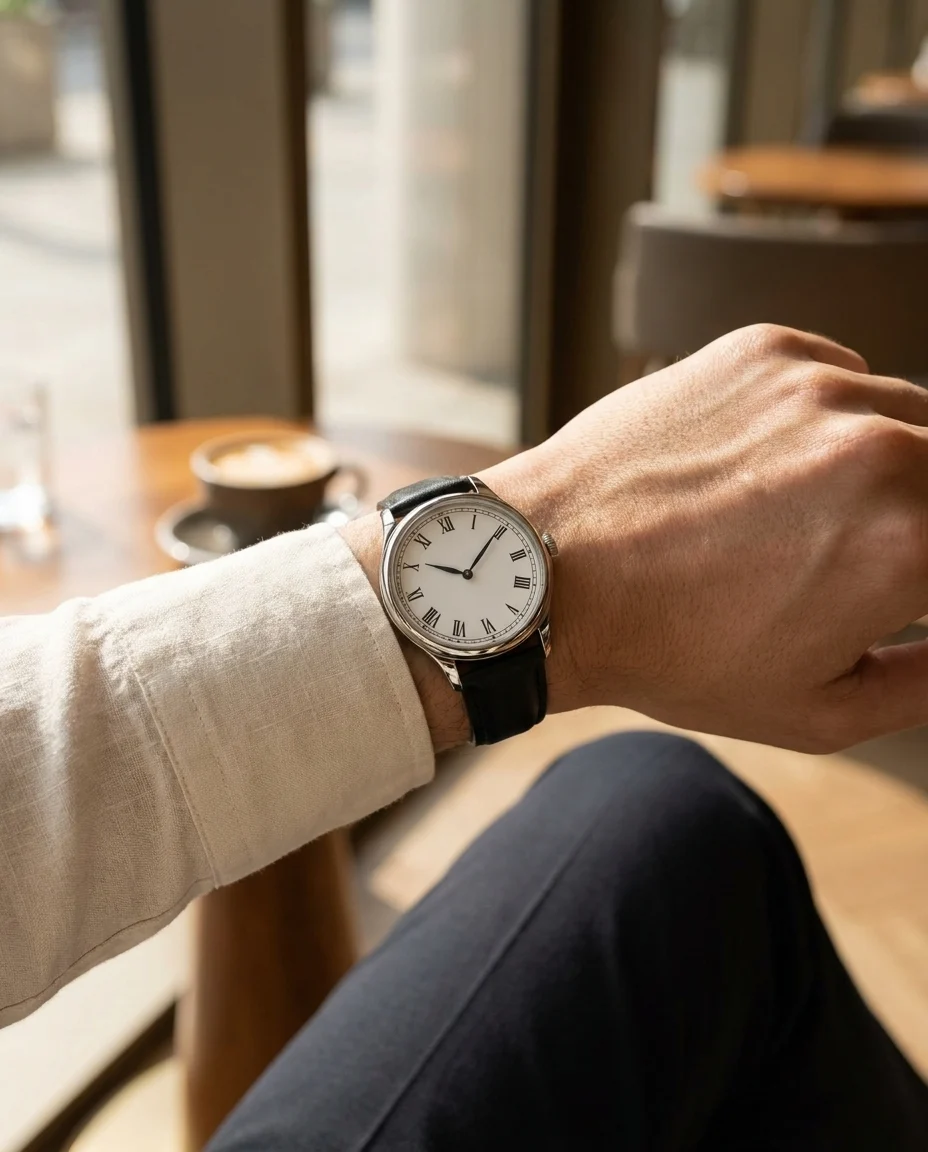
Present different case and strap directions in a more editorial language for catalogs, launches, and wholesale presentations.
Try watch model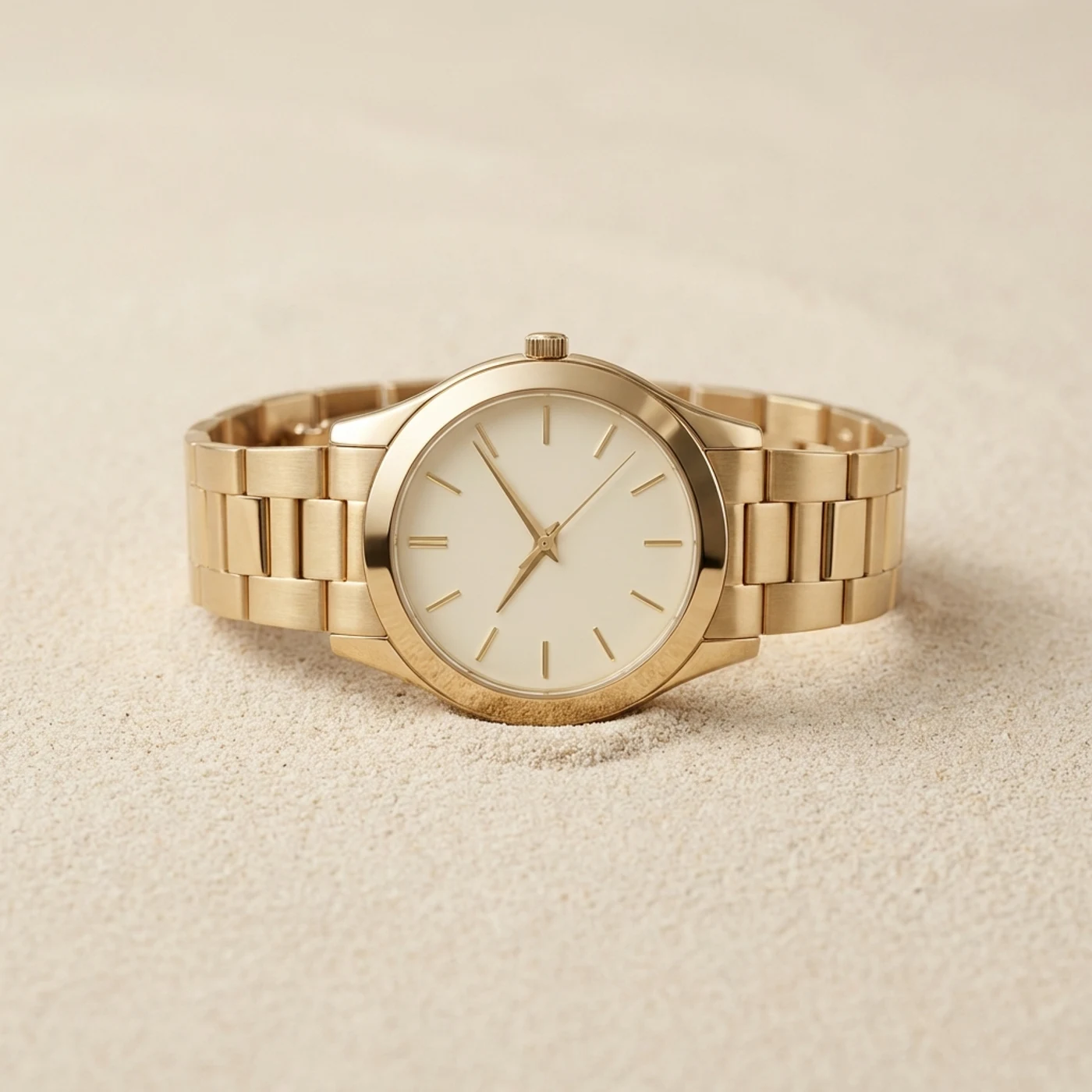
Build a full visual workflow with the rest of the AutWorks toolkit.
Answers to the most common questions teams ask before moving watch production into this workflow.
Create campaign-ready watch visuals in minutes, improve wrist perception, and move faster across every channel.