Why a physical model isn’t always necessary
Shooting with a physical model is a powerful approach, but it isn’t always sustainable for every brand. A shoot day generates many cost line items, including planning, the model, styling, the location, the crew, and retouching. On top of that, the process becomes heavier as your SKU count grows. That’s exactly why growing brands in particular turn to alternative production systems.
This is where photographing products without a model comes in. Thanks to methods such as flat product photography, ghost mannequin, and virtual models, products can be presented professionally to suit different needs. What really matters is knowing which method to use to produce which type of content.
The difference between flat lays, ghost mannequins, and virtual models
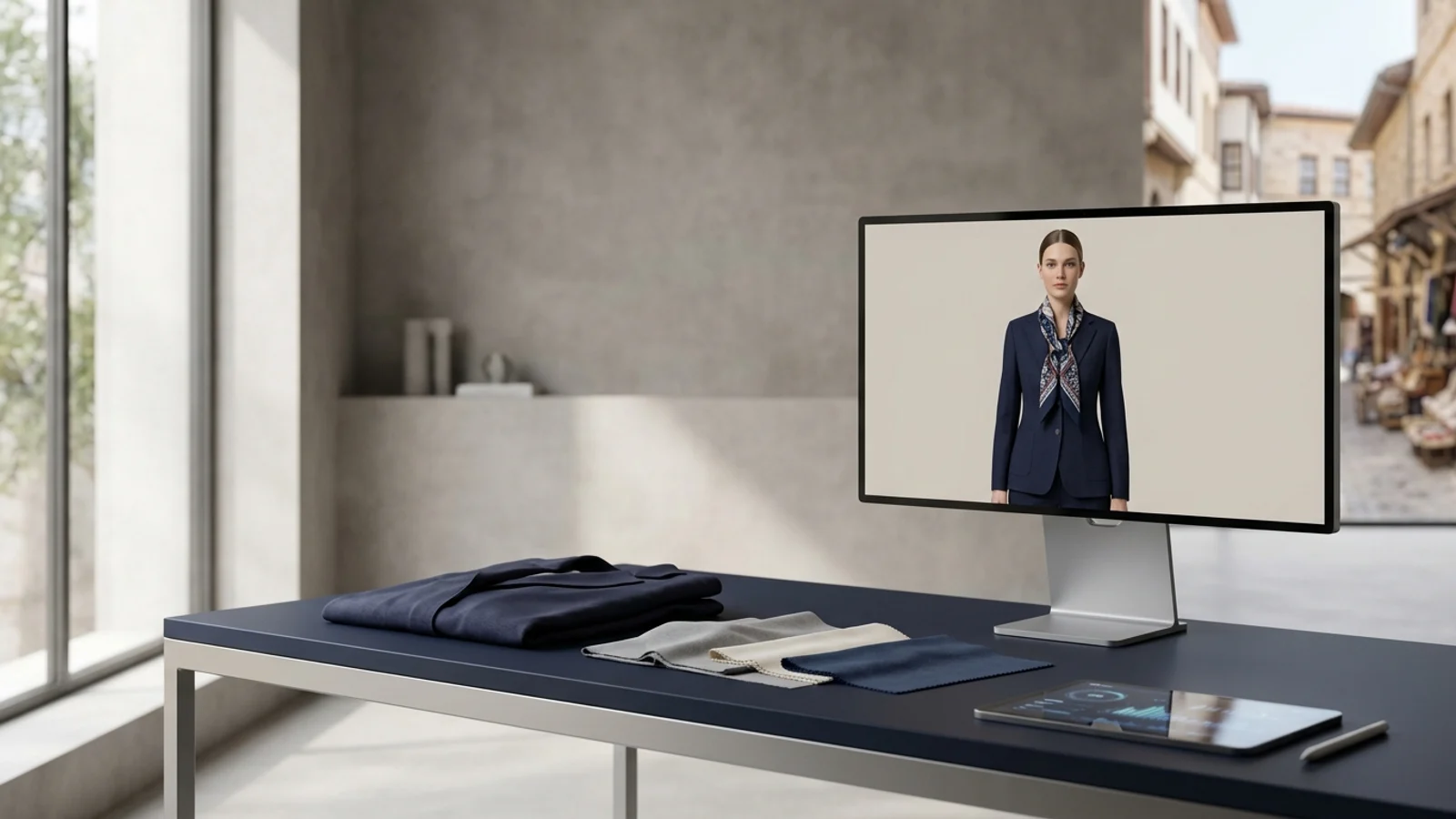
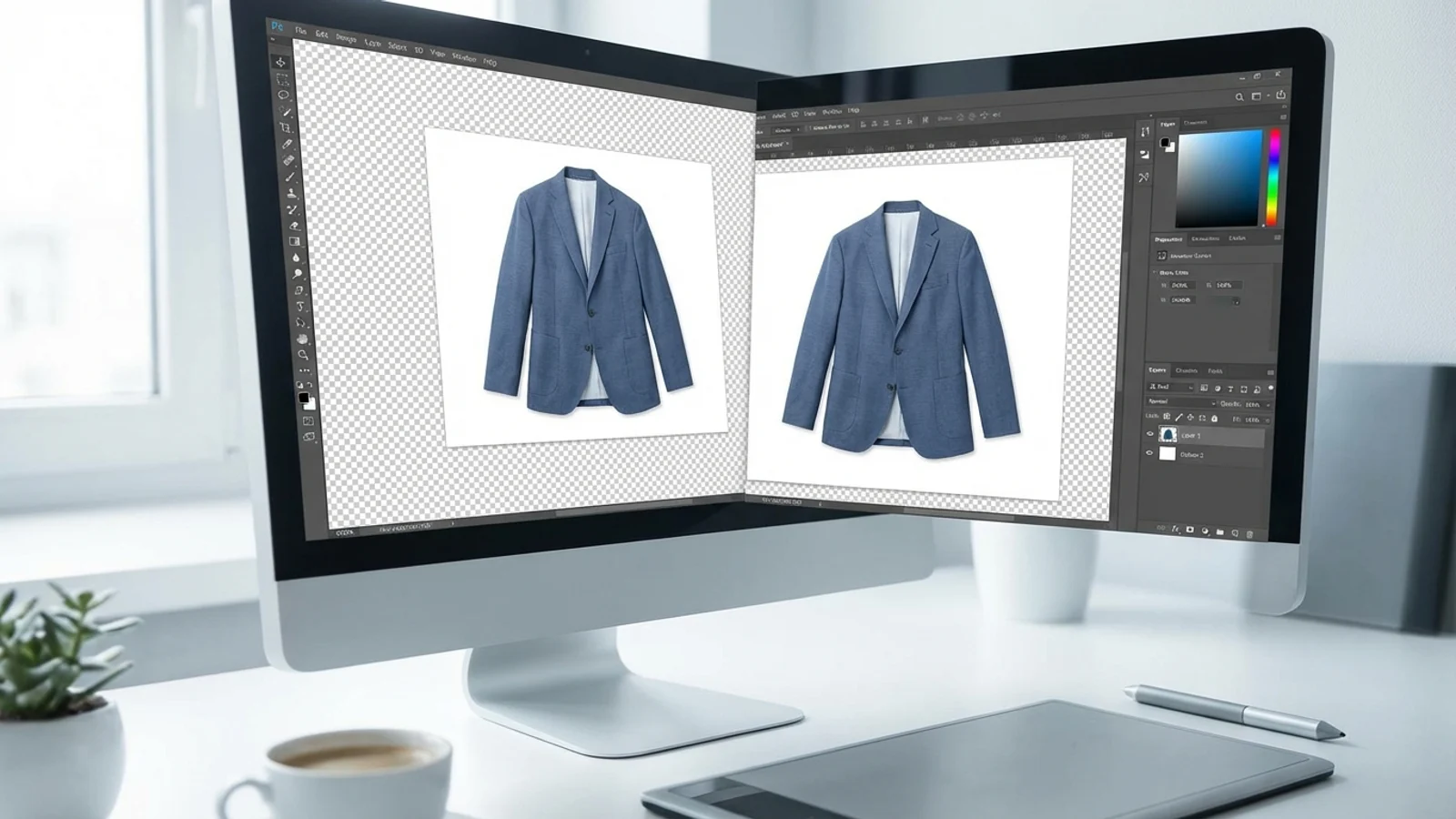
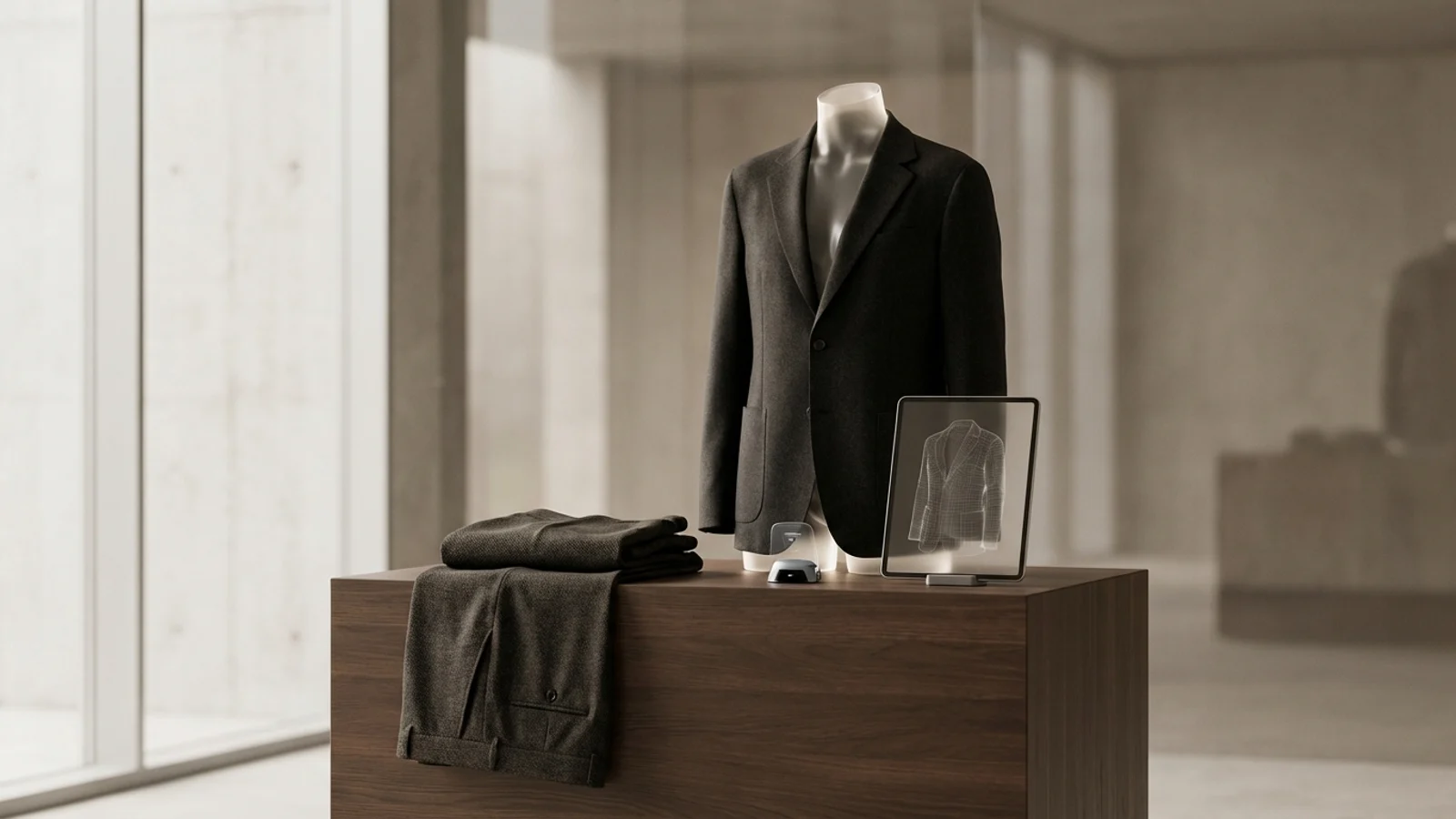
Flat lay is the fastest and most neutral method. It shows the product plainly on a table or surface. The ghost mannequin does a better job of conveying the product’s inner form and silhouette. A virtual model, on the other hand, shows the product on a real person and creates a sense of how it’s worn. These three methods don’t solve the same problem; they serve different needs.
For example, in a detail-focused catalog shoot, a flat lay may be enough. If you need a silhouette, the ghost mannequin stands out. If you need a more attractive model-based scene for advertising and category pages, the virtual model comes into play. Successful brands use these options together.
Which method is more efficient for which brand?
For brands that sell mainly through marketplaces and carry a wide range of products, ghost mannequin and clean product photography can be a good starting point. Brands that want a stronger presence on their own ecommerce site, in advertising, and across social media can make a difference with a virtual model approach. For small teams, the key is producing the greatest variety of content with the least operational effort.
That’s why, instead of searching for a single “best method,” it’s better to decide based on product type and sales channel. An oversize sweatshirt and a couture dress, or a basic t-shirt and a structured jacket, may not be best presented through the same content system.
Tips for maintaining quality in model-free photography
Whatever method you use, the input product photo must be clean and tidy. Wrinkles, incorrect color, crooked angles, and shooting errors that distort the form all negatively affect the later stages. The product’s shoulder line, sleeve length, stitching, and overall silhouette should look right.
You should also plan different image types for different use cases. Don’t try to solve the product page, category banner, advertising, and social media with the same single frame. In model-free photography, the real strength comes from controlled variation production.
Sources