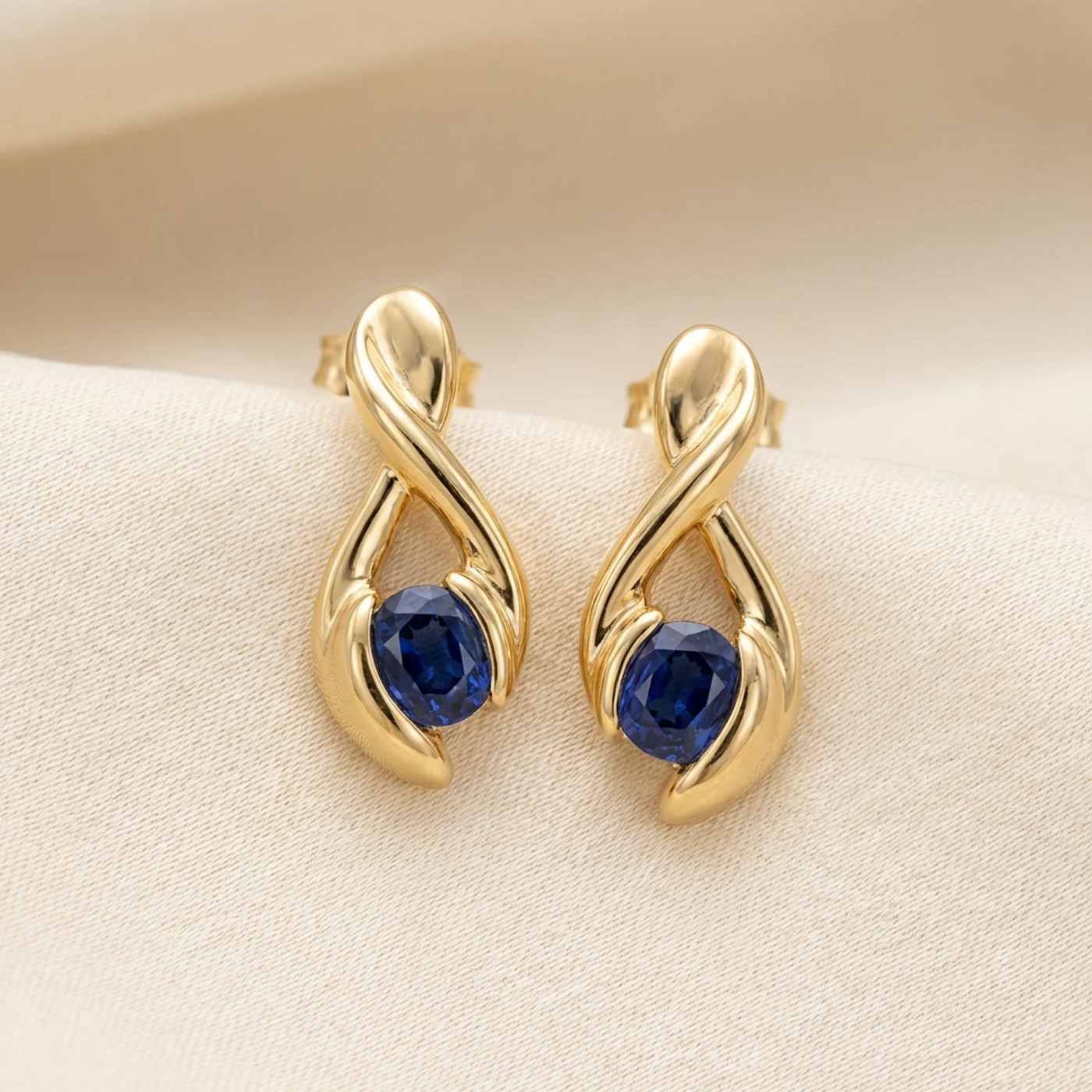
Look piece
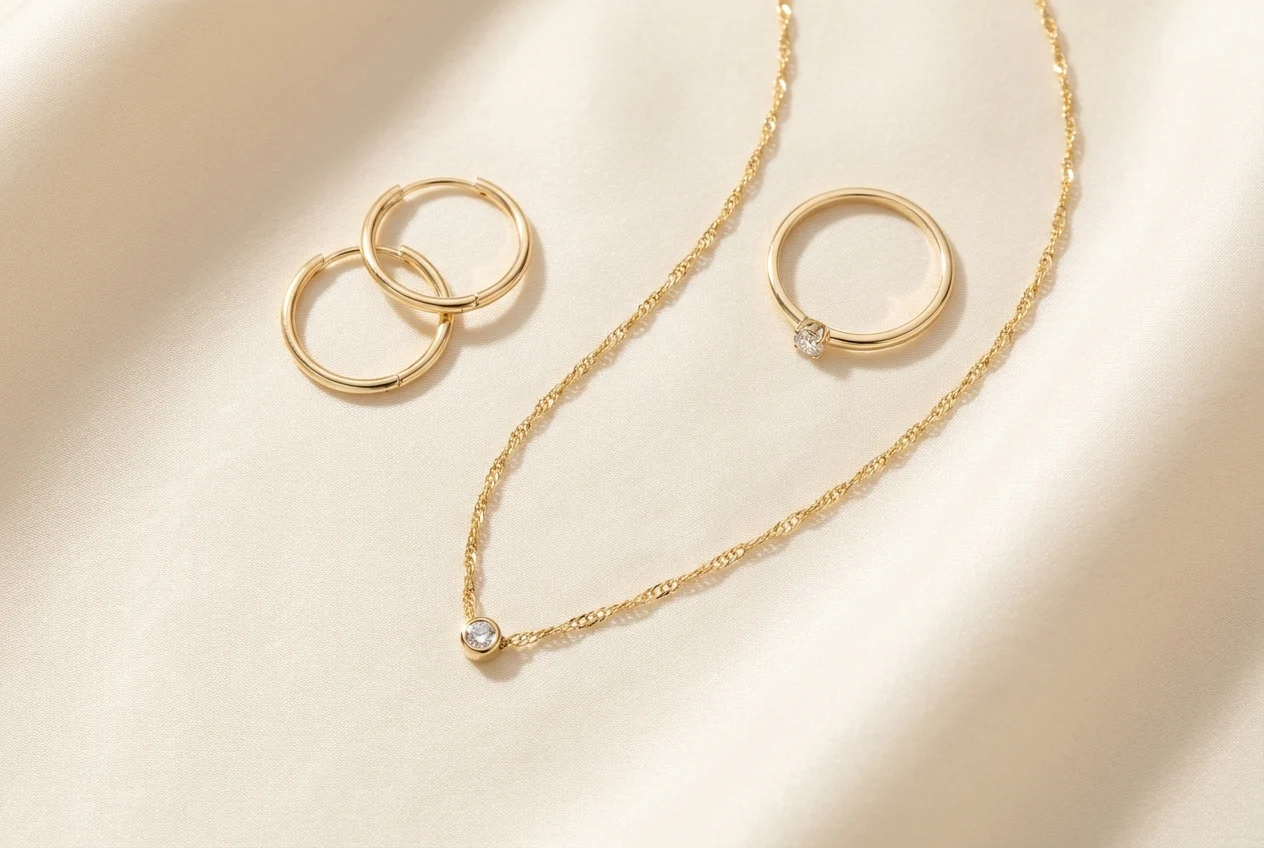
Earring Set
Premium earring presentation for PDPs and campaigns
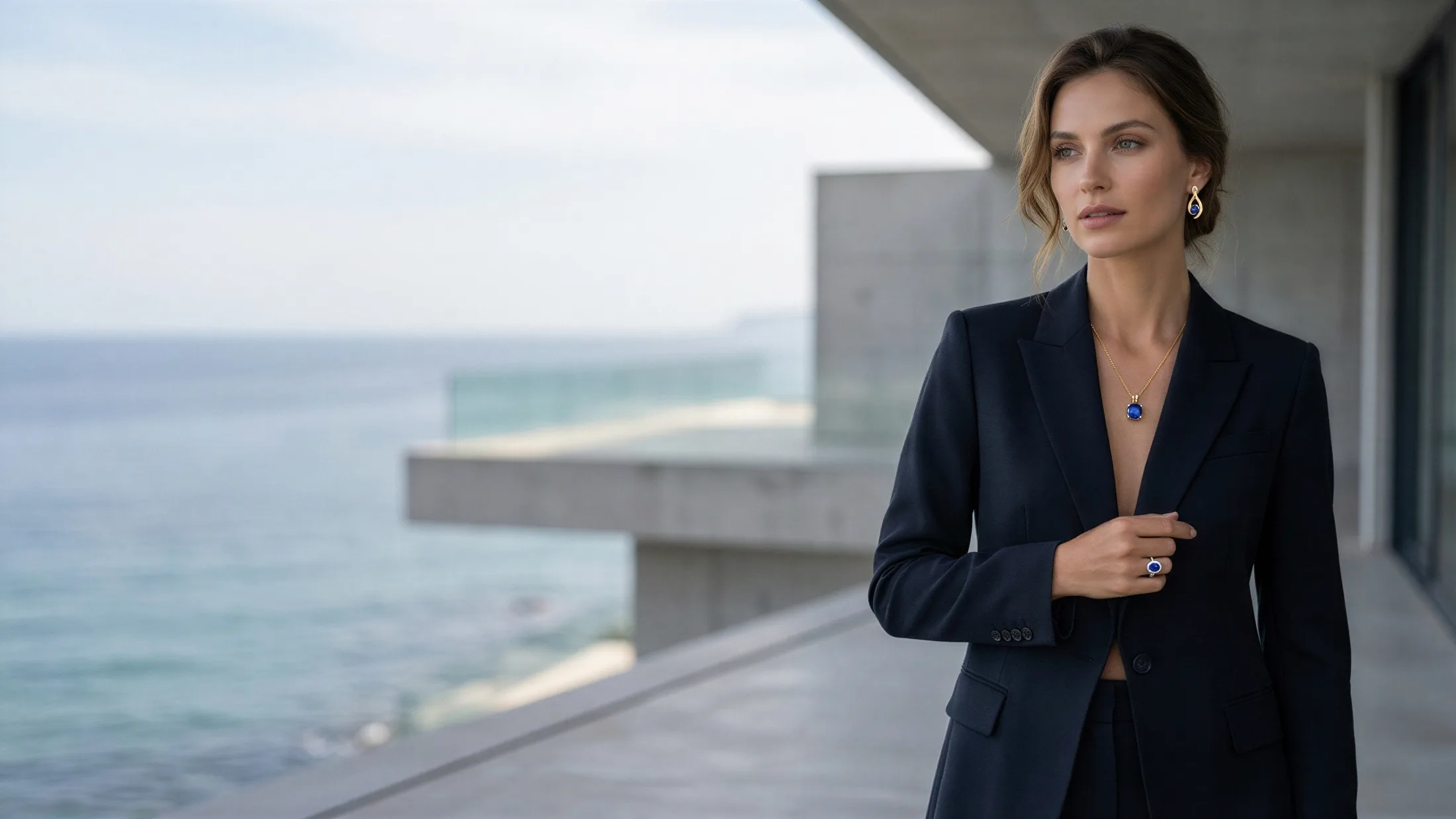
Turn ring, earring, and necklace shots into polished model visuals for ecommerce, campaigns, and catalog stories in minutes.
Premium earring presentation for PDPs and campaigns
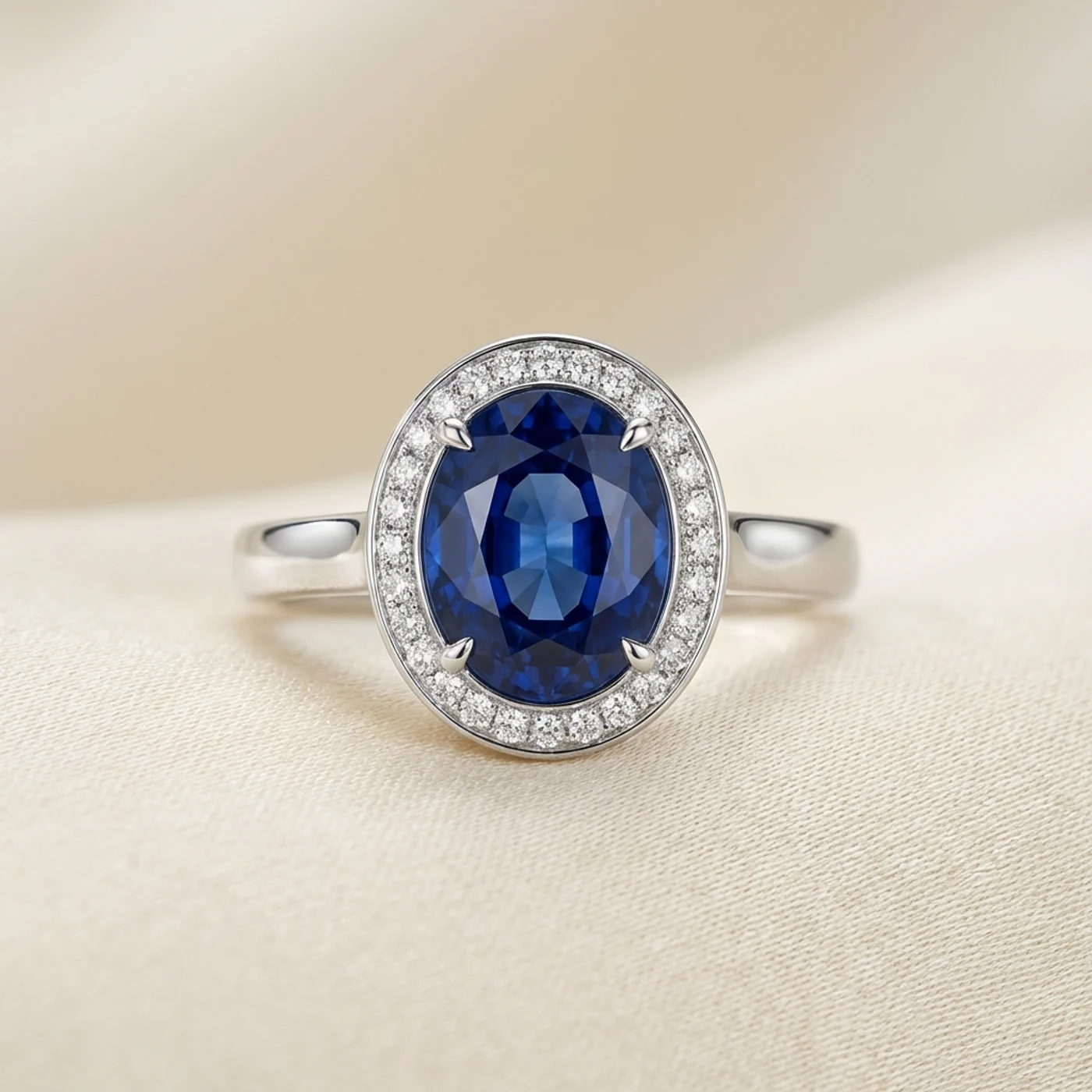
Sharp gemstone detail for close-up catalog use
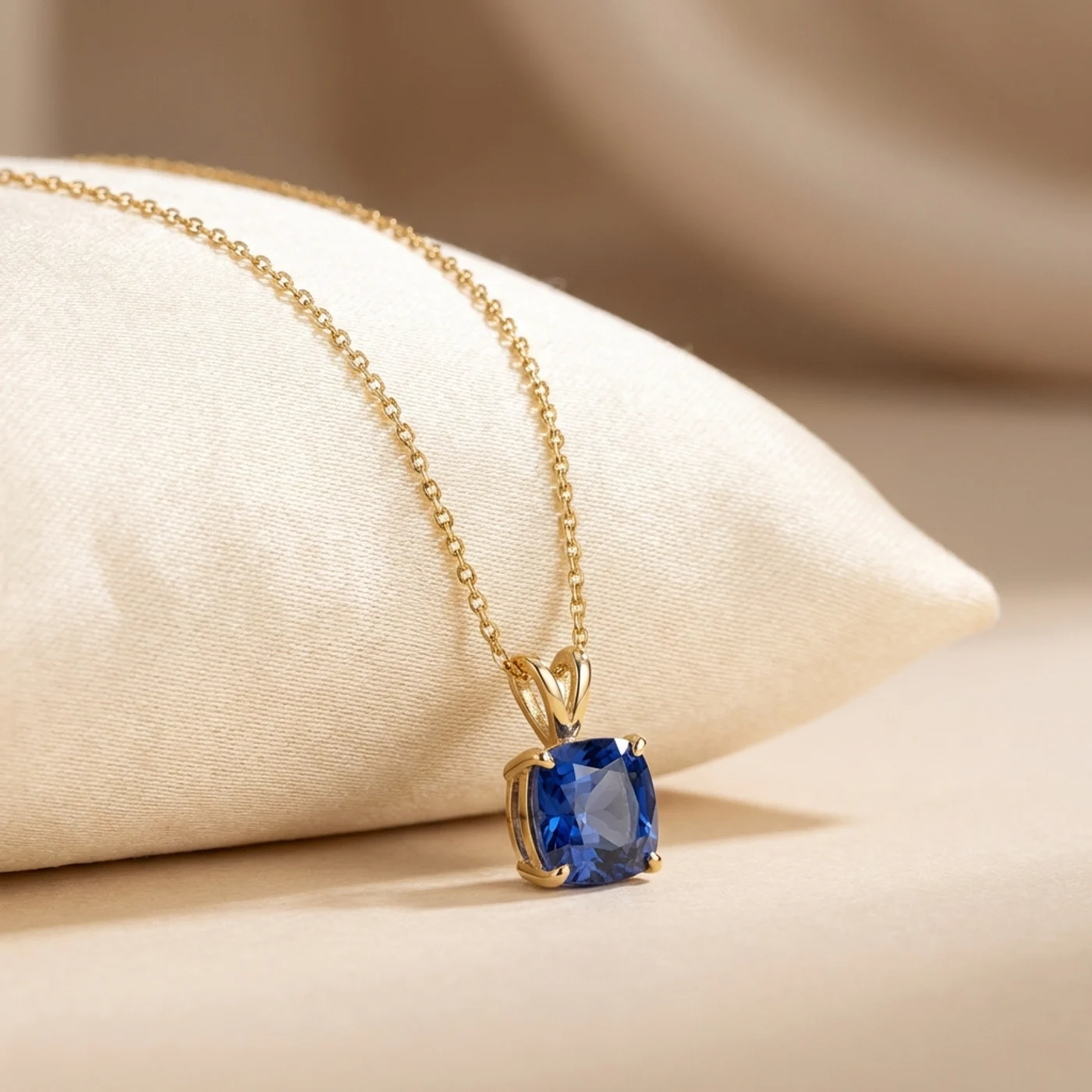
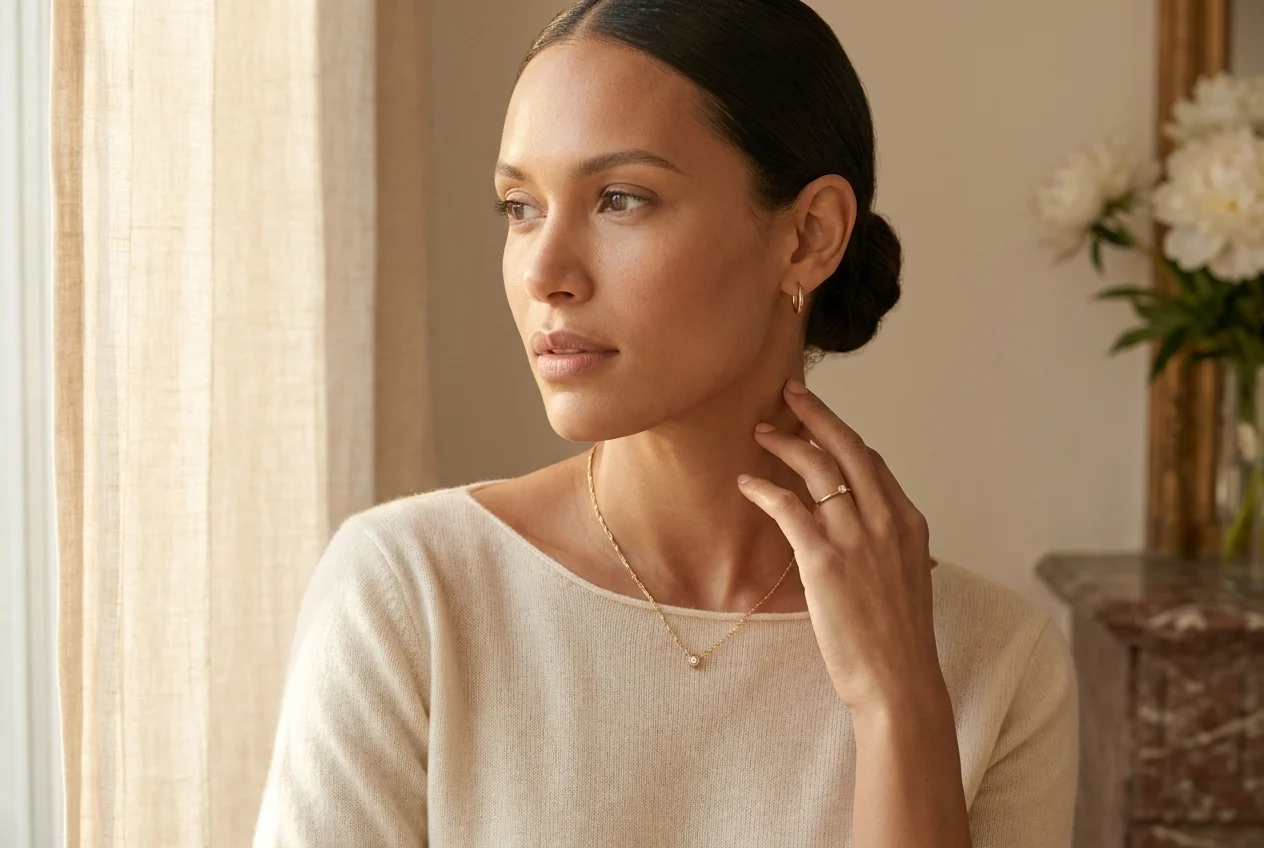
Elegant necklace visual ready for lifestyle scenes
Create premium jewelry-on-model visuals in three simple steps.
Upload a clean ring, earring, or necklace image shot on a simple background. You do not need a full set build or a live model shoot to start.
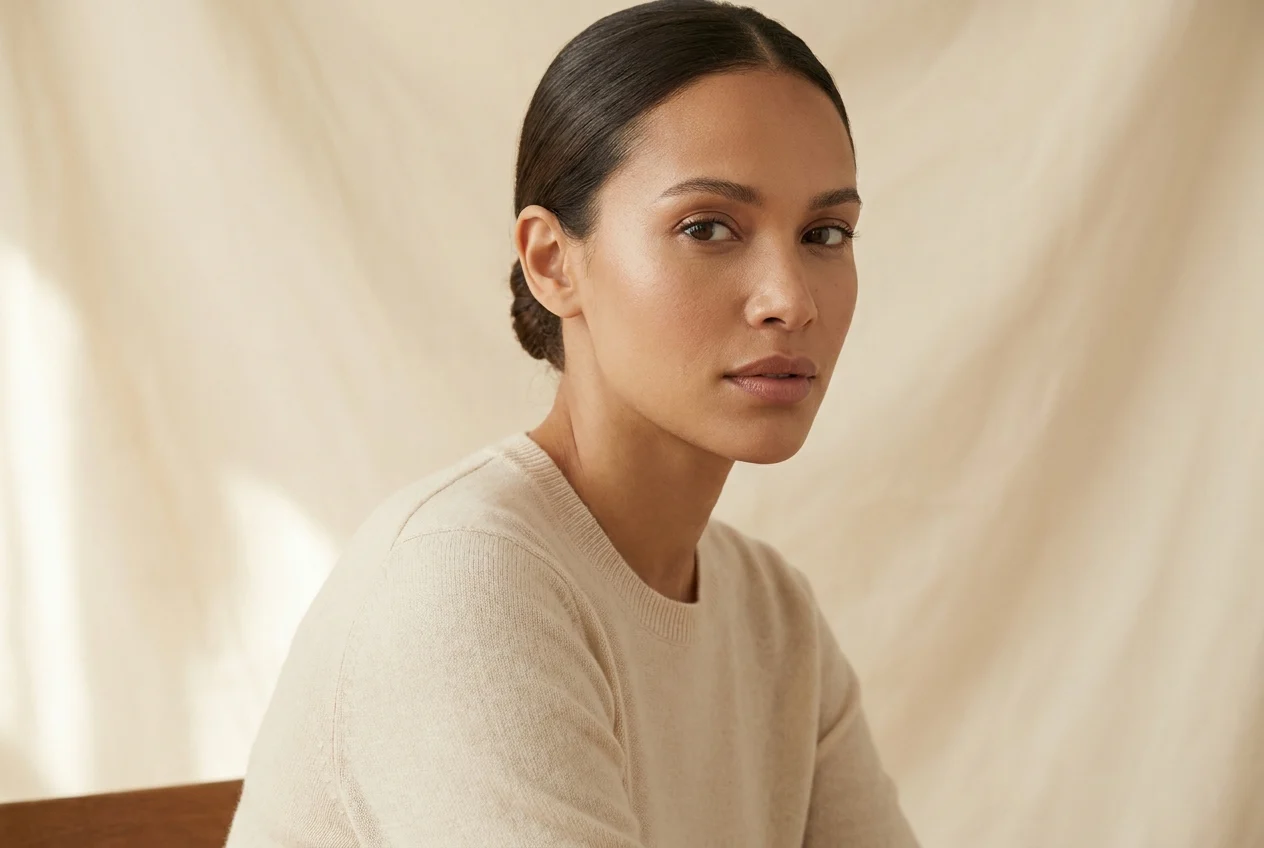
Set the look and tone you want, from clean ecommerce to editorial luxury. The system places your jewelry on a premium model scene aligned with that direction.
Download the final output in high resolution and use it immediately across PDPs, ads, social content, and campaign assets.
Build faster, more premium jewelry visuals that feel made for ecommerce and campaigns instead of basic product-only listings.
Traditional jewelry campaigns need casting, styling, lighting, makeup, and retouching. AutWorks compresses that process into a faster workflow that starts from your product photo.
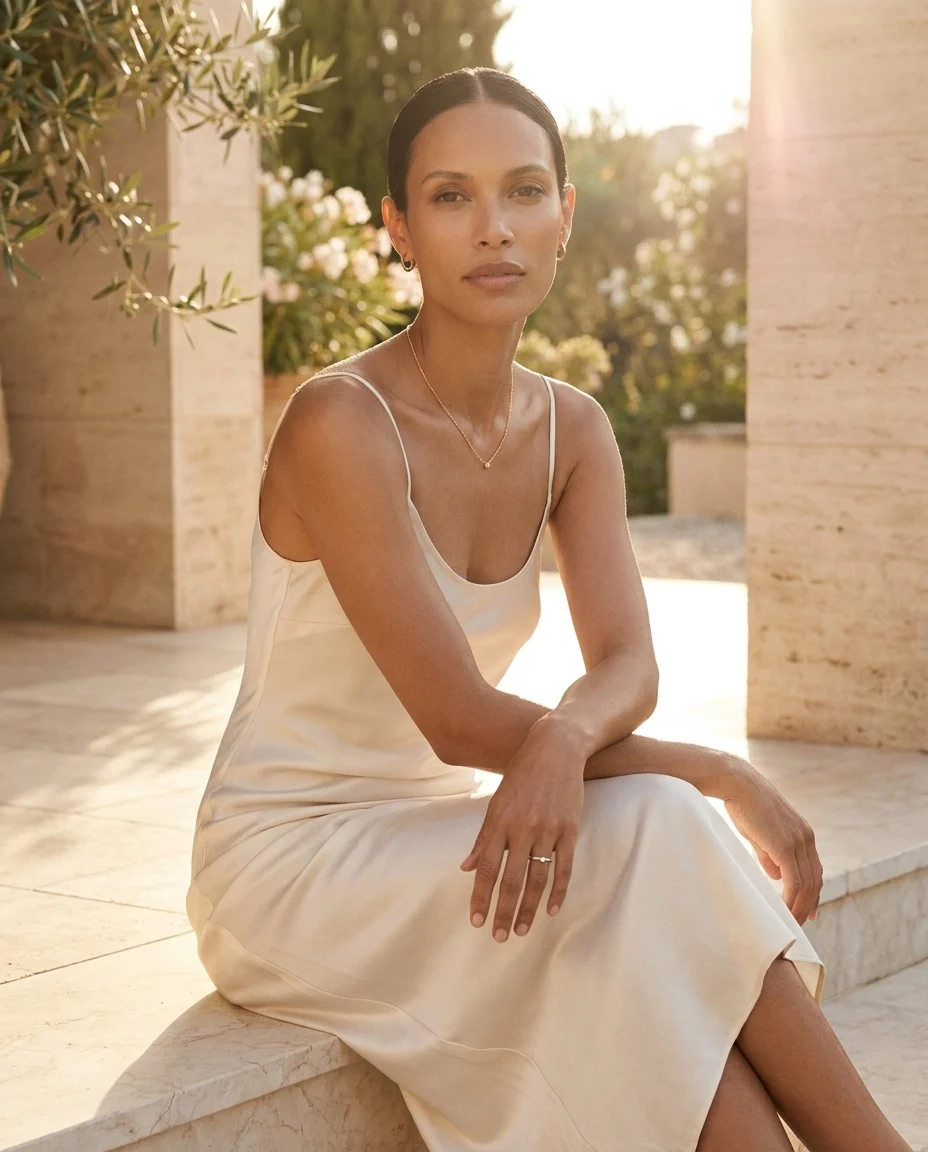
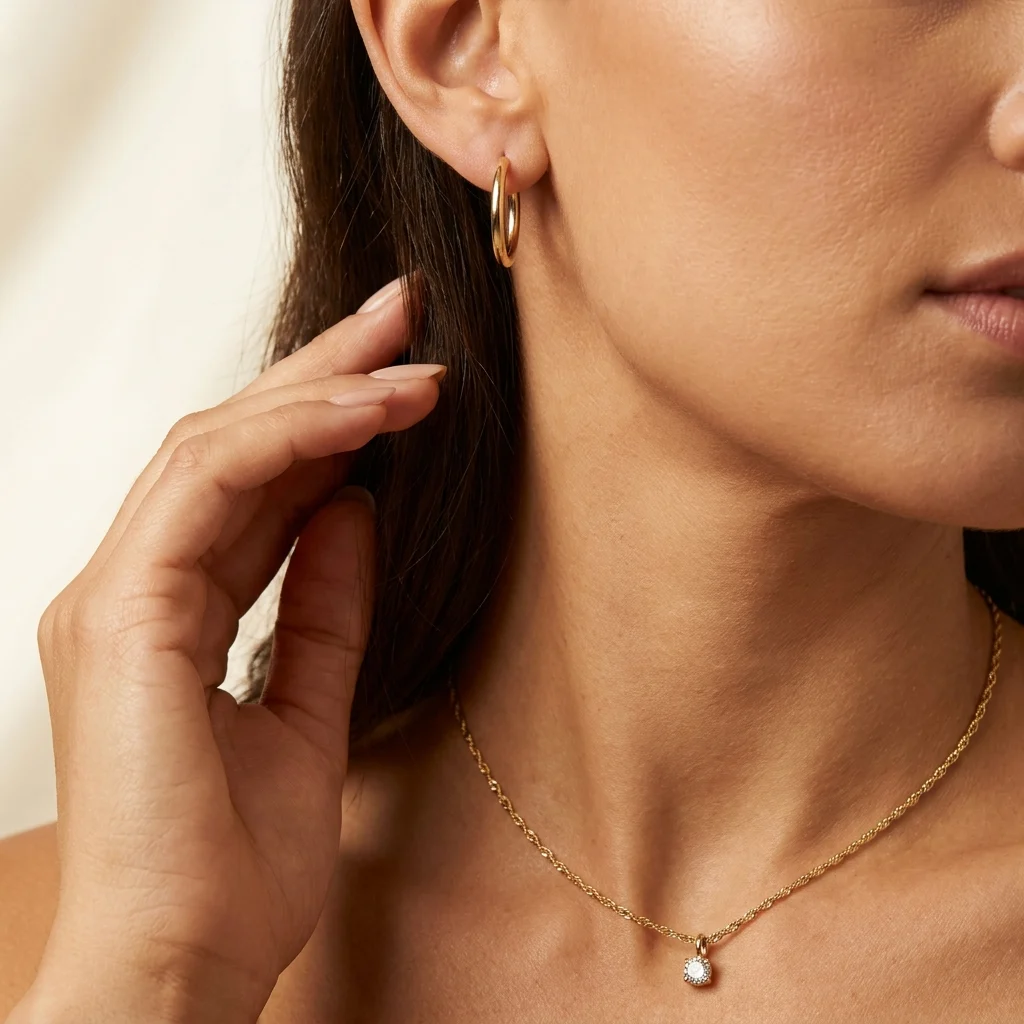
Jewelry often sells through detail, mood, and trust. Presenting pieces on realistic faces and skin tones makes the collection feel more complete and more expensive.
Explore premium outputsThe goal is not only to place a ring or necklace on a model, but to keep reflections, gemstone presence, and scale believable enough for high-intent shoppers.
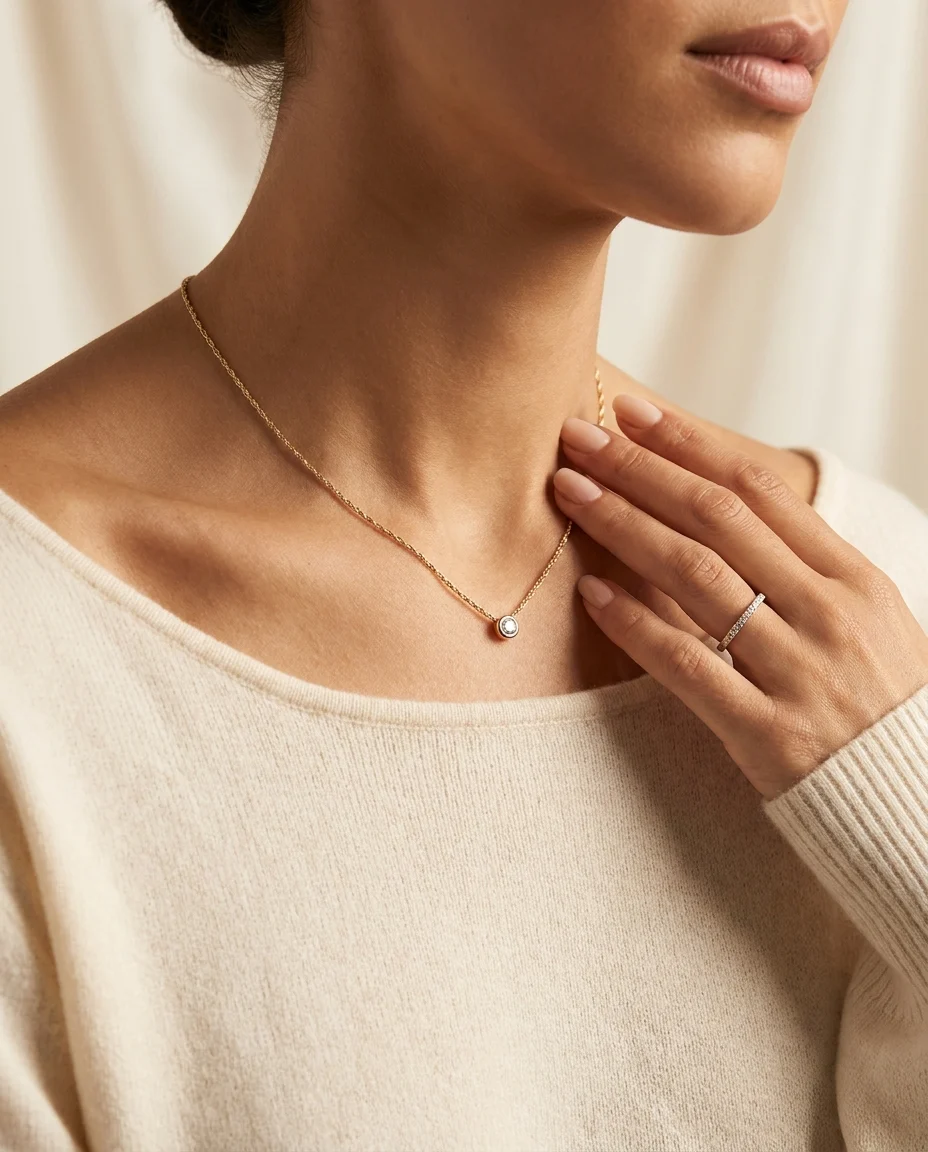
Move from isolated product thumbnails to a richer model-led presentation across premium, bridal, and daily jewelry collections.
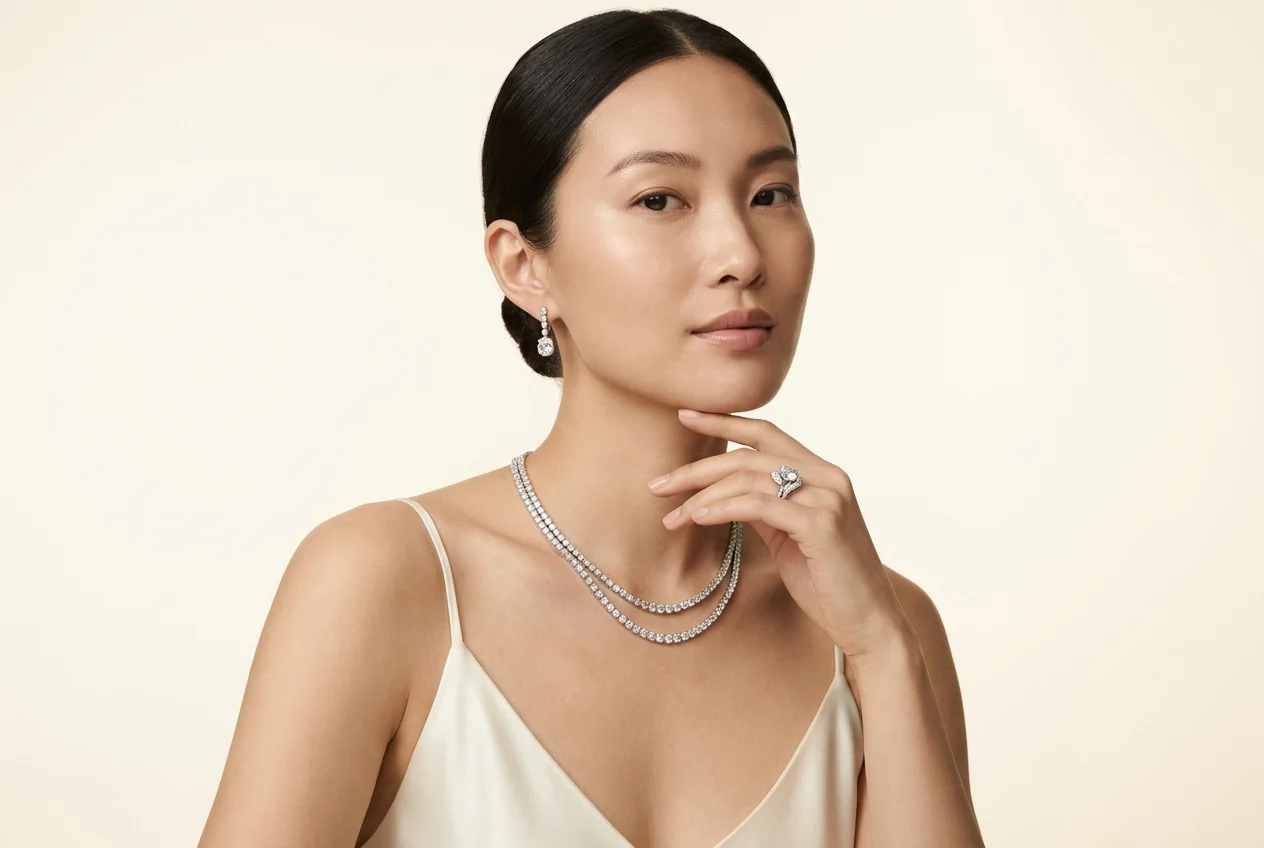
Premium stone and metal balance
Turn ring and earring sets into a more elevated, trustworthy presentation on realistic models.
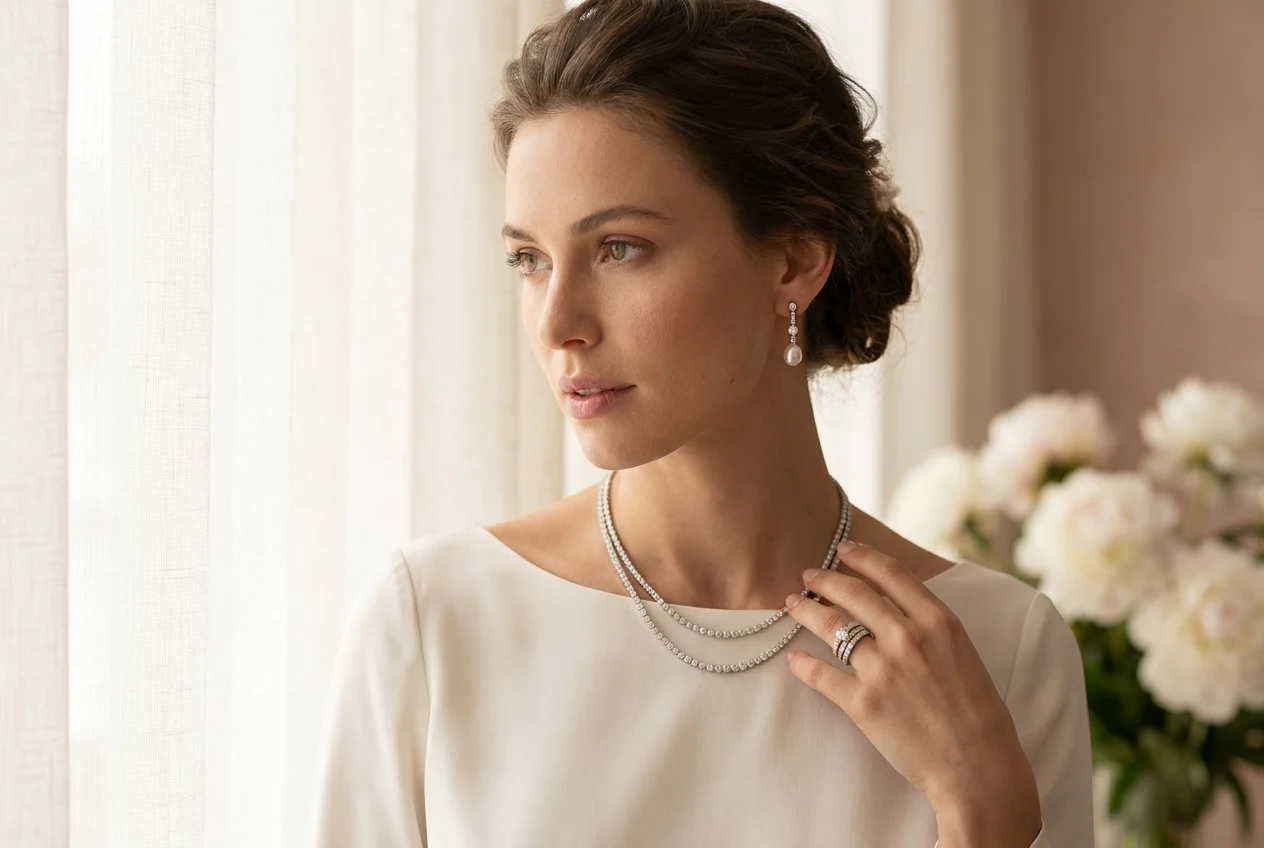
Faces that match the collection story
Present bridal and occasion collections with a model direction that feels aligned with your brand world.

Look-based merchandising
Move from single-item shots to styled jewelry stories for campaigns, lookbooks, and social content.
Use jewelry-on-model imagery anywhere your brand needs faster, more premium content.
Present rings, earrings, and necklaces on models to create a stronger first impression and a more premium feel on product pages.
Try jewelry model 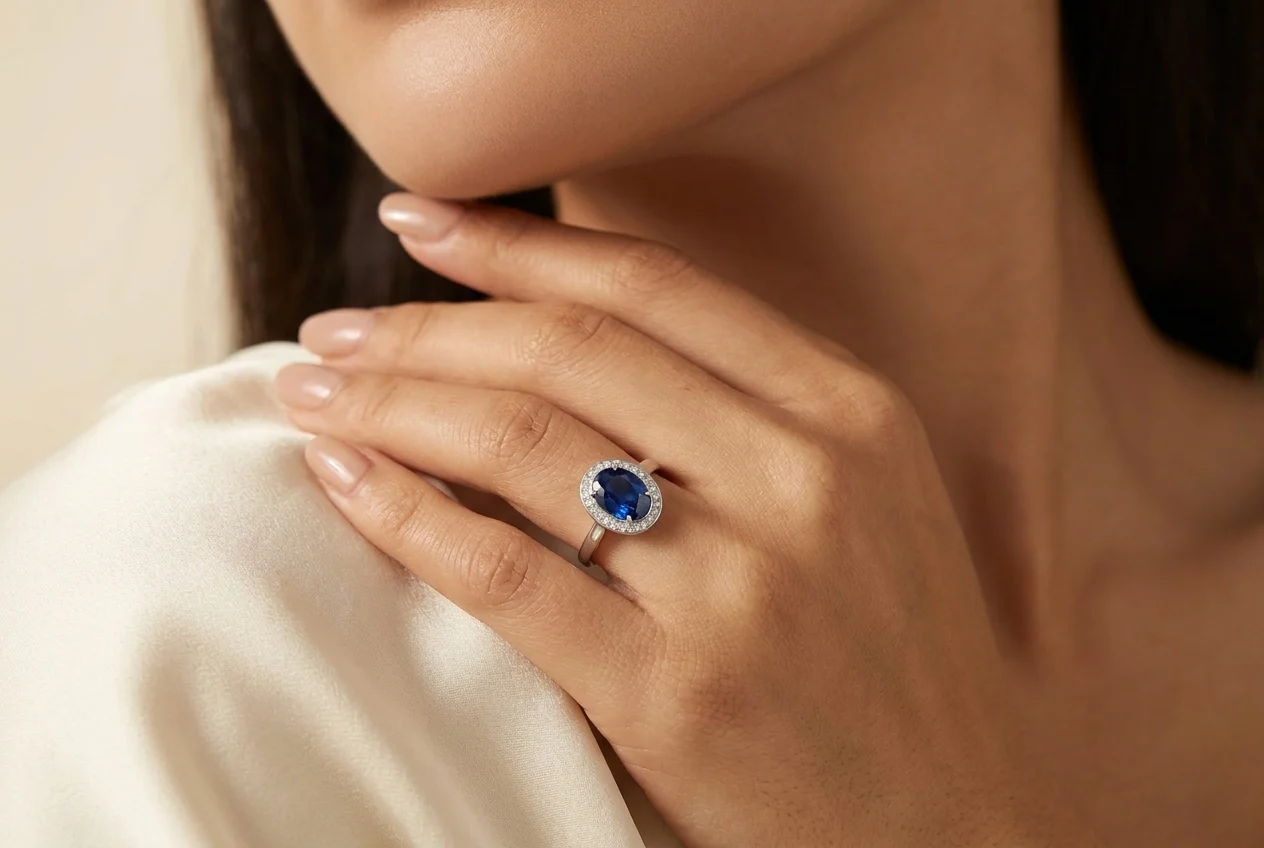
Create more story-led visuals for Instagram, Meta, and seasonal campaigns without organizing repeated lifestyle shoots.
Try jewelry model 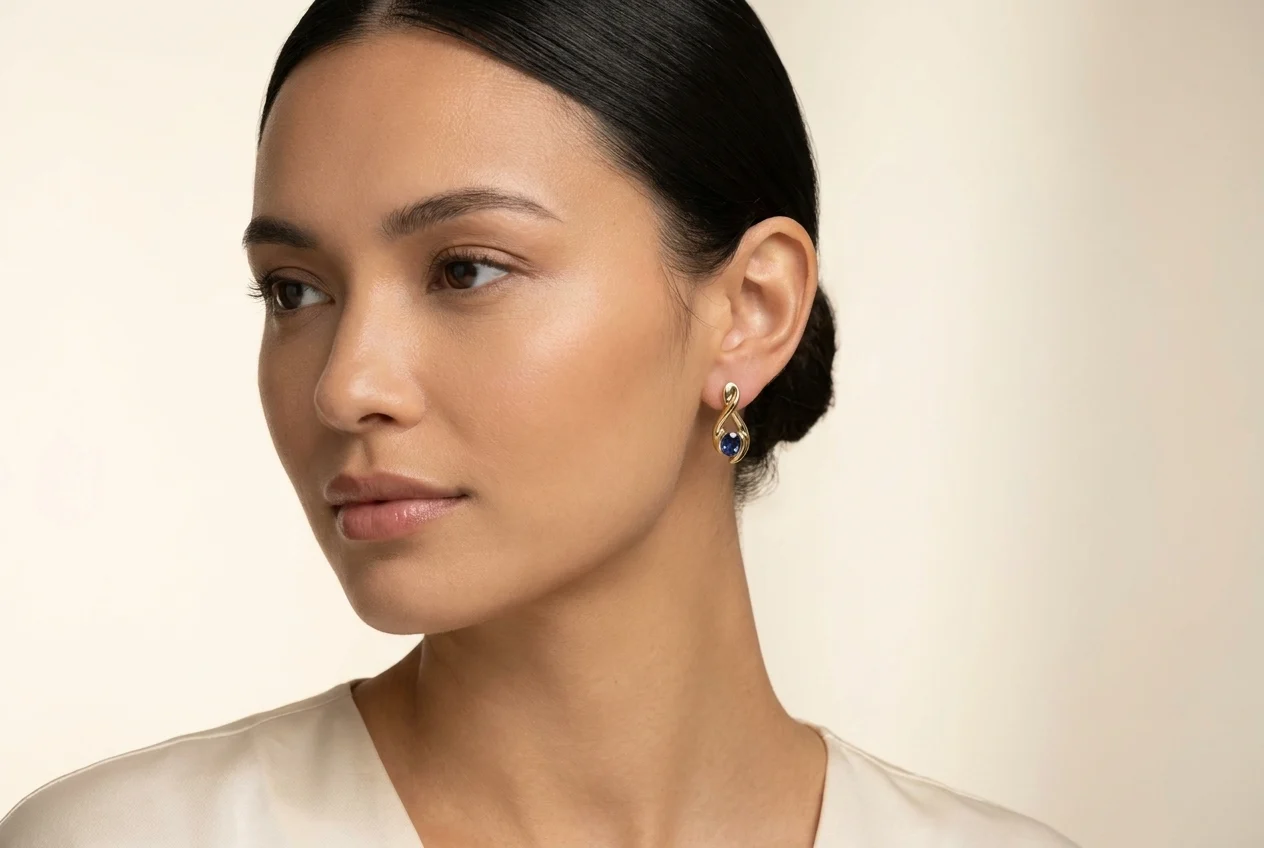
Move beyond isolated product shots and build a more editorial jewelry language for launches, lookbooks, and wholesale presentations.
Try jewelry model 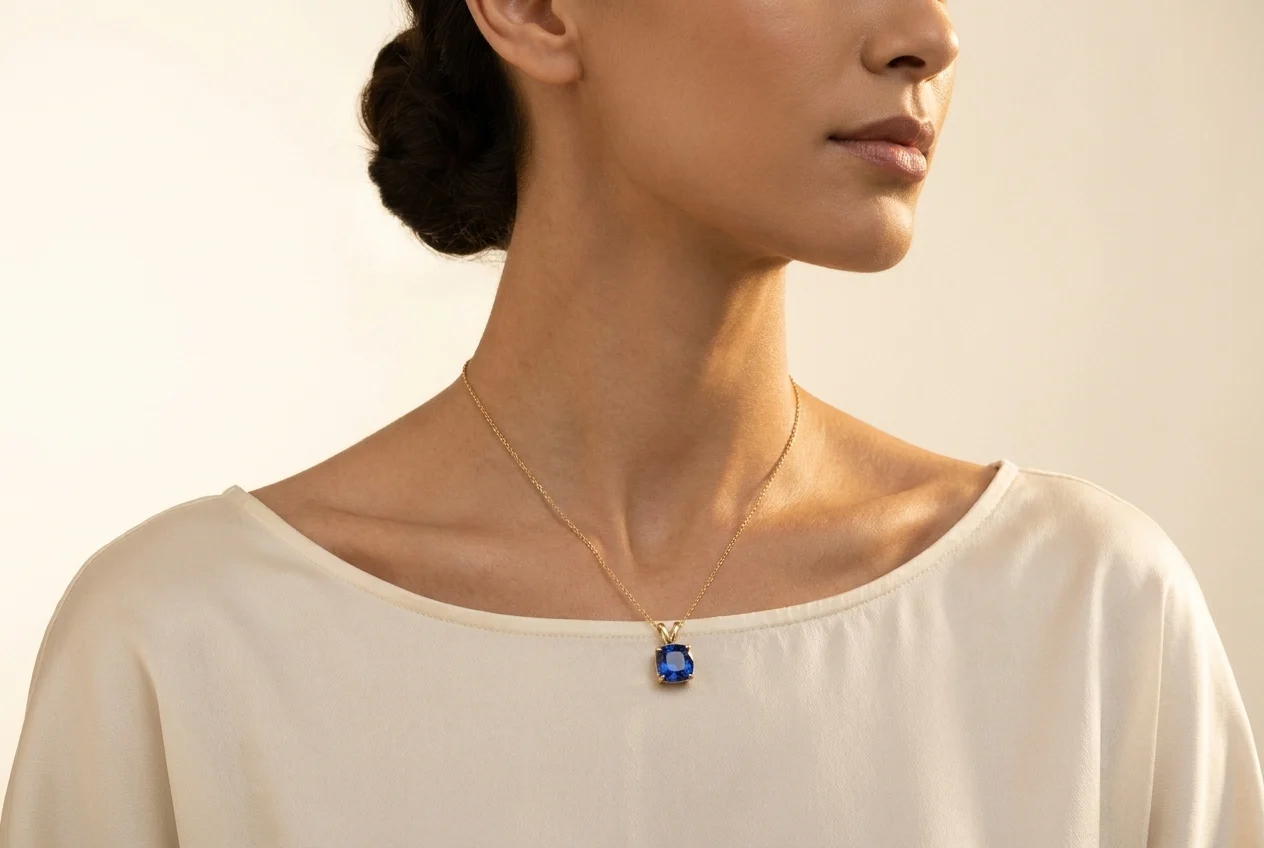
Build a full visual workflow with the rest of the AutWorks toolkit.
Answers to the questions teams ask before moving jewelry content production into this workflow.
Create campaign-ready jewelry imagery in minutes, keep your brand presentation consistent, and move faster across every channel.