Remove Anything, Keep Everything That Matters
Brush over watermarks, people, logos, or background clutter — the AI reconstructs the space cleanly while preserving the product pixel-faithfully.


How it works
Mark, erase, export — three quick steps.
Upload your image
Drop in any product or scene image. JPG, PNG, and WEBP all supported.
Brush over the unwanted area
Quickly paint over watermarks, people, logos, or anything you want gone. Brush size adjusts to detail level.

Download the clean output
The AI reconstructs the area in seconds and exports a clean, ready-to-use image.
What teams remove
From watermarked stock images to messy backgrounds, magic eraser cleans without cropping.
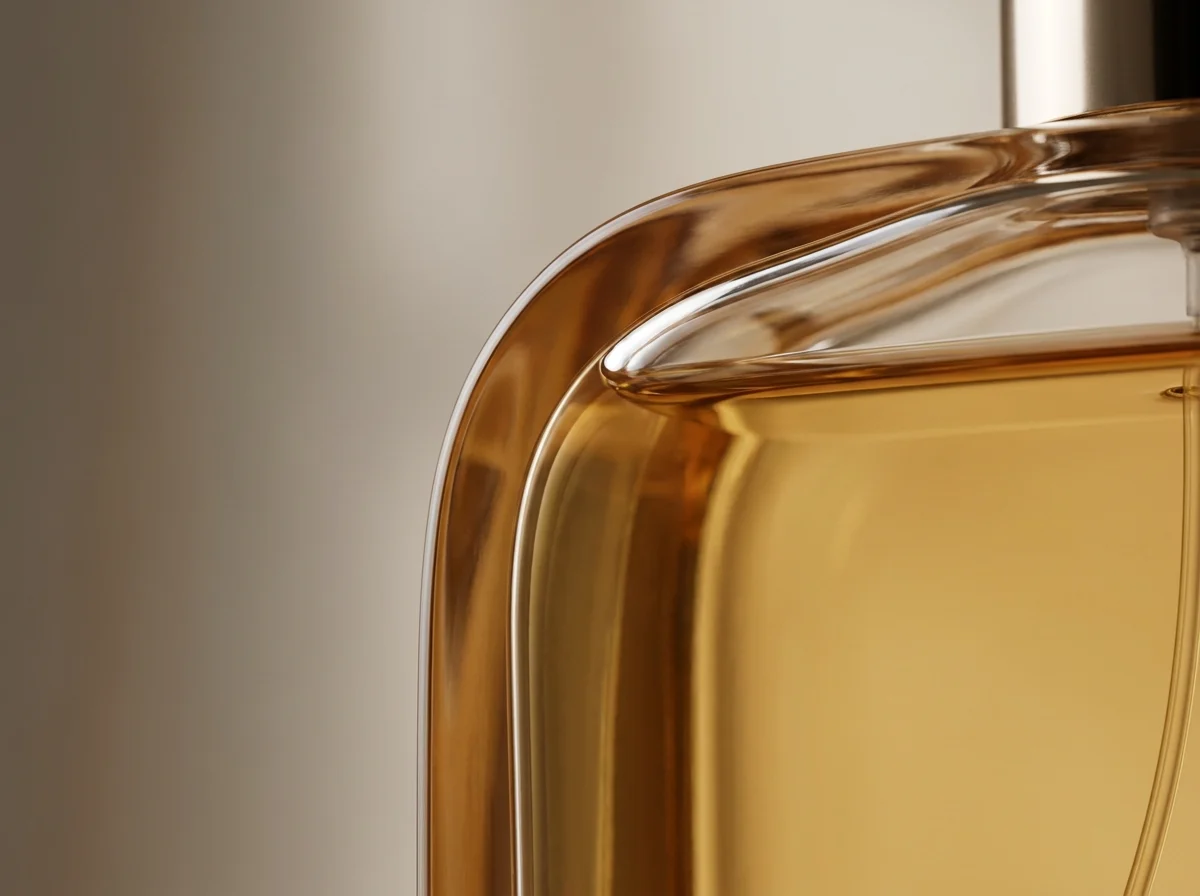
Pixel-faithful product preservation
Only the masked area changes. Color, texture, and edge of the product remain untouched — safe for marketplaces with strict listing rules.

Seconds, not Photoshop sessions
Skip clone stamping and patching. Mark the area, hit erase, and ship — in seconds rather than minutes per image.
- Watermarks and logos
- People in the background
- Cables, dust, reflections
Explore more AI tools
Build a full visual workflow with the rest of the AutWorks toolkit.
Frequently Asked Questions
Common questions before bringing magic eraser into your editing workflow.
Clean every image in seconds
Brush over what doesn't belong, keep what sells. Ship cleaner visuals across every channel.