

Retouch output
Cleaner Light
Balance shadow and glare without changing the product

Turn dark, harsh, or uneven product shots into cleaner, sharper, and more commercially useful visuals.
Balance shadow and glare without changing the product
Turn the same source shot into better shadow balance, cleaner reflections, truer color, and a more premium product feel.
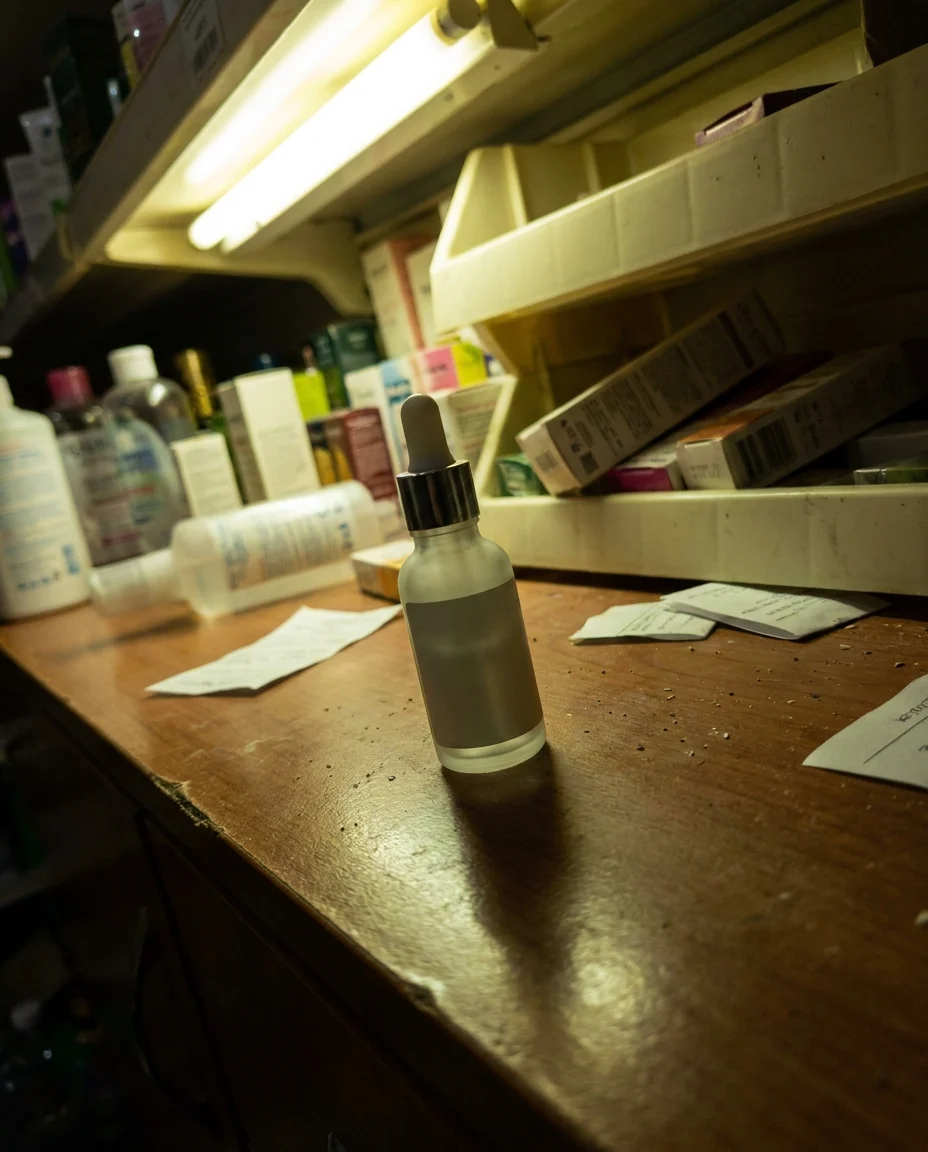 1:1
1:1 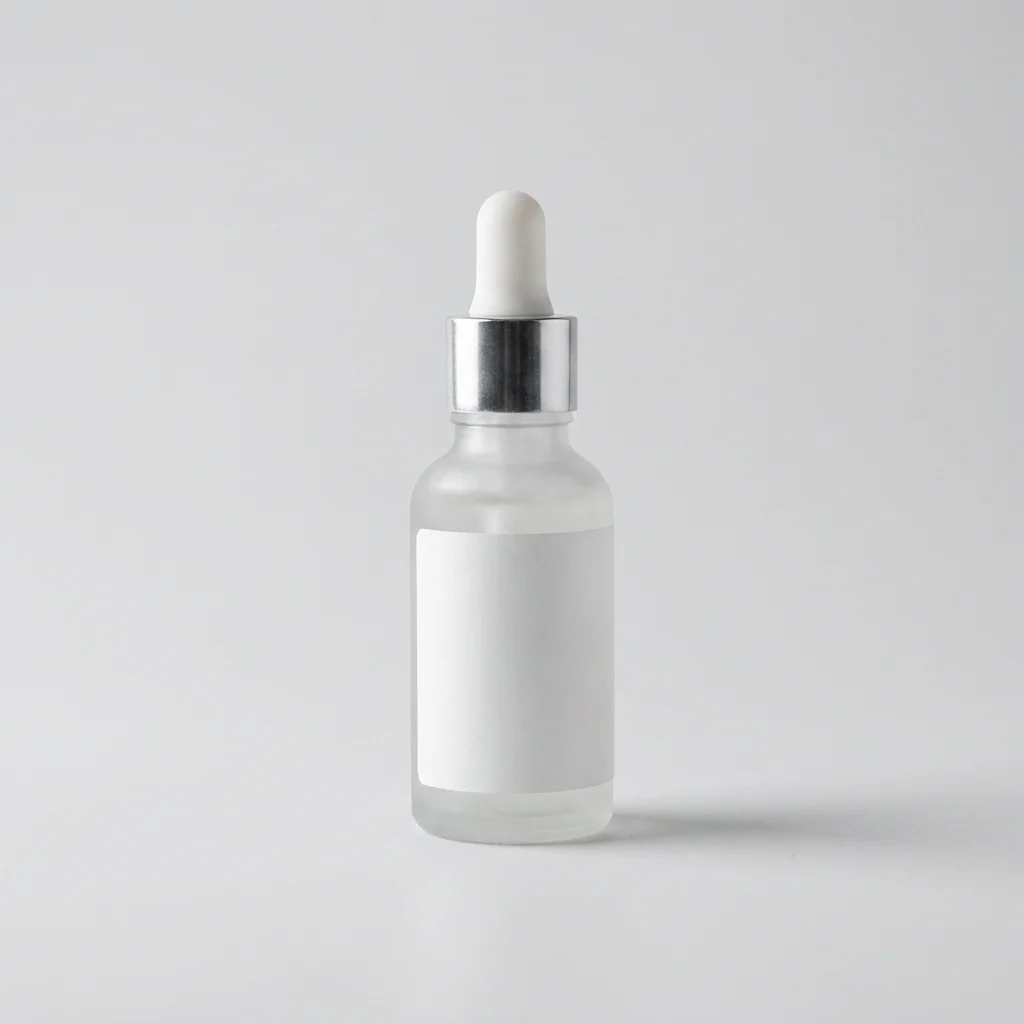 1:1
1:1  4:5
4:5 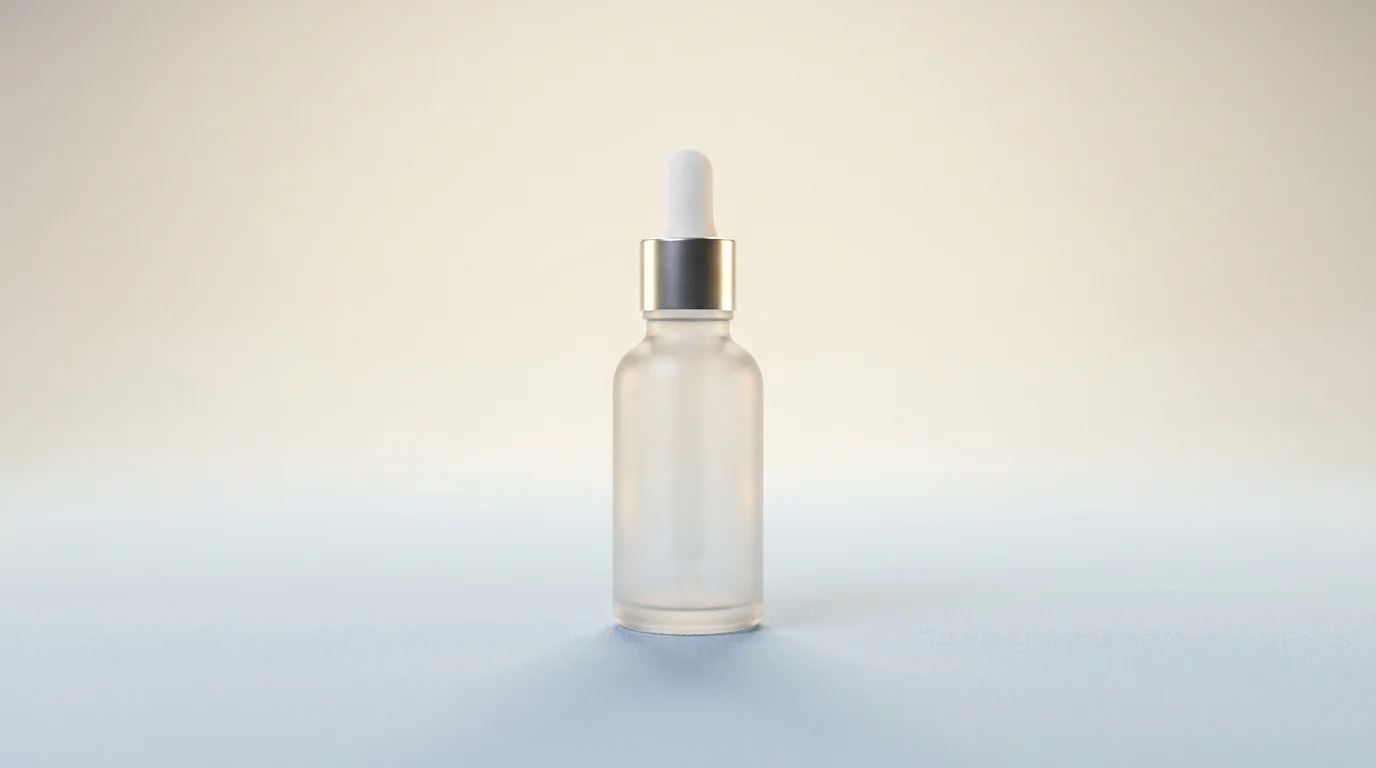 16:9
16:9 Upload the product image you want to improve; raw shots are fine.
Apply light, shadow, contrast, and reflection control automatically.
Export a cleaner final image ready for commerce.
Lighting, shadow, reflection, color accuracy, contrast, and background cleanup are handled in one controlled flow.
Recover overly dark or blown-out areas without losing important product detail.
Make ground shadows softer and more natural so the product feels properly placed.
Balance distracting glare on glass, metal, leather, or glossy packaging.
Improve white balance and contrast while preserving the real product color.
Reduce dust, tiny marks, and background distractions that pull attention from the product.
Move phone shots closer to a controlled studio-grade product image.
Improve lighting mistakes while preserving the product color, shape, and material truth.
Catalog lighting standard
Getting products shot at different times into a closer lighting language made the catalog feel much more consistent.
Texture and material clarity
Light control on leather and metal details makes products feel more premium and trustworthy.
Faster cleanup flow
We no longer wait on manual retouching for simple light issues before publishing product images.
Use lighting control anywhere better clarity and product trust matter in your commerce workflow.
Align product shots from different sessions with a more consistent language of light, contrast, and shadow.
Fix lighting Reduce shadow, color, and surface issues that make marketplace product visuals feel less professional.
Fix lighting Strengthen product light and material feel for ads, banners, and launch visuals.
Fix lighting Build a full visual workflow with the rest of the AutWorks toolkit.
Answers to the most common questions teams ask before using product lighting control.
Bring light and shadow balance into a cleaner workflow for catalogs, marketplaces, and ads.