
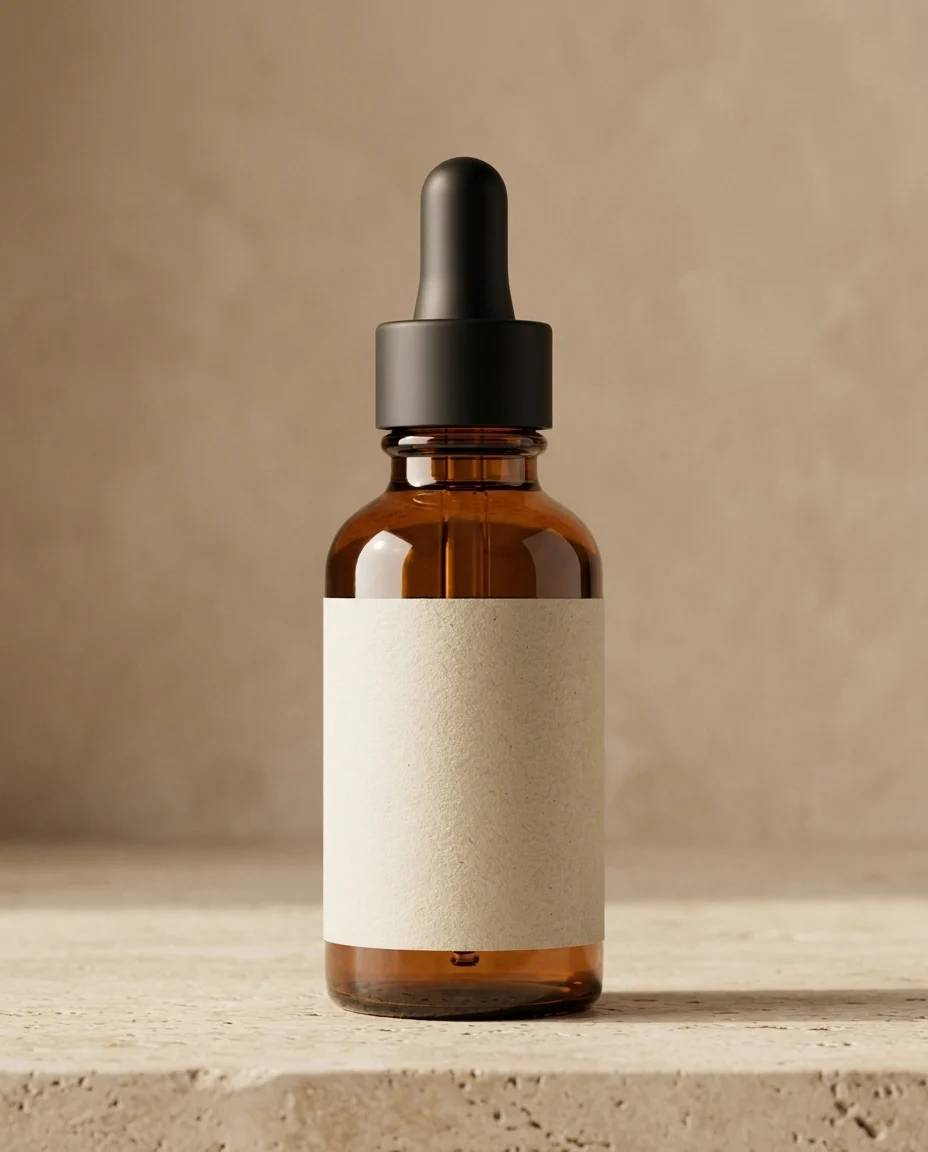
Scene set
New Scene, Same Product
Background generation that keeps the product consistent
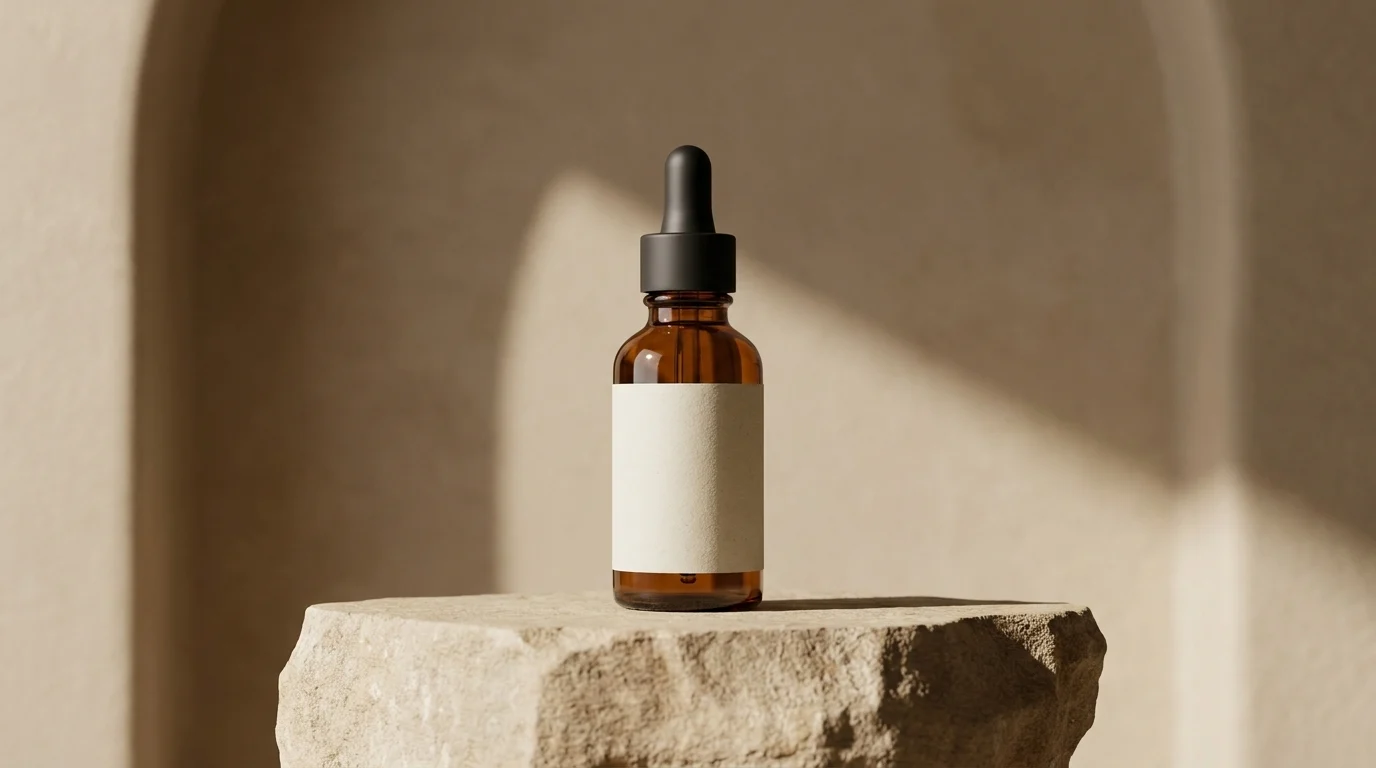
Move a clean product shot into studio, editorial, or campaign scenes while preserving scale, material, and product truth.
Background generation that keeps the product consistent
Turn the same source image into minimal studio, warm interior, premium display, and campaign-ready backgrounds.
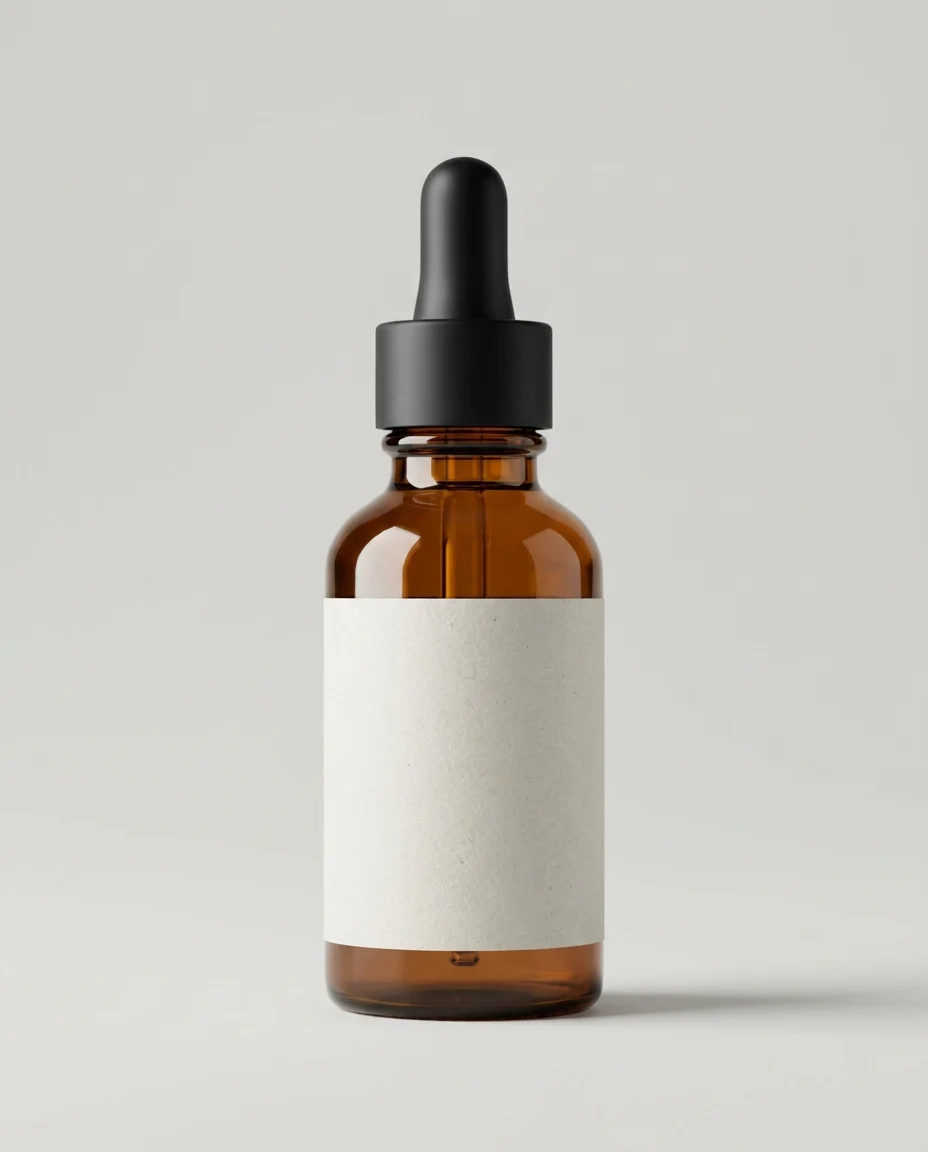
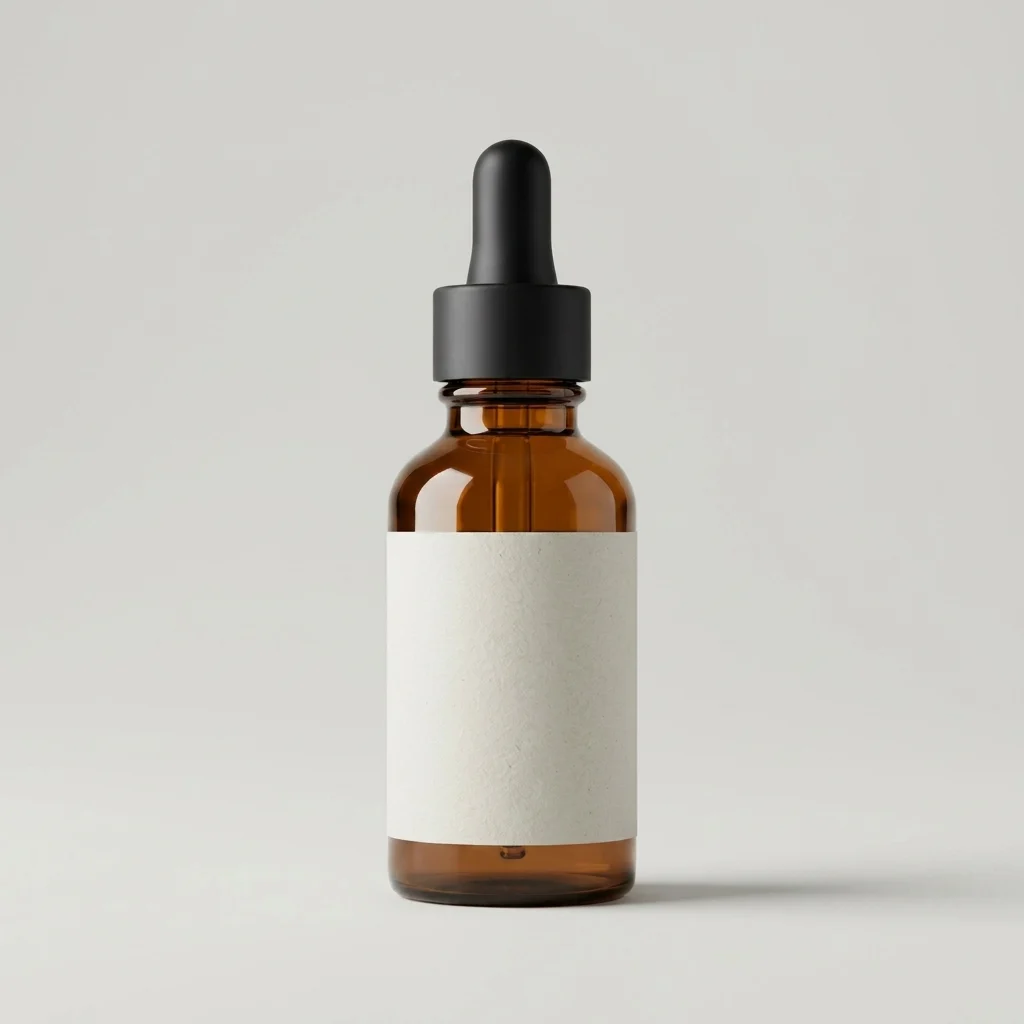 1:1 4:5
 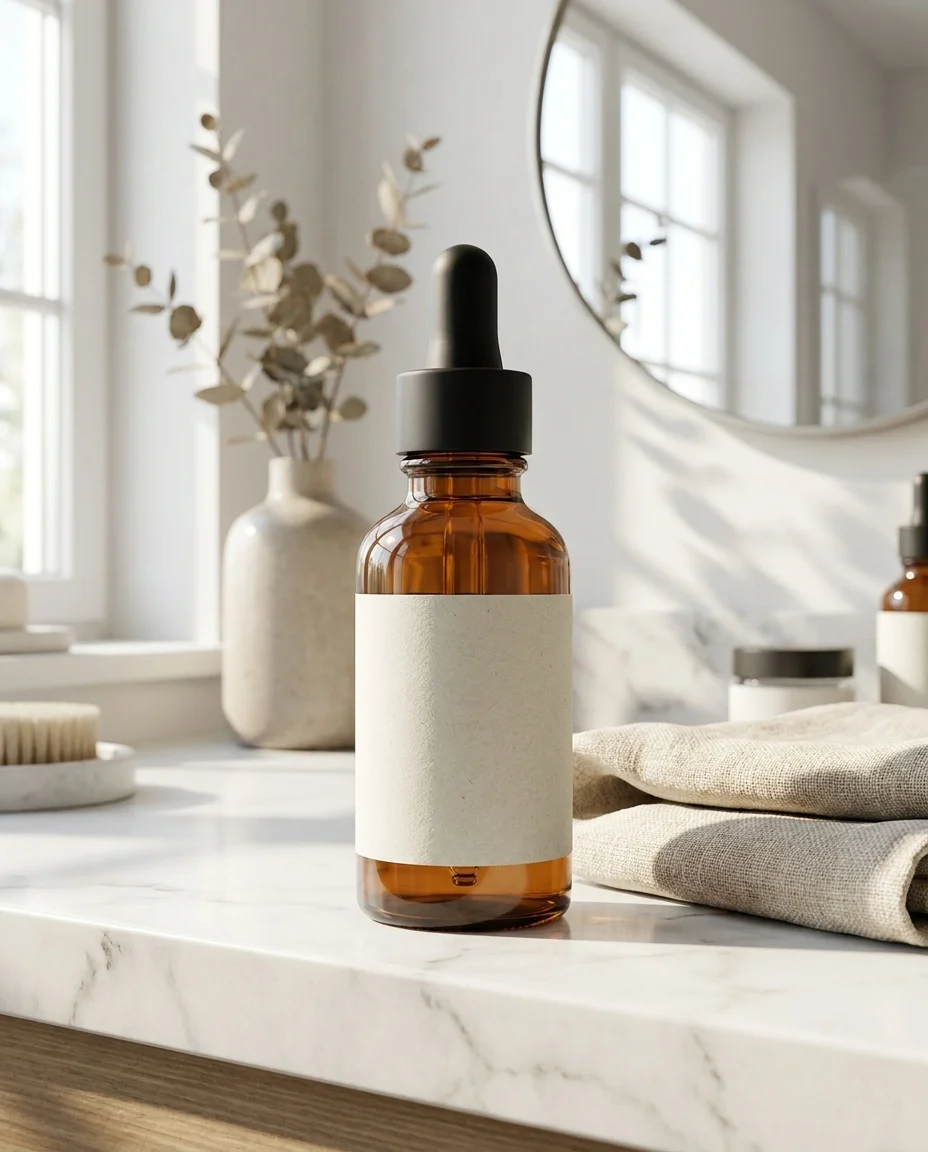 4:5 16:9
 Upload a clear product image or transparent PNG.
Pick studio, lifestyle, seasonal, or campaign scene direction.
Export clean, high-resolution visuals for each channel.
Move the same product into background systems for PDPs, social media, ads, and category displays.
Create simple white, gray, or colored backgrounds with controlled product shadow.
Generate surfaces, walls, tables, and props that match your brand palette.
Place products into natural home, office, street, or seasonal environments.
Build deeper, more dramatic scenes for banners, ads, and product launches.
Align background color with product and brand identity across your catalog.
Create PDP, ad, and social backgrounds for the same product in one flow.
Create brand-ready scenes for every product without building a physical set each time.
Clean PDP backgrounds
Bringing every catalog product into the same studio language is possible without rebuilding sets.
Custom visual worlds
Showing products inside brand-colored scenes makes category pages feel much more premium.
Seasonal backgrounds
Moving one product into multiple campaign scenes quickly solved a real content bottleneck.
Use background studio workflows whenever the product should stay consistent while the scene changes by channel.
Build a cleaner catalog language with white or brand-colored backgrounds across product pages.
Create backgrounds Move products into contextual scenes that make social content richer and easier to test.
Create backgrounds Create ad-ready product scenes with stronger lighting, background depth, and campaign atmosphere.
Create backgrounds Build a full visual workflow with the rest of the AutWorks toolkit.
Answers to the most common questions teams ask before using AI background studio workflows.
Create aligned background variations for PDPs, social media, and campaign visuals in minutes.